
Implementation process
How to build your personal brand with MONA: set up in 3 days
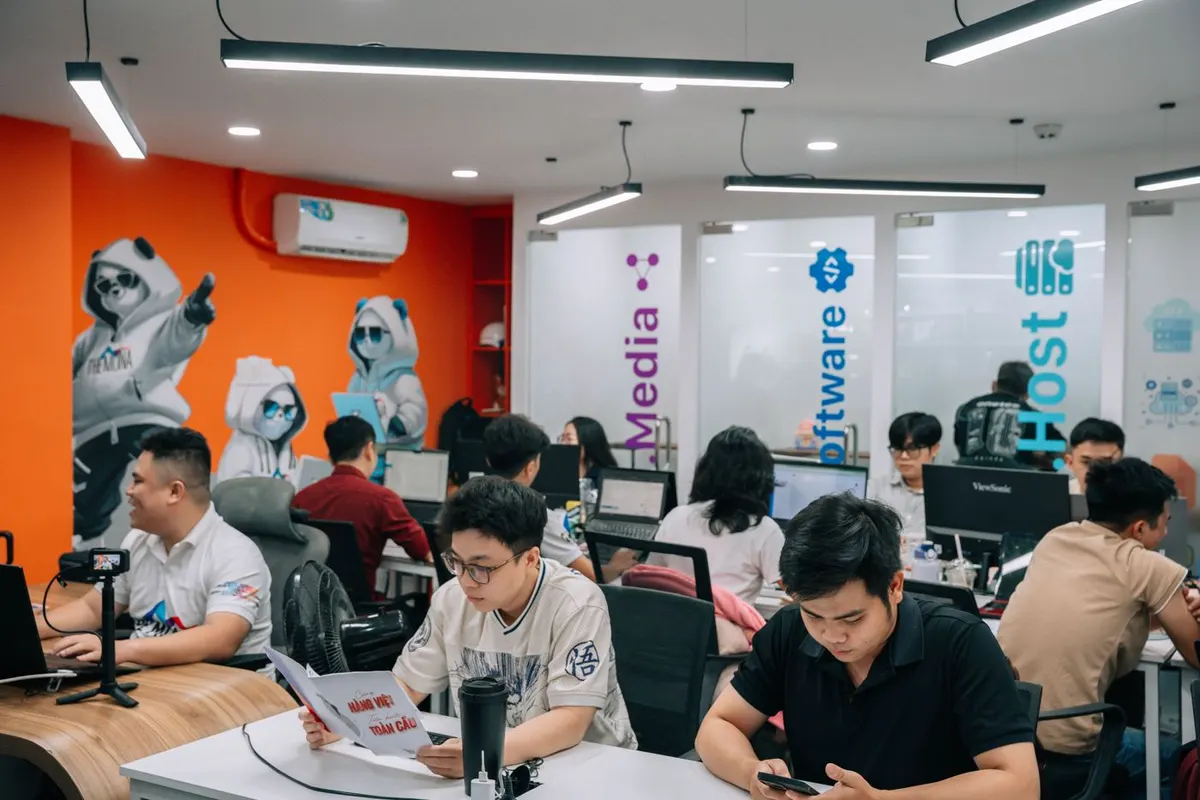
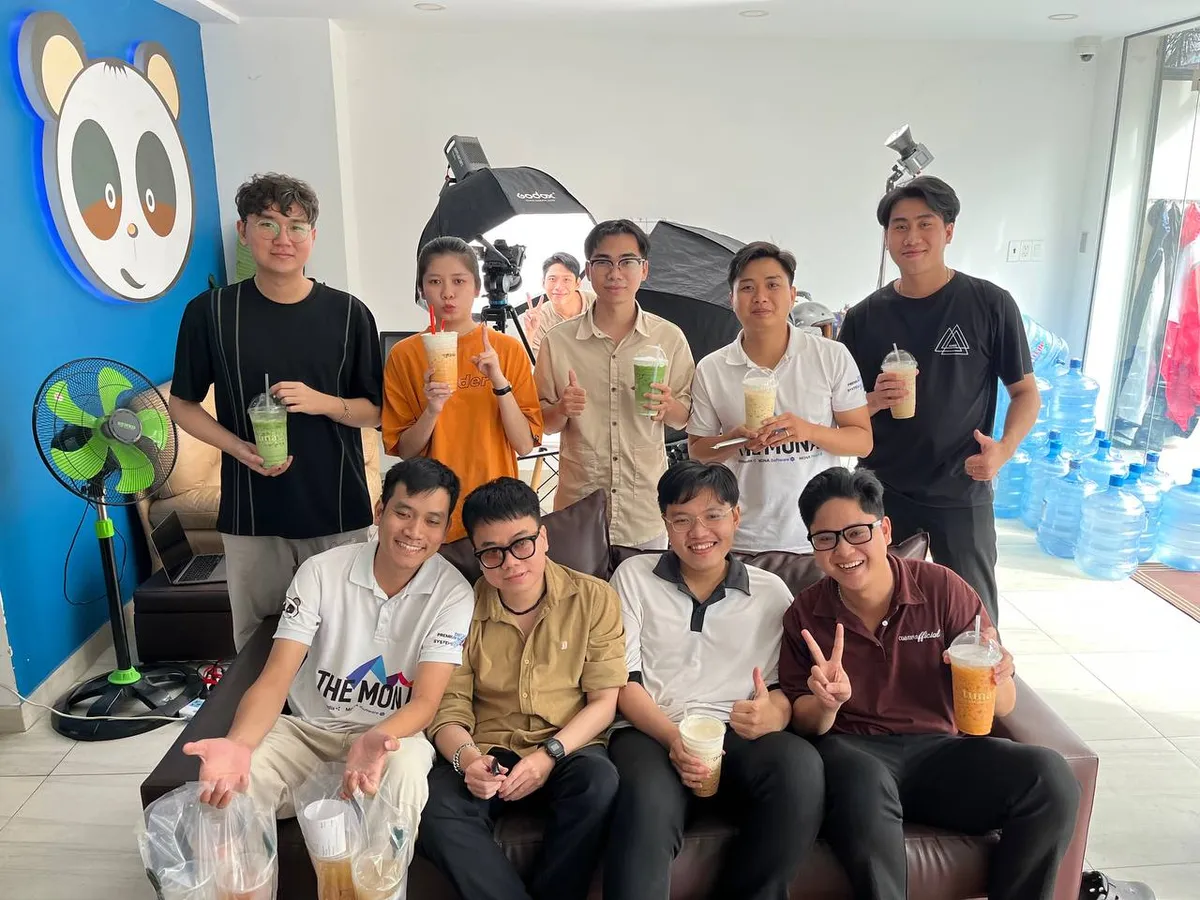
You spend just 2 minutes a day. MONA's developers, designers, and local AI system handle the rest. Up front, MONA needs at least 3 days to set everything up for you, so the system runs smoothly from your very first video.


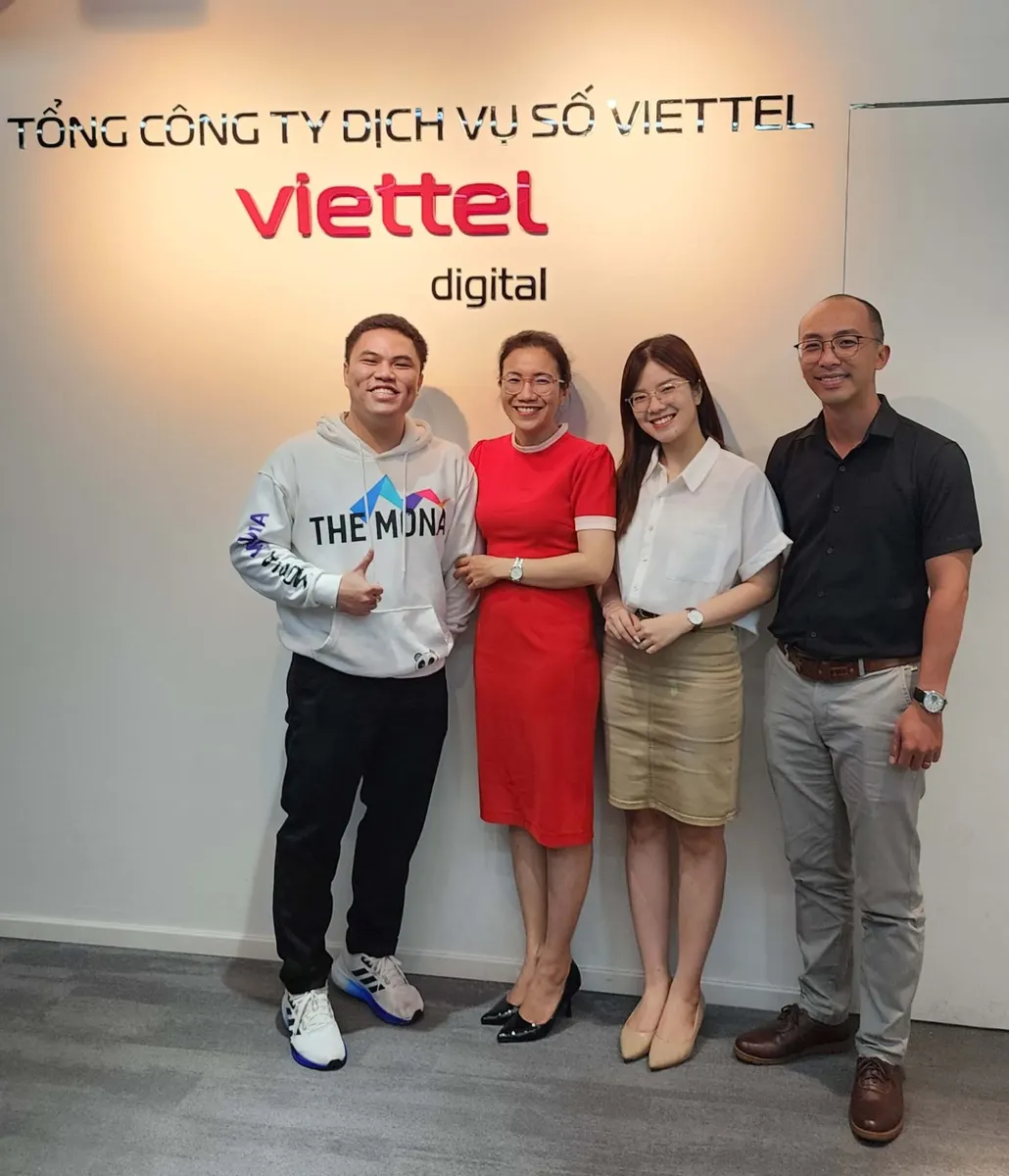
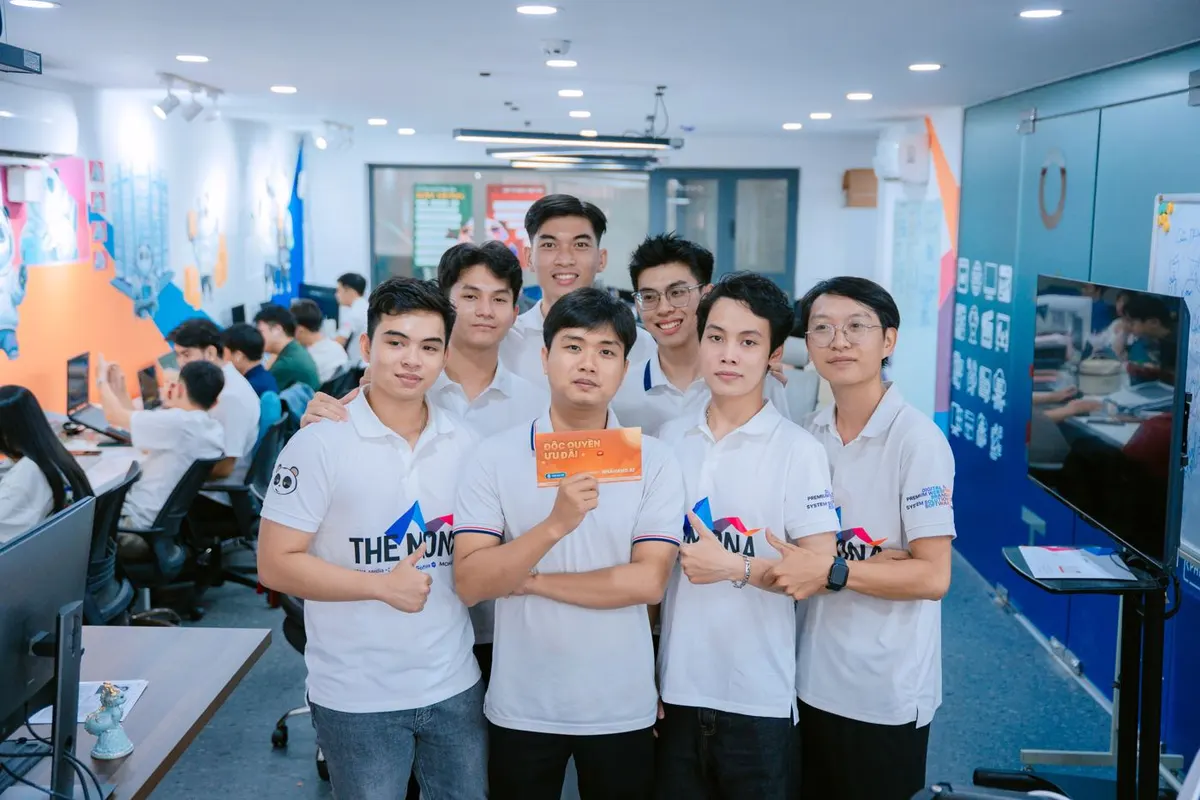
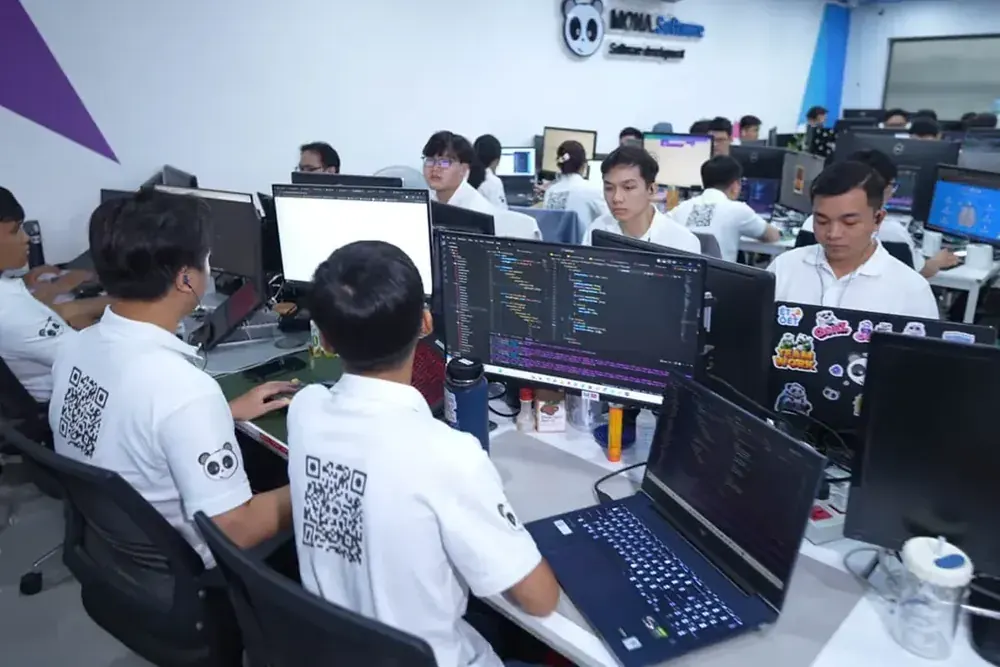
Behind the product
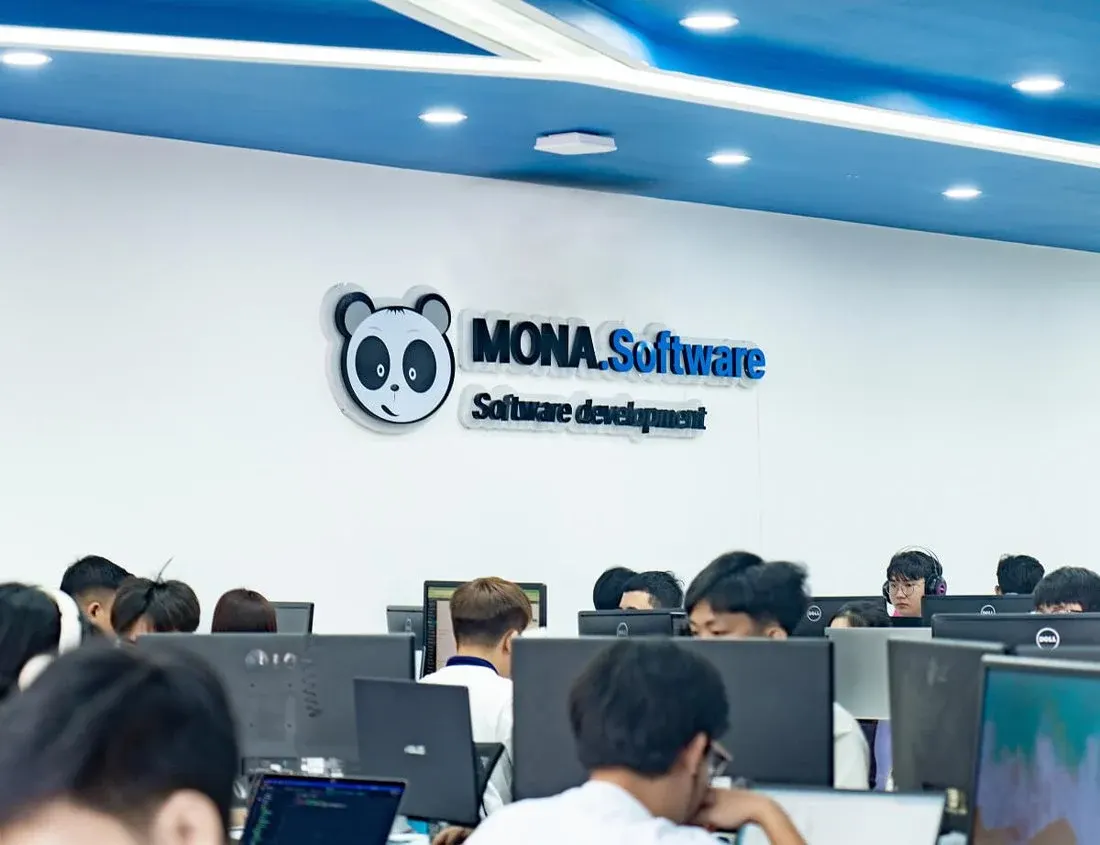
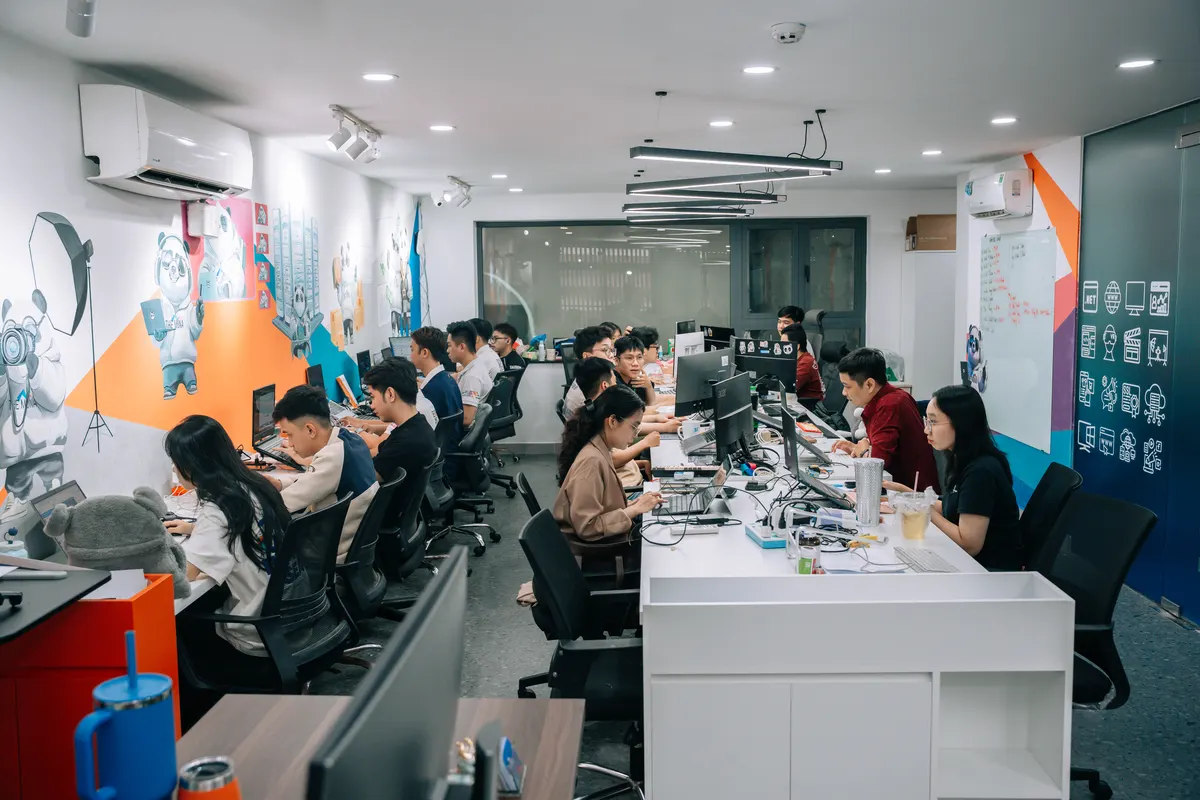
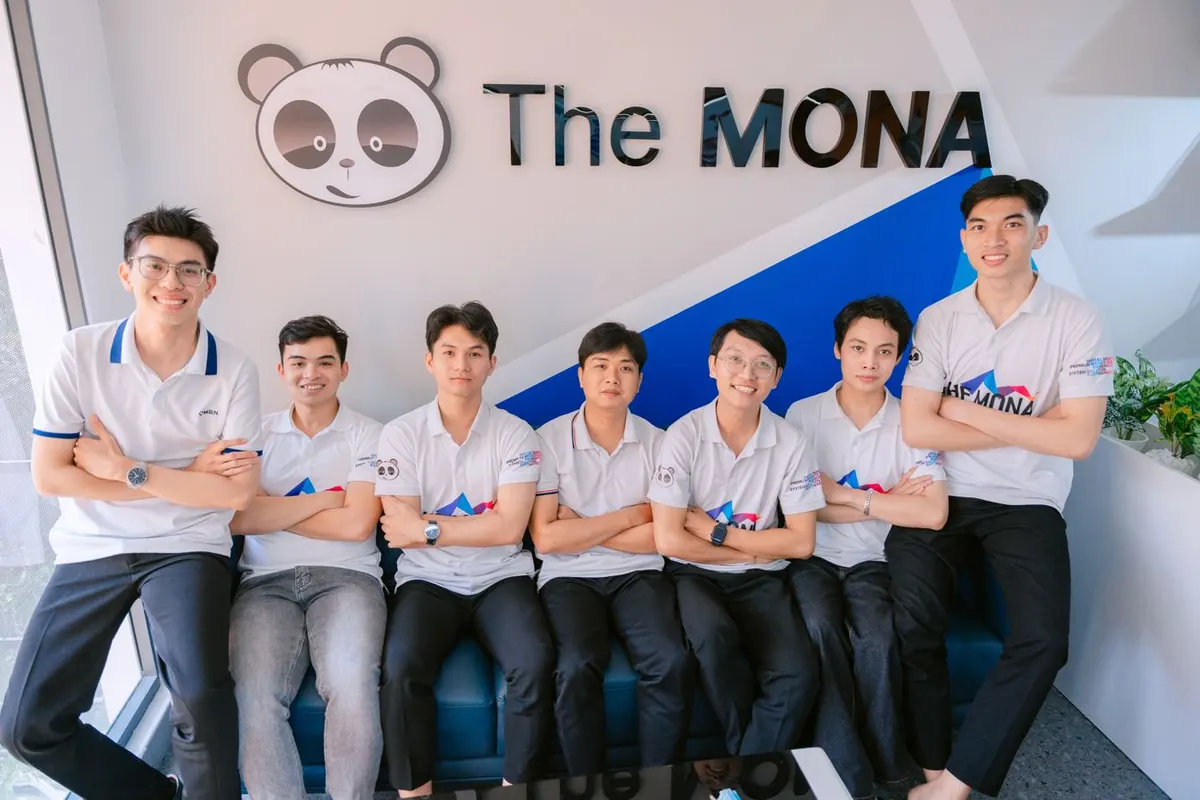
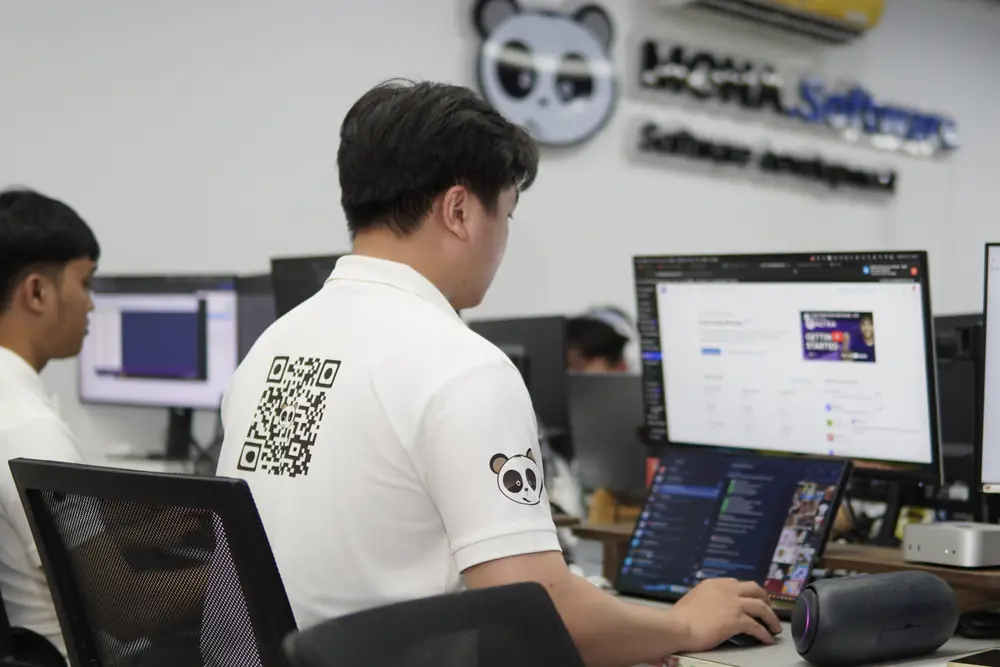
nhanhieu.ai is the channel-building software from MONA Software
- 2016year The MONA Group was founded
- 14,000+projects done
- 85%customers return
- 10+packaged products by industry
Never AI slop
 Claude
 GeminiEditWritePublishReply


Setup in at least 3 days
Who does what, step by step
Your part is just 3 things: send 5 videos, choose your channels, and record 5 more videos in the app.
- You do 3 steps
- MONA does the rest
- MONA AI learns from you
 You do this
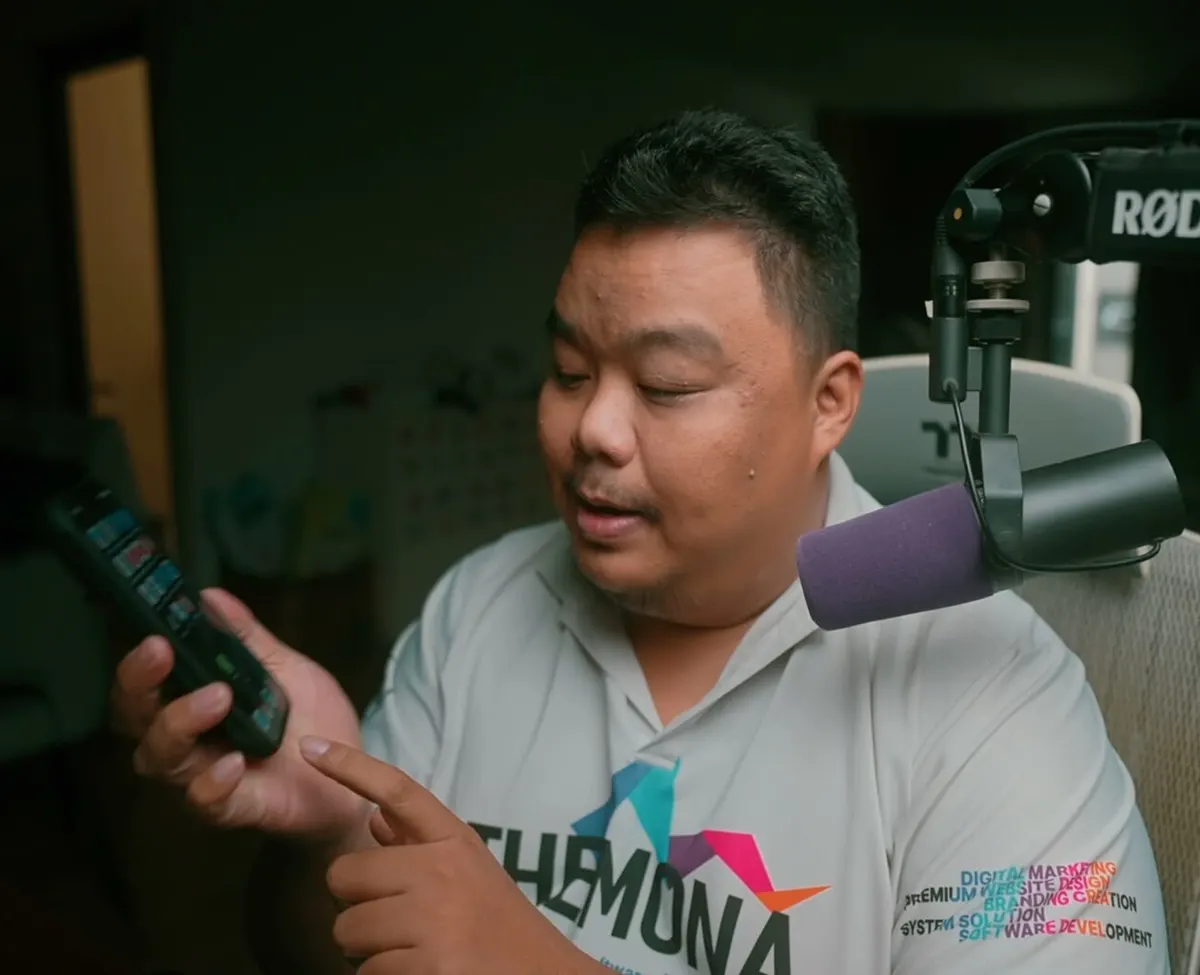
Step 1: Send your first 5 videos
Send MONA 5 videos on the topic you want to build your channel around. No videos yet? Record new ones on your phone.
Step 1 details
Send MONA 5 videos you have already recorded on the topic you want your channel to cover. No videos yet? Pick up your phone and record new ones, no polish or lighting needed. These 5 videos are the raw material MONA uses to understand what you say and how you say it.
 MONA does this
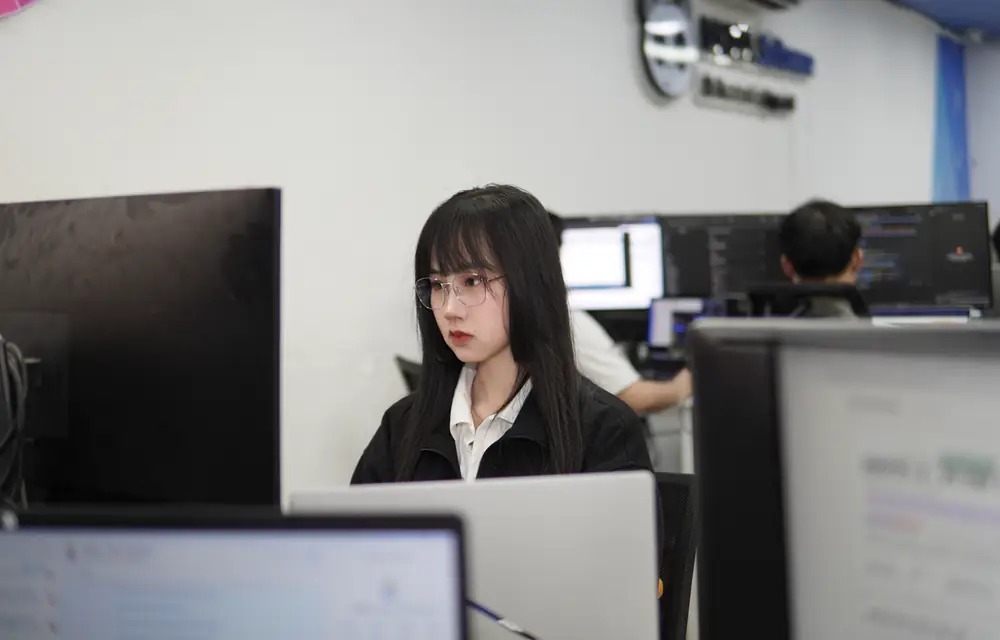
Step 2: A real designer builds your brand identity
A real MONA designer, not AI, builds your personal brand identity.
Step 2 details
A professional MONA designer, a real person and not AI, defines your personal brand identity: colors, fonts, video frame, subtitles, intro, and outro. This is what decides whether your videos look premium or cheap.
 MONA does this
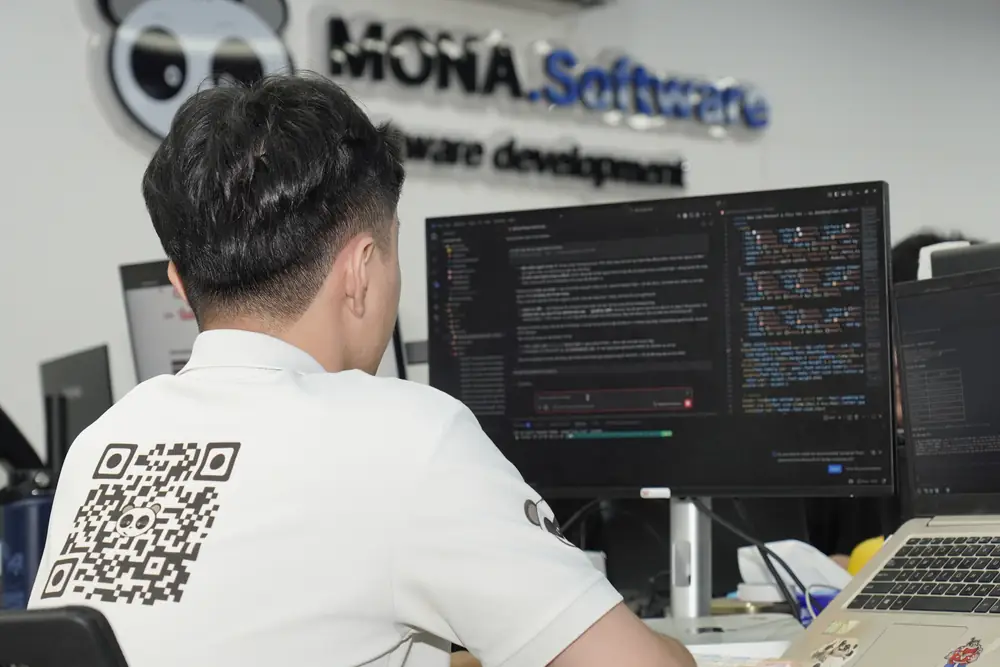
Step 3: Install on MONA's AI server
Your brand identity is installed on the MONA AI Station, the AI server at MONA that runs day and night.
Step 3 details
Your brand identity is installed on the MONA AI Station, the AI server at MONA that runs day and night. From then on, every one of your videos is edited to match this identity.
 MONA + MONA AI
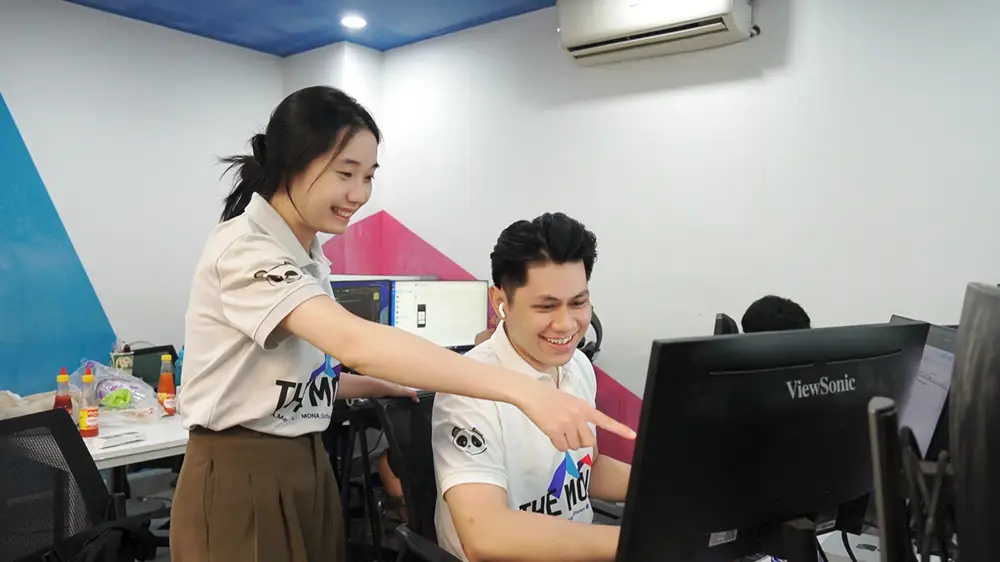
Step 4: Test 5 videos, fine-tune every detail
AI test-edits the 5 videos you sent, and the MONA team fine-tunes every detail so AI learns your exact style.
Step 4 details
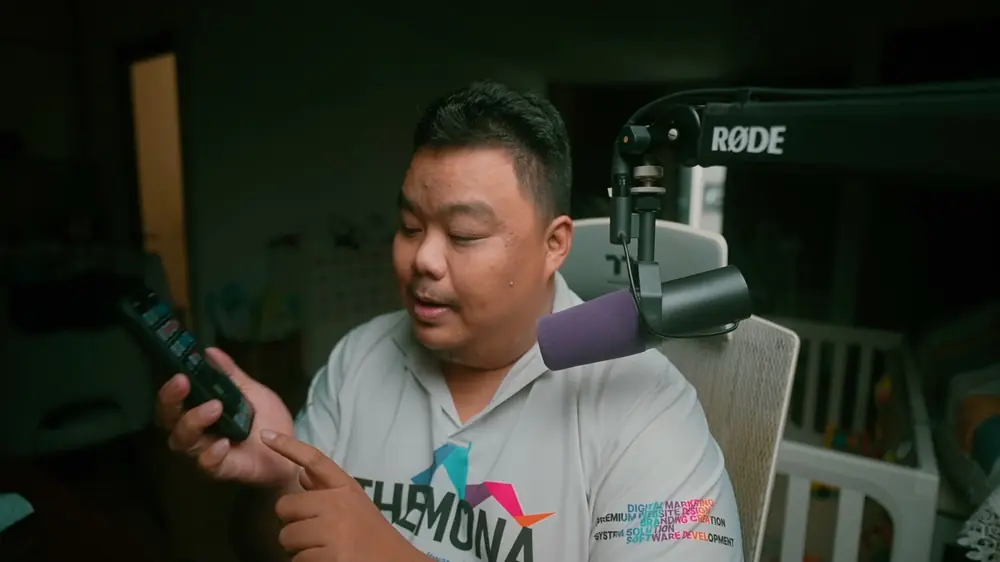
AI test-edits the 5 videos you sent. The MONA team fine-tunes every element: text, subtitles, explainer visuals, cutting pace, music. Every adjustment trains AI on your exact style from the very start.
 MONA does this
Step 5: Install your own iOS or Android app
Your own app goes on your phone, and AI learns and fixes each person's own speech slips.
Step 5 details
The app is installed on your phone. AI learns and fixes each person's own slips: stumbling over words, misreading, imperfect Vietnamese pronunciation, imperfect English pronunciation, even speaking habits. You don't have to change how you talk; AI fixes it during editing.
 You + MONA
Step 6: Connect your social networks
MONA connects the app to the social networks you choose, and opens any channel you don't have yet.
Step 6 details
MONA connects the app to every social network you want to grow: Facebook, TikTok, YouTube, Instagram, Threads, LinkedIn, your website, and other platforms. Each platform has its own monthly fee, so you only pay for the channels you choose.
 You + MONA AI
Step 7: Test run the next 5 videos
You record 5 new videos in the app, AI edits and actually posts them, and MONA checks each one before it goes live.
Step 7 details
You record 5 new videos in the app and tap send. AI edits them and posts them to your channels for real, and MONA checks each video before it goes live. This is the real run, with people watching.
 MONA hands it over to you
Step 8: Handoff
MONA hands everything over so you can build your channels every day: record about 2 minutes, tap send, and the assistant handles the rest.

What you get
After 8 steps, you have a whole channel-building team working every day
One-time deliverables
After the 8 setup steps, included in the setup fee
- Your own brand identity
- Your own visual effects pack
- An AI assistant trained on you
- Your own app, data kept separate
- Channels already connected
- First 5 videos already live
See each one-time deliverable
- 01
Personal brand identity
Made by a real MONA designer: colors, fonts, video frame, subtitles, intro, and outro. One look and people know the video is yours.
See the brand identity - 02
Your own visual effects pack
Explainer visuals, moving text, data highlights, and transitions in your signature style. AI uses this pack for every video from then on.
See the effects pack - 03
An AI assistant trained on you
AI is fine-tuned on your first 5 videos and runs for real on the next 5. It knows your own speech slips: stumbling, misreading, pronunciation, speaking habits.
- 04
Your own iPhone and Android app
The app carries your name, profile picture, and colors. Your videos, channels, ideas, comments, and stats stay separate, never mixed with anyone else's.
- 05
Channels already connected
Facebook Page, TikTok, YouTube, Instagram, Threads, LinkedIn, your website, and any platform you choose, connected through official APIs. MONA opens any channel you don't have yet.
- 06
First 5 videos already live
In step 7, AI edits and actually posts 5 new videos, with MONA checking each one before it goes live. By handoff, the system is already running for real.
Every day, the assistant does it for you
Included in the monthly fee, based on the number of platforms
- Daily video editing
- Captions and post times per channel
- Comments and messages monitored
- Anti-toxicity (Toxic Bouncer)
- Website and YouTube SEO
- Stats in the app
- MONA runs the MONA AI Station
- Facebook 07:00 - 20:30
- TikTok 12:00 - 20:30
- YouTube 17:30 - 19:00
- Instagram 11:30 - 20:30
 Threads 07:30 - 20:30
 LinkedIn 08:00 - 16:00
See what the assistant does each day
- 01
Daily video editing
You record about 2 minutes and tap send. AI edits a video with explainer visuals, subtitles, and music, true to your brand identity.
- 02
Posted at the right time on each platform
A caption written for each channel. Each channel has its own post time, which you can change in the admin page.
- 03
Comments and messages monitored
The assistant replies under your assistant's name, within the scope of your field that you allow. People asking about prices or courses are invited to send a message.
- 04
Anti-toxicity (Toxic Bouncer)
On your Facebook Page, people who curse or falsely call you a scam get their comments hidden and are banned from the page. On other platforms, trolls don't get a single word in reply.
See details - 05
Website SEO and YouTube SEO
Each video becomes a post on your own website, or gets embedded in an older post on the same topic. YouTube videos get titles that open with the keyword.
See details - 06
Stats in the app
Views, followers per channel, posting schedule, replied list, idea library. Open the app and it's all there.
- 07
MONA runs the MONA AI Station
The AI server at MONA runs day and night. The MONA team monitors the system every day. The monthly fee covers this work.
FAQ
Frequently asked questions
How long does the initial setup take?
At least 3 days. During those 3 days, the MONA team builds everything for you, from your brand identity to your social media channels. That way the system runs smoothly from your very first video. After handoff, a video you send today is live on your channels tomorrow.
What if I don't have any videos yet?
No problem. Just pick up your phone and record 5 new videos on the topic you want to build your channel around. No polish or lighting needed. MONA only needs these 5 videos to understand what you say and how you say it.
Is the designer who builds my brand identity an AI?
No. It's a professional MONA designer, a real person. The designer defines your colors, fonts, video frame, subtitles, intro, and outro. Only once that's done is the brand identity installed on the MONA AI Station for AI to edit by.
Can AI fix my pronunciation mistakes?
Yes. In step 5, AI learns each person's own slips: stumbling over words, misreading, imperfect Vietnamese pronunciation, imperfect English pronunciation, even speaking habits. You don't have to change how you talk; AI fixes it during editing.
Can I have just 2 or 3 channels?
Yes. The assistant posts to whichever channels you connect. Plan prices are based on videos per month; see the Pricing page.
Do I get my own app, or do I use Khánh Hùng's Hùng nhỏ AI app?
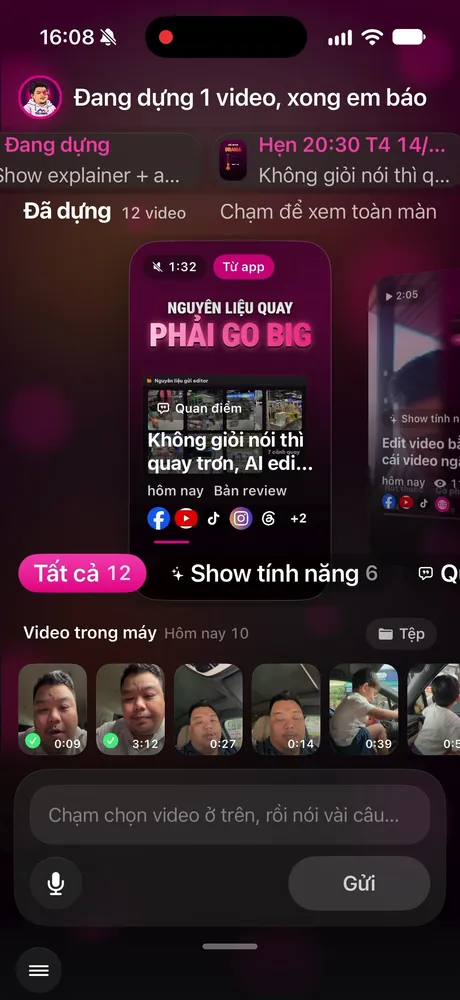
You get your own app, on iPhone and Android. It carries your personal brand: an AI assistant with its own name, avatar, and colors from the brand identity MONA builds for you. Hùng nhỏ AI is Khánh Hùng's own assistant, and the app screenshots on this page are from his app so you can see how it works. Your videos, channels, ideas, comments, and numbers are kept separate, never mixed with anyone else's.
Do I still get support after handoff?
Yes. After handoff, MONA keeps running the MONA AI Station, where your videos are edited and posted, and monitors the system every day. The monthly fee covers this work.
Where are the AI servers?
The MONA AI Station is located at MONA and runs day and night. The system's brain uses leading AI models: Anthropic's Claude and Google's Gemini.
Does my own website count as a platform?
Yes. Your own website counts as one platform in the monthly fee, like the other social networks.
Where can I see the prices?
The price of every plan, both the personal plans and the Business plan, is listed on the Pricing page.
Is there a contract?
Yes. Buying a plan on the website comes with an electronic VAT invoice from CÔNG TY TNHH MONA AI. For the Enterprise plan, call 1900 636 648 to get the contract and official quote. MONA quotes transparently and keeps to the price it quoted.
Start with 5 videos of your own
Call MONA to get a contract and an official quote. MONA quotes transparently and sticks to the price it quotes.
See the homepage