nhanhieu.ai

Sample videos - before and after

Personal branding videos: you record 2 minutes, AI edits it into 7 genres

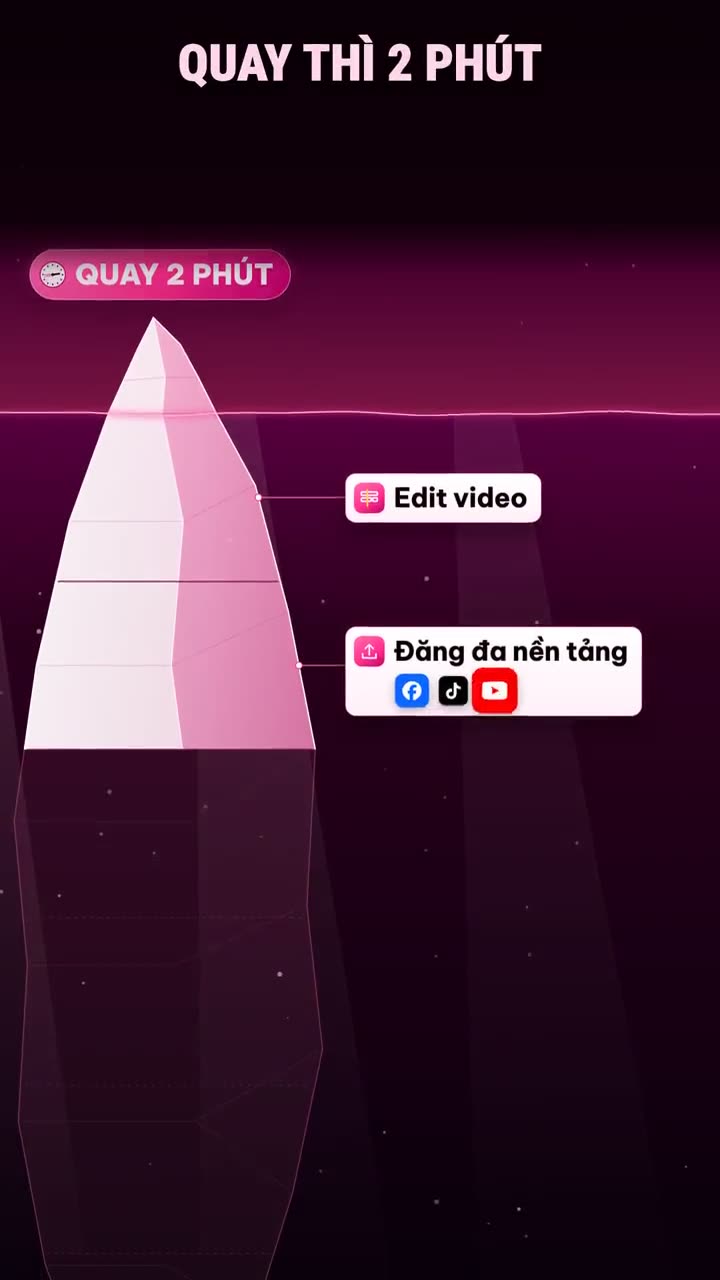
Just record about 2 minutes on your phone. The AI assistant turns that clip into a video with explainer visuals, emphasis text, music, and subtitles in your own brand identity. Every video on this page is real, and you can watch each one before and after editing.

886,131views on Khánh Hùng's channels, built with the app itself since Oct 7, 2026Snapshot from Nov 11, 2026, 10:09 PM

Raw clipAI-edited

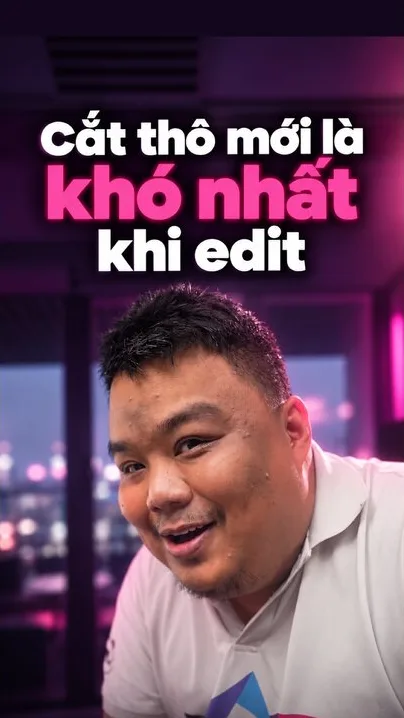
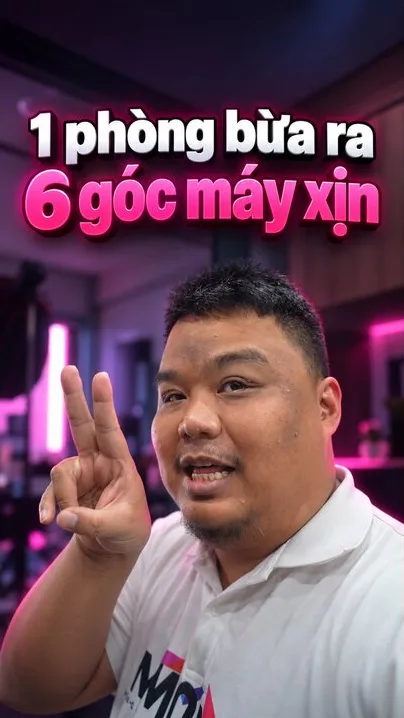
Hùng's video on AI video editing, seconds 40 to 48. A clip shot on his phone becomes a 14-day video schedule shrinking to a few hours.

7 genres - real videos

7 personal branding video genres your AI assistant can edit

Viewers get bored fast when a channel has only one kind of video. The same assistant edits all 7 kinds, and you still just record and tap send.

Genre 01

Thought leadership and opinion videos

Best for: People who want to talk about a habit, a way of thinking, or a life lesson. For example, a translator, a speaker, or a business owner talking about self-management.

Nguyễn Thanh Bình, Vietnamese translator of Jeff Walker's Launch, recorded a short talk about procrastination. The first 10 seconds are his original video. The rest is the assistant's own edit: 9 explainer clips on how an idea stays hot for only 72 hours and on the momentum of action, a custom color tone, subtitles synced to his voice, and background music. Bình did no editing at all.

Video by Nguyễn Thanh Bình, Vietnamese translator of Jeff Walker's Launch. Bình agreed to let MONA use it as an example. Bình's Facebook

  • 9 explainer clips
  • Custom color tone
  • Voice-synced subtitles
  • Background music

Genre 02

Videos that explain concepts with visual metaphors

Best for: Professionals with hard concepts that confuse outsiders. For example, a doctor explaining why you shouldn't buy antibiotics on your own.

  • Animated metaphors
  • Key words on the beat
  • Background removal
How AI edits this genre

AI picks a visual metaphor that matches what you say and turns it into a motion scene. Each explanation gets its own visual, never the same frame twice.

3,675+ viewsYouTubeFacebookTikTok

AI-edited

Genre 03

Product and service introduction videos

Best for: Business owners and experts with a product or service package they want customers to understand. For example, a clinic presenting a checkup package, or a law firm presenting its contract drafting service.

  • Diagrams, calendars, tables
  • Numbers on the beat
  • Custom intro and outro
How AI edits this genre

What you say becomes diagrams, comparison tables, and screen shots right when you mention them. The numbers you say pop up on screen at that exact second. The opening and closing scenes follow your own brand identity.

14,449+ viewsYouTubeFacebookTikTok

AI-edited

Genre 04

Experience stories, mixing camera angles and real footage

Best for: People who work in the field or with their hands. For example, an engineer telling the story of a cracked floor in an old building, or a dentist filming a procedure with camera glasses.

  • 2 cameras synced by voice
  • Real footage on the right line
  • Stumbles and pauses cut
  • Cut from 3:44 to 2:49
How AI edits this genre

You record on your phone and a second camera at the same time, for example camera glasses. AI syncs both sources by your voice. When viewers need to see your hands, it uses the second angle; when you explain, it cuts back to your face. Real footage lands on the exact line you're telling.

7,047+ viewsYouTubeFacebookTikTok

AI-edited

Genre 05

Same assistant, a totally different identity

Best for: People who want a channel with its own style, recognizable in a second.

  • DOLLAR effects pack
  • Green dollar colors
  • Custom mascot
How AI edits this genre

MONA designers built the whole identity around one idea, the green dollar bill, with a custom effects pack called DOLLAR. The same assistant edits it, but the videos feel nothing like Hùng's channel. Everyone gets their own identity, and no one shares a template.

See how MONA builds your own brand identityView the Nhân Võ AI profile

Genre 06

Professional know-how and field-tested tips

Best for: Seasoned professionals who get asked the same question again and again. For example, a business owner sharing last year's inventory lesson, or a lawyer answering a question clients often ask.

  • Opens straight with the tip
  • Key points in text
  • Real footage on cue
How AI edits this genre

This kind of video goes straight to a tip, a common mistake, or something only insiders know. A real story you lived through earns more trust than generic advice. AI builds charts, numbers, and real footage around your story so the tip is clear on screen.

Genre 07

Long horizontal videos for YouTube, with chapters

Best for: People who need to teach a topic in depth, give step-by-step guidance, or present a whole product. For example, an engineer explaining a construction process, or a CEO presenting how the whole company works.

  • Tap a chapter to jump straight to that part
  • YouTube shows the chapters too

66,144+ viewsYouTubeFacebookTikTok

How it works

How AI edits video: 7 steps from raw clip to live video

Your part is step 1. From step 2 to step 6, the AI Worker Team works on the MONA AI Station while you do other things. A video you send today goes live on your channels tomorrow.

Edit: 2 minutes a dayStep 1/7
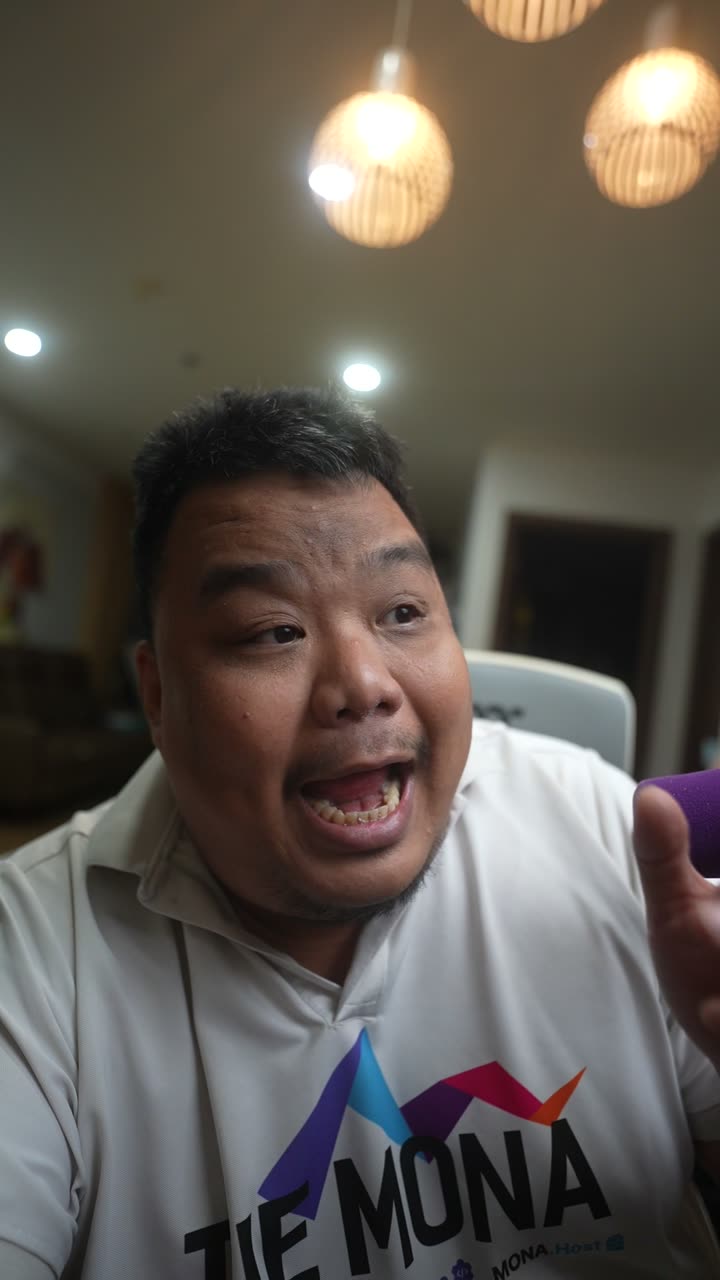
Raw clip

What you say

  • 0:02Opening line - Build an expert personal brand, 2 minutes a day
  • 0:20Recording takes 2 minutes
  • 0:23uh, this one… let me redo that
  • 0:31Editing, multi-platform posting, replying to comments and messages
  • Your face
  • Explainer visuals
  • Emphasis text
  • Music
  • Subtitles
  • Self-check the video
  • Pace of 7+ cuts/min
  • Brand Director check

Delivered to the app

  1. 1

    You record and hit send

    You open the app and talk about what you know into your phone. A teleprompter scrolls right by the camera. You don't need to memorize anything. When you're done, add a few spoken notes if you like, then hit send. Clips shot on a phone or a camera both work.

  2. 2

    AI understands the content

    AI transcribes every word you say with timestamps. Then it finds the key message, the opening line, the closing line, and the flubbed lines to cut. Industry terms are corrected against your own dictionary, so drug names and legal articles aren't misspelled by how they sound.

  3. 3

    Plan visuals for each line

    Each line gets a visual type: your face, a full-screen explainer, a text block, or real footage. Each explanation gets its own visual metaphor. AI logs the visuals it has used so nothing repeats within a video.

  4. 4

    Build the explainer visuals

    Each explanation goes to its own AI worker, starting from a blank page so the ideas never feel templated. The worker builds motion scenes in the exact colors and fonts of your brand identity. It reviews every frame and fixes it before handing in.

  5. 5

    Assemble effects, music, and subtitles

    Visuals land on the exact words you're saying. AI cuts stumbles, long pauses, and retakes, keeping the most complete take. Background music and small sound effects follow each visual beat, always under your voice. Subtitles appear where viewers might mishear, like numbers and names.

  6. 6

    The machine self-checks, the Brand Director keeps the taste

    The machine checks the whole video against the editing rules for that video type. For example, the pace meter counts scene changes, and below 7 per minute the AI editor reworks exactly the slow part. The Brand Director checks the edit against your brand identity.

  7. 7

    Into the Edited library, approved by MONA, then live

    Finished videos land in the Edited library in the app for you to review. To change anything, just tell the assistant. In the first 2 weeks after handover, a MONA editor approves every video before it is scheduled. Videos go out to 16 platforms and your own website on the channels you choose, each with its own prime time and its own caption.

See the AI video editing feature in detail, every effect with real screenshots

Examples by industry

How AI edits video for each profession

The same 2 minutes of talking into a phone, but every profession needs a different edit. Pick the field closest to yours to see how your words become a video.

AI turns it into

A colony of bacteria survives each wrong dose and keeps growing. The words take the full course pop up right as the doctor stresses them. Drug names are spelled right thanks to a custom terminology dictionary. The closing scene carries the clinic's colors.

Genre 02: visual explainer

You talk for 2 minutes
“Why you shouldn't buy antibiotics at the pharmacy on your own.” The doctor records right in the clinic, between two patients.

Checked by people and machines

How MONA looks after your personal brand

One video with the wrong style, a slow pace or a misspelled drug name can make viewers doubt your expertise.

Pace meter: a video must change scenes at least 7 times a minute

0scene changes in 1 minute of video

Measuring

Slow videos get scrolled past. Below 7 changes per minute, the AI editor reworks exactly the slow part. If you ask for a heartfelt, gentle video, the floor goes down.

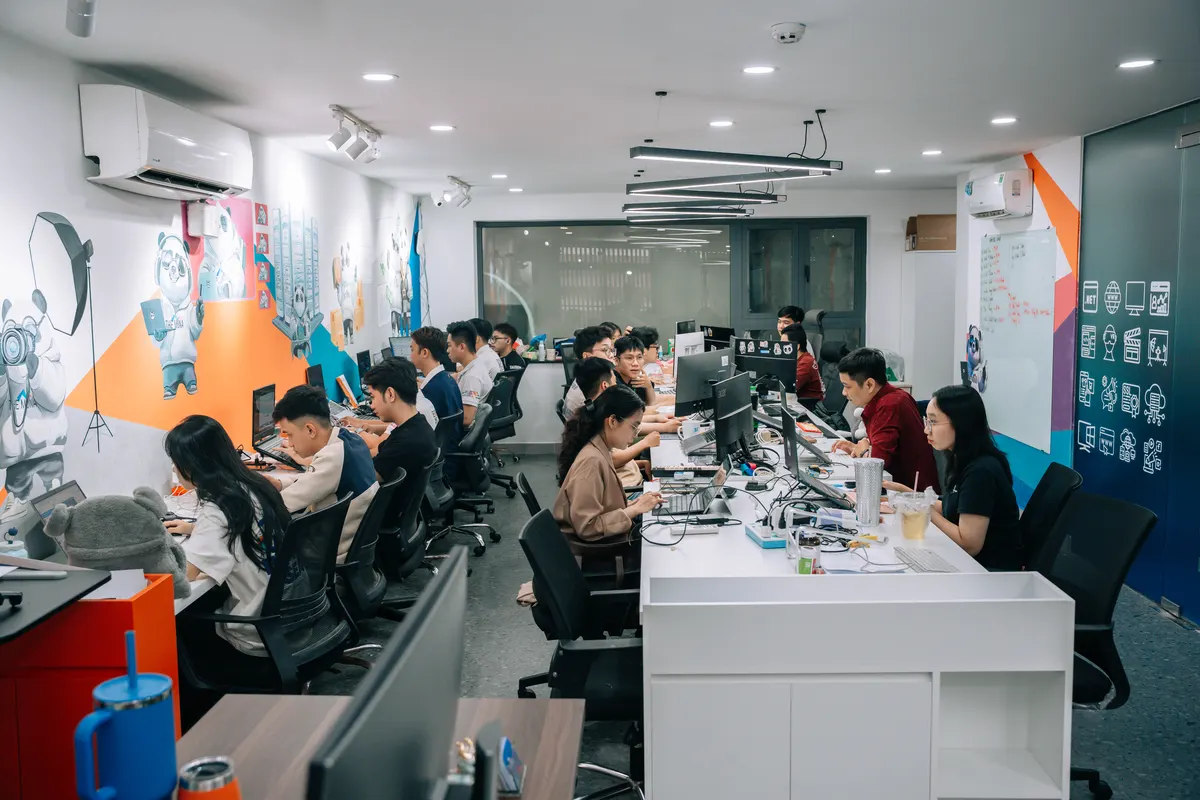
A MONA designer working on a client's personal brand identity at the MONA Software office
Why nhanhieu.ai doesn't make AI avatars
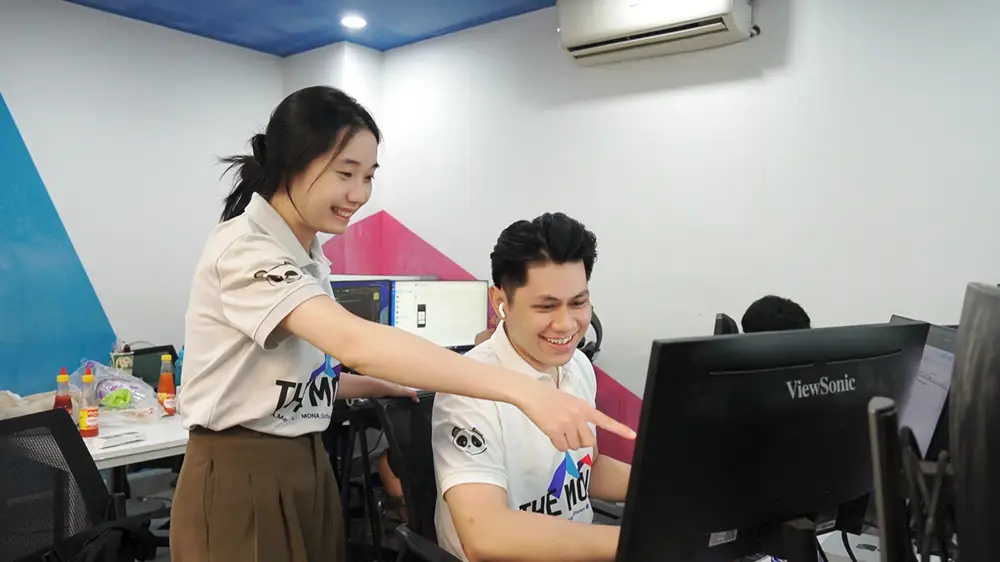
Two MONA team members fine-tuning an edit on screen at the office

Checked by real MONA people

Human
  • A designer builds your brand identity

    MONA's professional designer is a real person, not AI. They pick your colors, fonts, and video frame. The opening and closing scenes are custom-made too.

  • 5 test videos, every element tuned

    During setup, which takes at least 3 days, MONA runs tests on 5 videos you send. MONA tunes every part of the video until you're happy, from text and subtitles to cutting pace and music.

  • Your industry terms and speech slips loaded

    Your industry terms go into your own dictionary. AI also learns each person's speech slips, like stutters, misreadings, or imperfect English pronunciation, and fixes them while editing.

  • An editor approves the first 2 weeks

    For the first 2 weeks after handoff, every video waits for a MONA editor's approval before it is scheduled. The editor's feedback helps the assistant learn your taste over time.

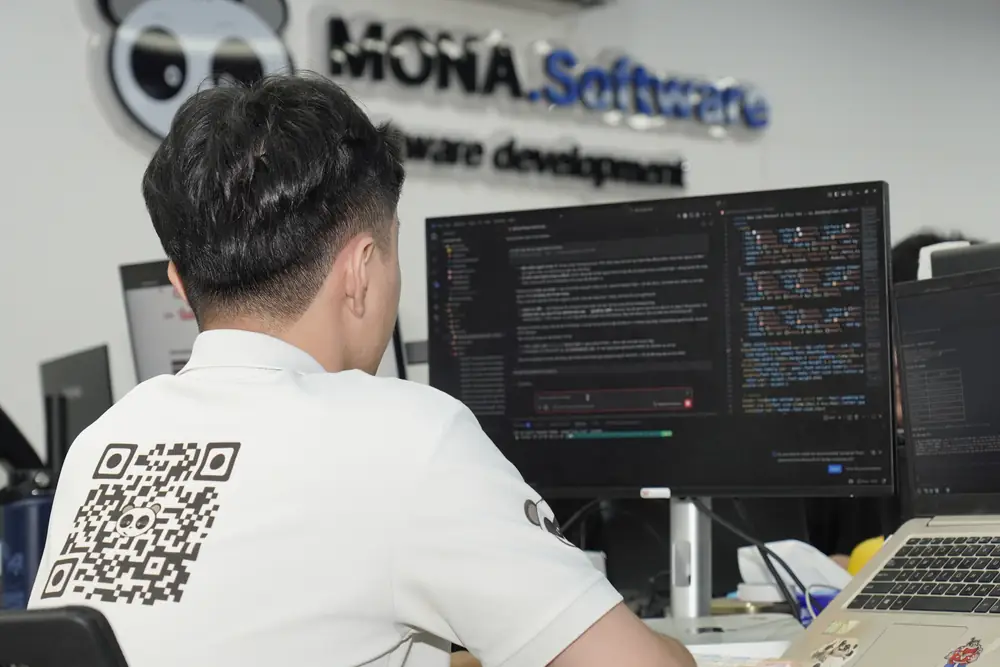
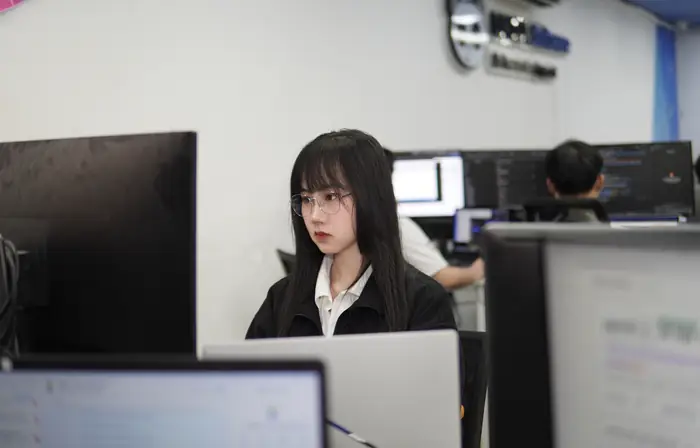
A MONA Software developer working at a screen of code, with the MONA.Software logo sign behind

Checked by machines daily, nothing missed

AI
  • Self-check against the editing rules

    AI checks the whole video against the editing rules for that video type, for example a fast enough scene-change pace, before sending it back.

  • Brand Director keeps your style

    Brand Director checks each edit against your brand identity and your own effects pack. Your 100th video still feels like your first.

  • Real person, real voice

    The person in the video is you, and the voice is your real recorded voice. AI only builds the visuals, text, effects, and music around you.

See all the layers of checks

FAQ

Questions about AI video editing

Do I pick the video genre, or does AI choose?

Just record what you want to say. The assistant listens to the content and picks an editing style that fits, for example explainer visuals for hard ideas and real footage for field stories. Want a specific style? Add a one-line note when you send the clip, or tell the assistant when you review the edit.

How long are the edited videos?

The length follows what you say, after AI cuts stumbles, pauses, and retakes. For example, the AI 2-camera video was recorded at 3 minutes 44 seconds, and the edit came to 2 minutes 49 seconds with the ideas still flowing smoothly.

Can it make horizontal videos for YouTube?

Yes. Besides vertical videos for TikTok and Reels, the assistant can edit long horizontal videos with chapters. The 5-minute 26-second app intro video on this page is a real example.

Will the videos look mass-produced by AI?

No. The person in the video is you, and the voice is your real recorded voice. AI only builds the visuals, text, effects, and music around you. Your brand identity is custom-made by a real MONA designer. Every video passes a self-check against the editing rules and Brand Director before it goes out.

What if I'm not good on camera?

A teleprompter scrolls right by the camera while you record, so you don't need to memorize anything. AI cuts stumbles, long pauses, and flubbed lines you said again. AI also learns your own speech slips, like stutters, misreadings, or imperfect English pronunciation.

How do I ask for changes to an edit?

Edits land in the Edited library in the app so you can review them first. Want something changed? Tell the assistant, just as you would a real assistant. For the first 2 weeks after handoff, a MONA editor also approves every video before it is scheduled.

You record 2 minutes. The video comes out true to you.

Call MONA to see which genres the assistant should edit for your industry and get an official quote.

See the implementation process