
LinkedIn - assistant on your personal profile
nhanhieu.ai on LinkedIn: expert videos on your personal profile, during business hours
- videos posted to the LinkedIn profile
- 82videos posted to the LinkedIn profile
- followers of the Khánh Hùng Academy company page
- 1,107followers of the Khánh Hùng Academy company page
- personal profile views and followers
- LinkedIn doesn't share them, see them in the LinkedIn apppersonal profile views and followers
Snapshot from Nov 11, 2026, 10:09 PMDay 36, started Oct 7, 2026
Khánh Hùng's personal profile, CEO of MONA

Quay 2 máy cùng lúc, cái điện thoại với cái mắt kính, rồi quăng 2 file cho AI. Ae coi nó ghép có hiểu không

- 11:15
- Upload the video
- Every minute
- Wait for LinkedIn to process
- Ready
- Wait for the exact time
- 11:30
- Publish
Why LinkedIn
LinkedIn is where people check your professional record
Facebook and TikTok are where people scroll for fun. LinkedIn is what people open before working with you: partners before signing a contract, business clients before a meeting, strong candidates deciding whether to join your team. They type your name, open your profile, and scroll to see what you've posted lately.
Vietnam has about 11.9 million LinkedIn accounts, mostly people aged 25 to 34, exactly the working crowd (NapoleonCat, 06/2026). Fewer people than Facebook, but everyone on LinkedIn has work on their mind.
A LinkedIn profile with a new post this week says this person is still in the game, and doing the work properly.
LinkedIn's own posting times
LinkedIn only gets videos during working hours
Each video goes to each channel exactly once, but every channel has its own time. The morning video goes to LinkedIn at 08:00. The evening video goes to Facebook, TikTok, Instagram, and Threads at 20:30, while LinkedIn holds it overnight and posts it at 16:00 the next day.
08:00 is the start of the workday. The morning video goes to LinkedIn at 08:00, the same morning as Facebook and Threads.
The evening slot is scrolling time on Facebook, TikTok, and Instagram. LinkedIn is strongest during working hours, so the evening video waits in the station's queue.
Buffer's 2026 data shows LinkedIn posts perform best around 15:00 to 18:00. The evening video goes to LinkedIn at 16:00 the next day, right in that window.
- Today 08:00
Morning video
Today's morning video goes to LinkedIn at the start of the workday, the same morning as Facebook and Threads.
- Today 20:30
LinkedIn doesn't post at this time
The evening video goes to Facebook, TikTok, and Instagram. On LinkedIn, it waits in the queue.
- Next day 08:00
Morning video
The new day's morning video goes to LinkedIn as usual.
- Next day 16:00
The previous evening's video
The previous evening's video leaves the queue and goes to LinkedIn in the 15:00 to 18:00 window.
This rhythm repeats every day. You can see the real queue, change each channel's time, or cancel posts that haven't gone out yet, right in the admin page.
From phone to LinkedIn
How a video goes through LinkedIn
LinkedIn doesn't let software schedule posts. So the AI station at MONA holds the job, watches the clock, and publishes on its own. Here is the log of one morning video.
- Record and send from the app
- Brand Director edits the video
- A caption written for LinkedIn
- Into the LinkedIn queue, set for 08:00
- Upload the video straight to LinkedIn07:45
- Wait for LinkedIn to finish processingEvery minute
- Publish to your personal profile08:00
- Retry up to 3 times
- Comments are yours to answer
See each step in detail
- 1.Record and send from the app. You record about 2 minutes on your phone and tap send in the app. No cutting, no caption writing.
- 2.Brand Director edits the video. Every video goes through Brand Director, the AI part that keeps your visual style so each video matches your brand identity.
- 3.A caption written for LinkedIn. The LinkedIn caption has its own box and goes through the text checker. The system counts characters to stay under LinkedIn's 3,000 limit. Characters like hash signs, asterisks, and brackets are handled first, because LinkedIn often cuts text at them. Any line with a link is removed.
- 4.Into the LinkedIn queue, set for 08:00. The station holds the job and checks the queue every minute. Anything not yet posted, you can cancel right in the admin page.
- 5.Upload the video straight to LinkedIn. The video is uploaded to LinkedIn 15 minutes early, because LinkedIn takes longer than Facebook to process video. Viewers tap and it plays right on LinkedIn.
- 6.Wait for LinkedIn to finish processing. The system asks LinkedIn for the video's status. When LinkedIn reports it's ready, the system waits for the exact time. If LinkedIn reports an error, the system uploads again.
- 7.Publish to your personal profile. The post goes out under your name, public, into the main feed. The post link is logged in the records, and the app shows Posted with the time.
- 8.Retry up to 3 times. On a network error or a LinkedIn-side error, the system retries. After 3 tries, the job is marked as failed and shows up on the posting calendar in the admin page.
- 9.Comments are yours to answer. On LinkedIn the assistant doesn't reply to comments. The reason is in the section right below.
Scope on LinkedIn
On LinkedIn, the assistant posts steadily, and comments are your job
On your Facebook Page, the assistant handles comments and messages and blocks trolls. LinkedIn closes most of those permissions to software, so this page spells out each task.
Buffer analyzed over 2 million posts and found that LinkedIn posts where the owner replies to comments get about 30% more engagement. On LinkedIn, commenters are usually colleagues, partners, and peers, and they expect you to reply yourself. A few minutes answering comments in the afternoon is the part worth keeping for yourself.
What the assistant does
- Posts videos to your personal profileThrough the Share on LinkedIn permission, public posts, into the main feed.
- A caption written for LinkedInNo links, no asking for likes, no "comment YES if you agree."
- Posts during business hours08:00 for the morning video, 16:00 the next day for the evening video.
- Holds the job, retries on errorsUp to 3 times, and posts not yet published can be canceled.
- Logs every post linkThe app shows Posted with the time; tap to open the real post.
What the assistant doesn't do, and why
- Replying to comments and messagesLinkedIn only opens this permission to apps it approves separately. The assistant doesn't work around it with fake accounts or emulators.
- Posting to a company pageIt needs a different permission set that LinkedIn approves separately. The assistant posts on your personal profile.
- Reading views and followersLinkedIn doesn't open personal profile numbers to software. The system only counts posts published.
- Hiding troll comments, running adsThe assistant does these two on your Facebook Page.
Buffer itself says this is correlation, not proven causation.
Proof
Khánh Hùng's personal profile, real posts you can open
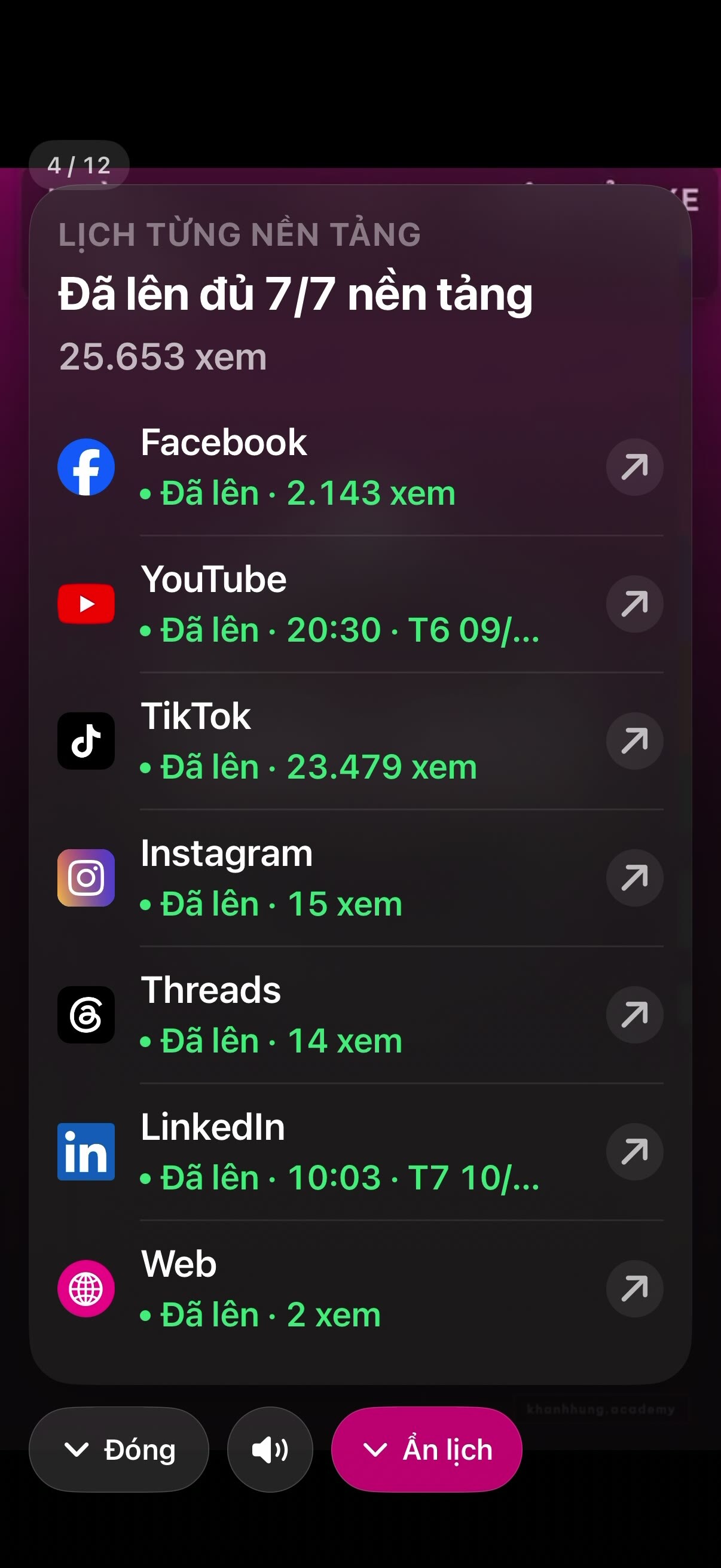
The post count at the top and the list below are read by the system from the posting records, counting from the day the system started, Oct 7, 2026.
- AI tự ghép 2 camera11:30, Oct 11, 2026
- Ae hay hỏi sao con Hùng nhỏ AI nhí nhố vậy, lý do nằm ở con Gấu Cười bên MONA20:30, Oct 10, 2026
- Đội phòng chống tiêu cực11:30, Oct 10, 2026
- Xây dựng nhân hiệu chuyên gia trên mạng xã hội: 2 phút mỗi ngày11:30, Oct 9, 2026
- Tính năng quản trị MXH đa nền tảng mà ae hỏi hoài nè22:03, Oct 8, 2026
These posts went live before LinkedIn had its own times, so they posted at 11:30, 20:30, or a catch-up time. From now on LinkedIn posts go live at 08:00 and 16:00, following the queue rhythm above.

FAQ
Questions about LinkedIn
Does the assistant post to my personal LinkedIn profile or a company page?
Your personal profile. The assistant posts with the Share on LinkedIn permission, which LinkedIn grants to software that posts on behalf of the account owner. Posts go out under your name, public, into the main feed.
A company page needs a different permission set that LinkedIn approves separately for each app, so the assistant doesn't post there. For an expert's personal brand, the personal profile is what people open when they type your name.
Does LinkedIn reduce reach for automated posts?
No serious study in 2025 or 2026 has compared the two ways of posting on LinkedIn. The most recent experiment is Buffer's from late 2017: posts through an outside tool reached 63,000 people, direct posts 54,600. The outside tool did slightly better.
The assistant posts through LinkedIn's official API, with no fake accounts or software faking human clicks. What LinkedIn does filter is engagement bait like "comment YES if you agree", so the assistant's captions never read that way.
Why does LinkedIn post at 08:00 and 16:00 instead of 20:30 like the other channels?
LinkedIn is a working-hours channel. Buffer's 2026 data shows LinkedIn posts perform best between 15:00 and 18:00. So the morning video goes to LinkedIn at 08:00, the start of the workday. The evening video goes to the other channels at 20:30, while LinkedIn holds it until 16:00 the next day.
These are starting times to test. Each channel's times can be changed in the admin page. The final times have to come from your own channel's numbers.
Does the assistant reply to LinkedIn comments and messages?
No. LinkedIn only opens reading and replying to comments to apps it approves separately. The assistant doesn't work around this with fake accounts or emulators, so on LinkedIn it only posts.
LinkedIn comments usually come from colleagues, partners, and peers, and they expect you to reply yourself. Buffer analyzed over 2 million posts and found LinkedIn posts where the owner replies to comments get about 30% more engagement. That's correlation, not proven causation, but a few minutes answering comments in the afternoon is worth it.
Why doesn't this page show LinkedIn views?
LinkedIn doesn't let software read a personal profile's views and follower count. The system only knows for sure which posts went live, when, and where the link is.
So this page only shows the number of posts published. It doesn't show 0 views and doesn't guess. You can see each post's views in your own LinkedIn app.
Do I have to give MONA my LinkedIn password?
No. You log in to LinkedIn on your own device and tap Allow so the app can post. MONA never holds your password.
On Hùng's channel, the LinkedIn posting permission lasts 60 days, and LinkedIn doesn't let software renew it. So about every 2 months you tap Allow again, and the system reminds you 7 days ahead.
An enterprise app designed for you
LinkedIn counts as one platform in your monthly cost, cheaper than hiring and no risk of a bad hire: see pricing.
See the implementation process