nhanhieu.ai

Core feature - AI video editing

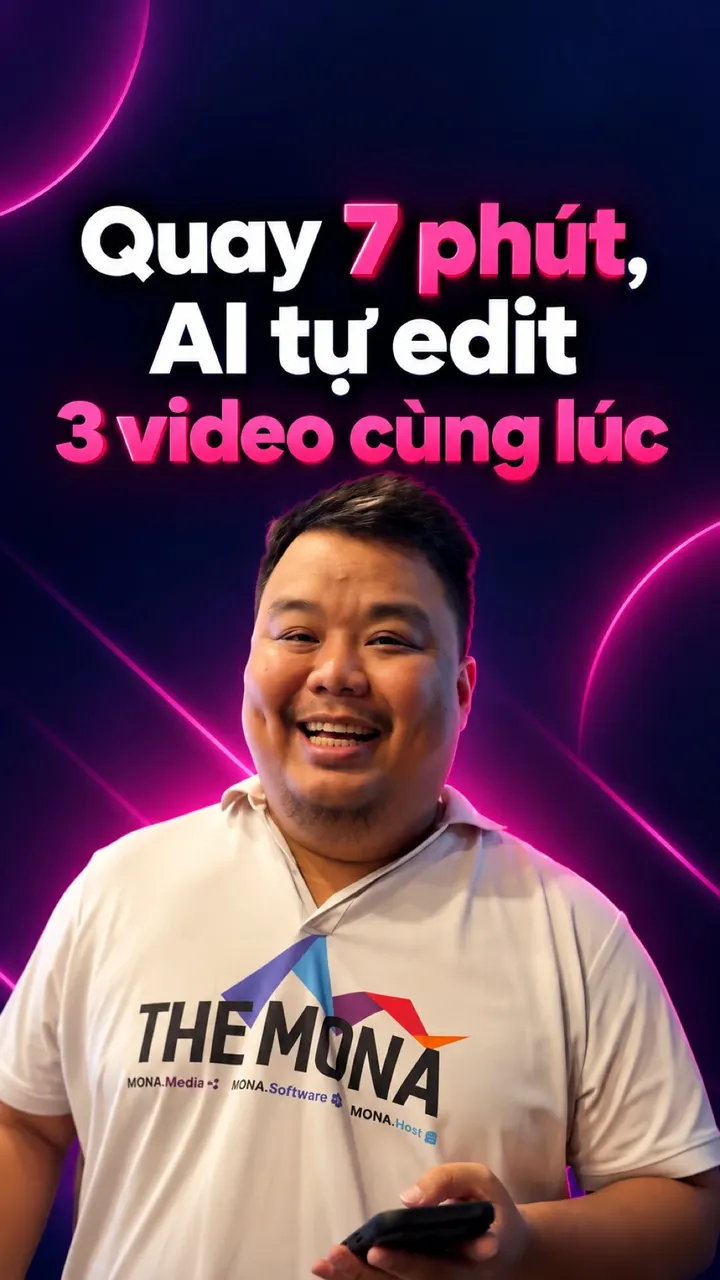
Personal branding software features: talk for 2 minutes, AI turns it into a video

You record on your phone and talk about your expertise. AI adds explainer visuals, effects and music, like a skilled video editor.
Before: raw clip
After: AI edit

The video “AI edits the video itself” by Hùng, seconds 40 to 48. On the left is the clip Hùng recorded himself on his phone. On the right is the same part after AI edited it: a 14-day video production schedule shrinks to a few hours, then a scene of editing software with each layer of visuals, text and music.

Core features

After the edit, the other main features

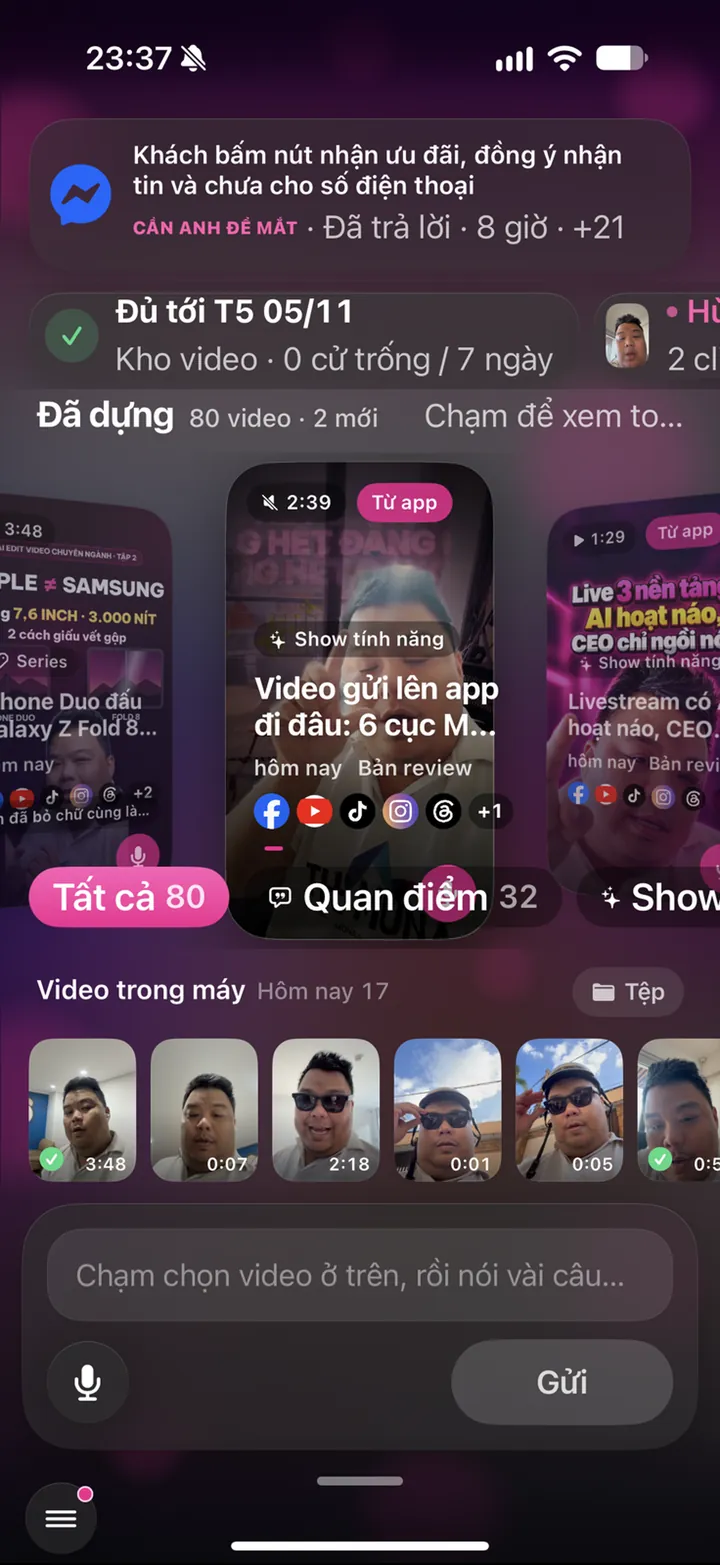
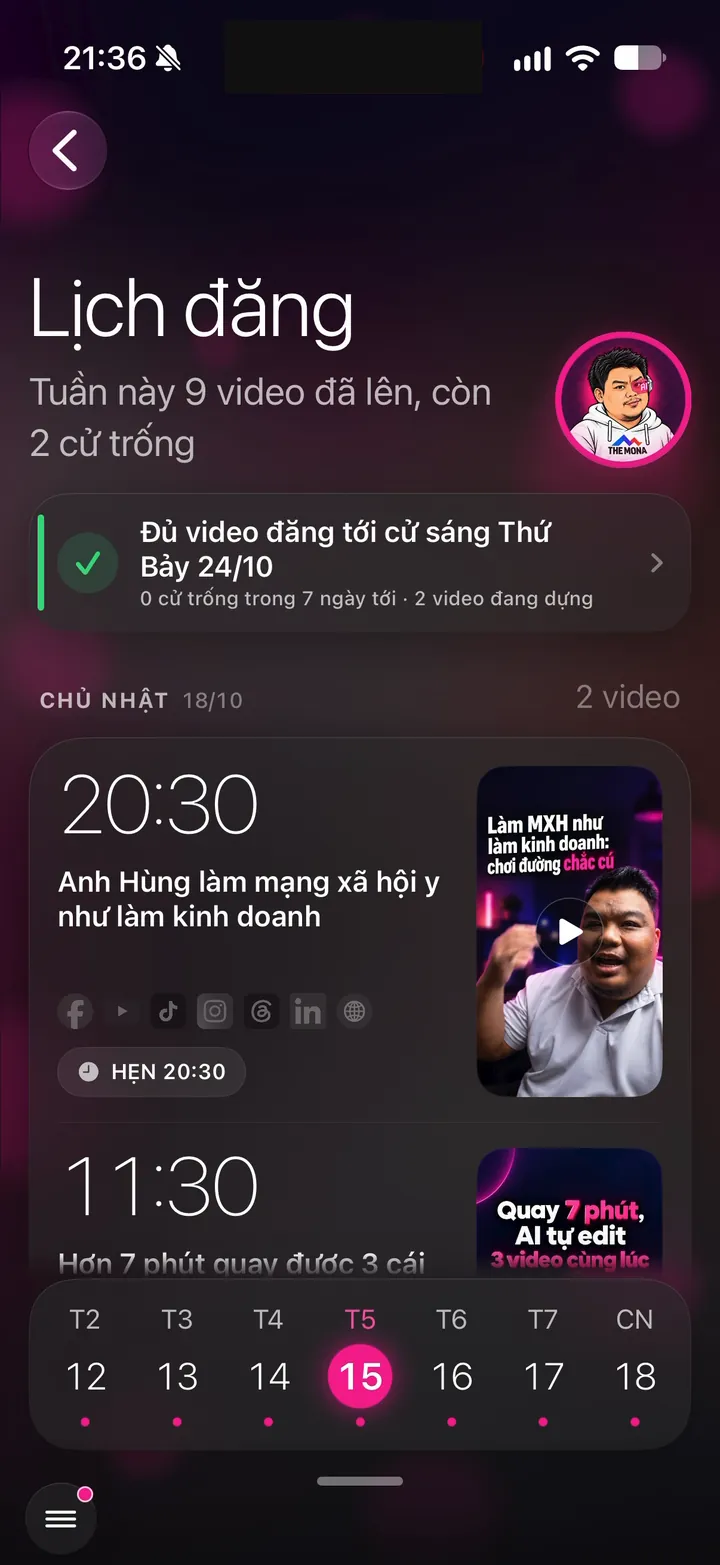
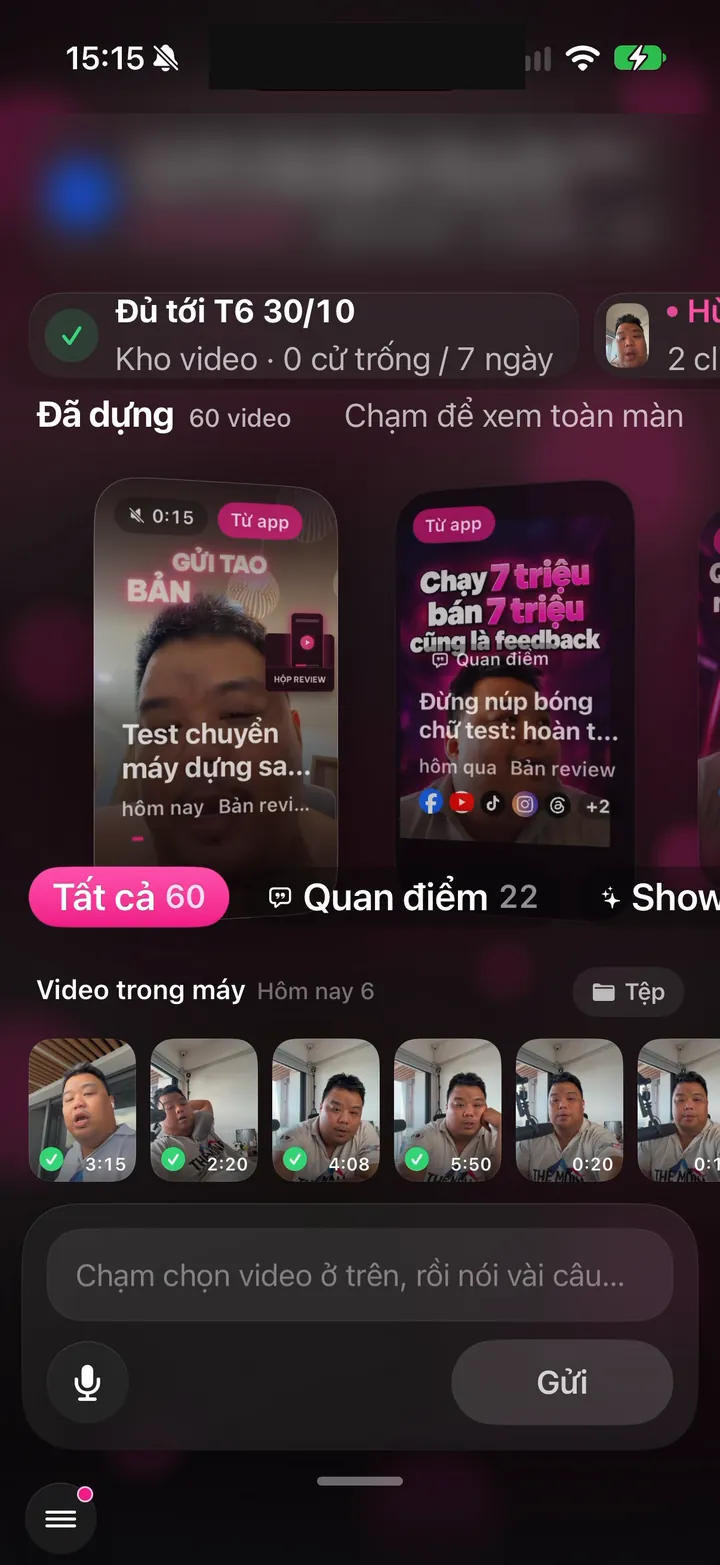
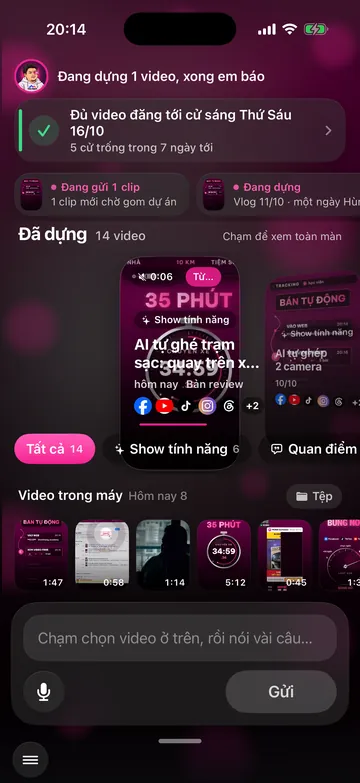
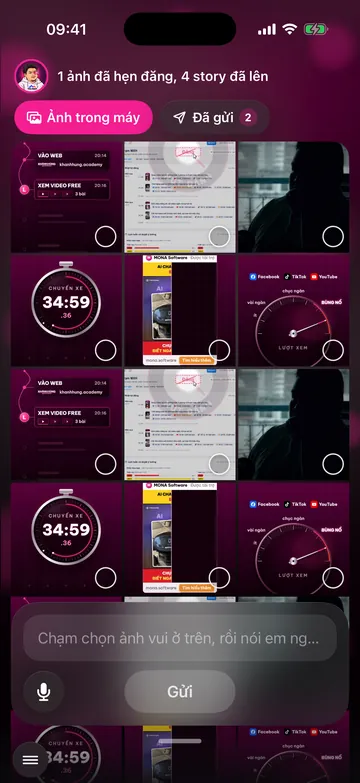
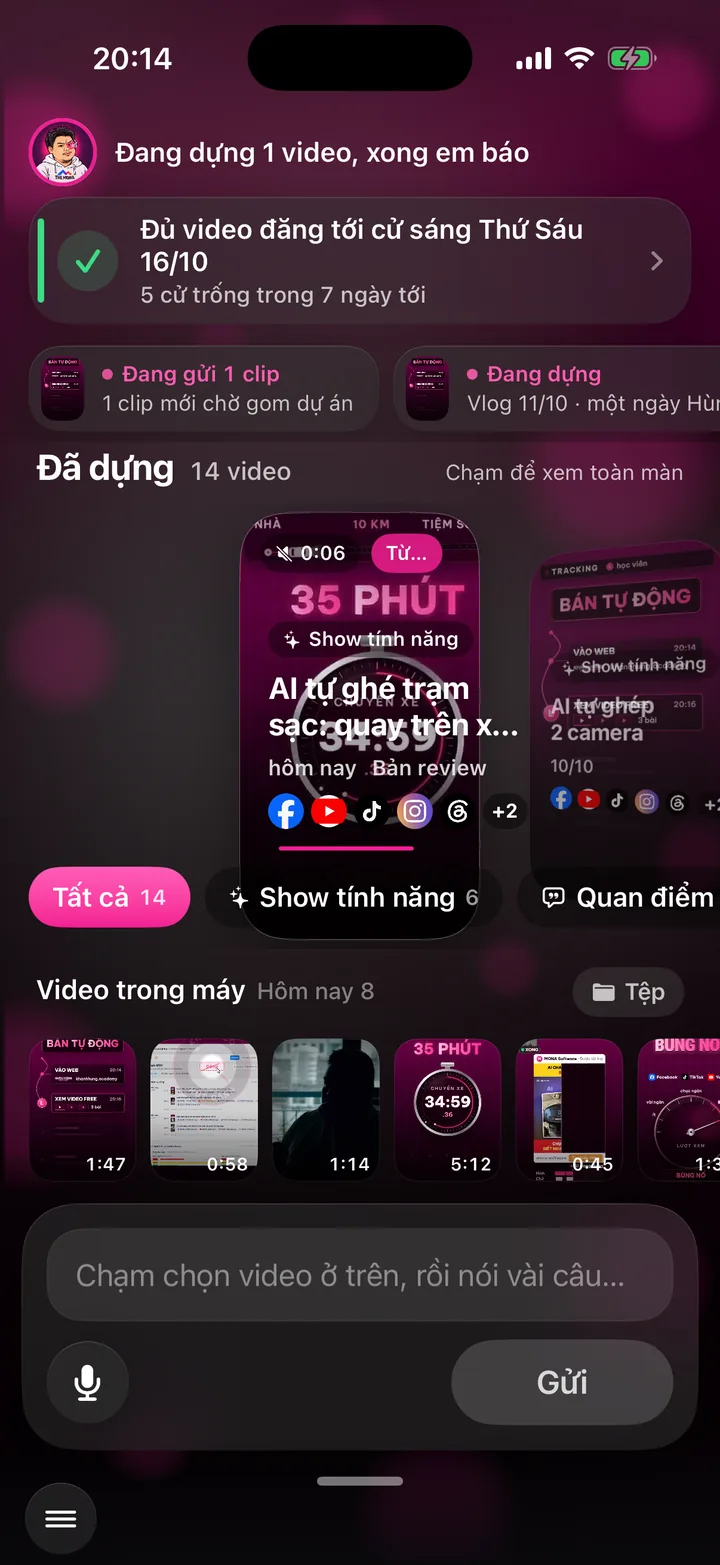
Publish video screen on Hùng's phone: a card saying there are enough videos to post through Saturday, Oct 24, 39 videos in the Edited library, the on-phone video strip with sent marks, the note box and the Send button

02 - Post everywhere

One video goes to 16 social networks and your website

  • Captions written for each channel
  • Each channel's own prime time
  • Plus a website post and a podcast episode
  • No fake accounts, no rule-dodging tools
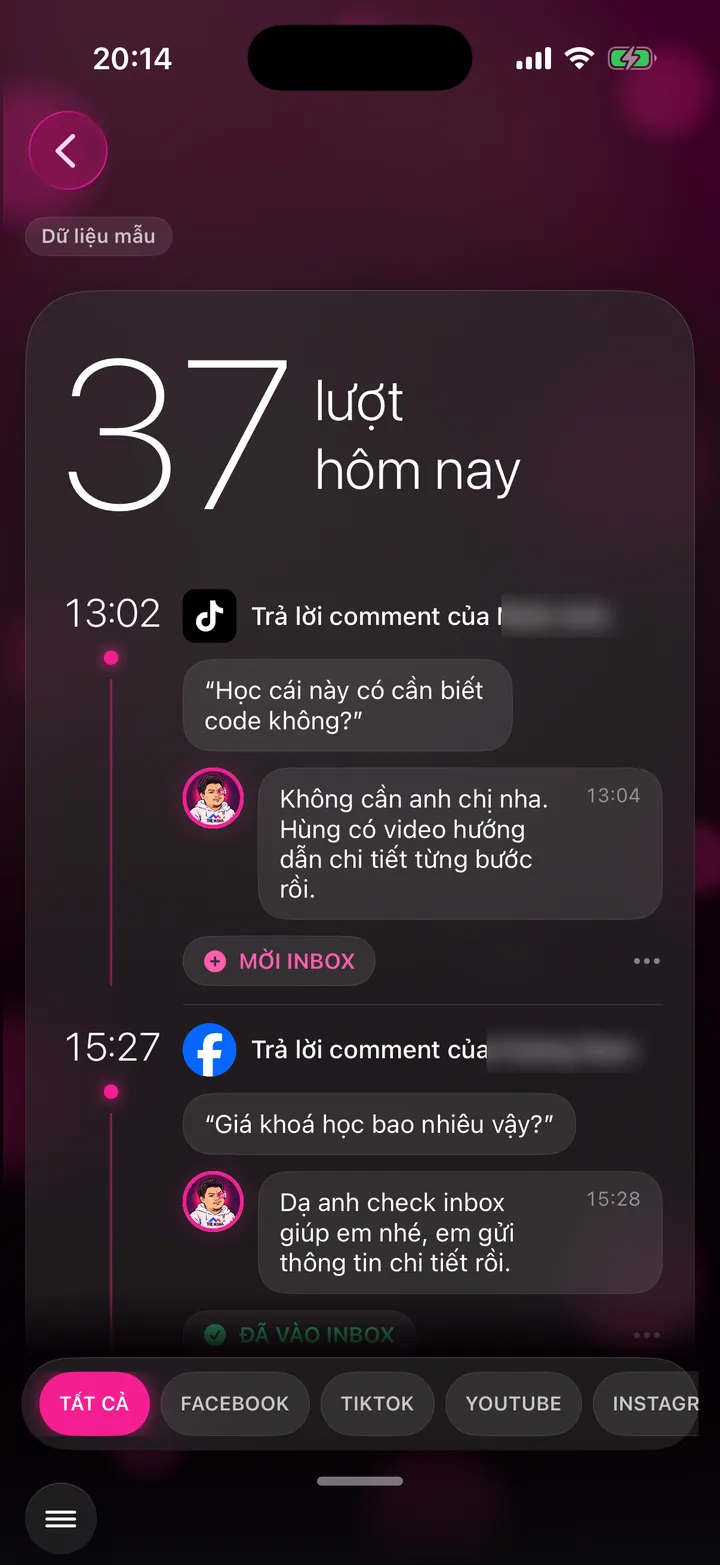
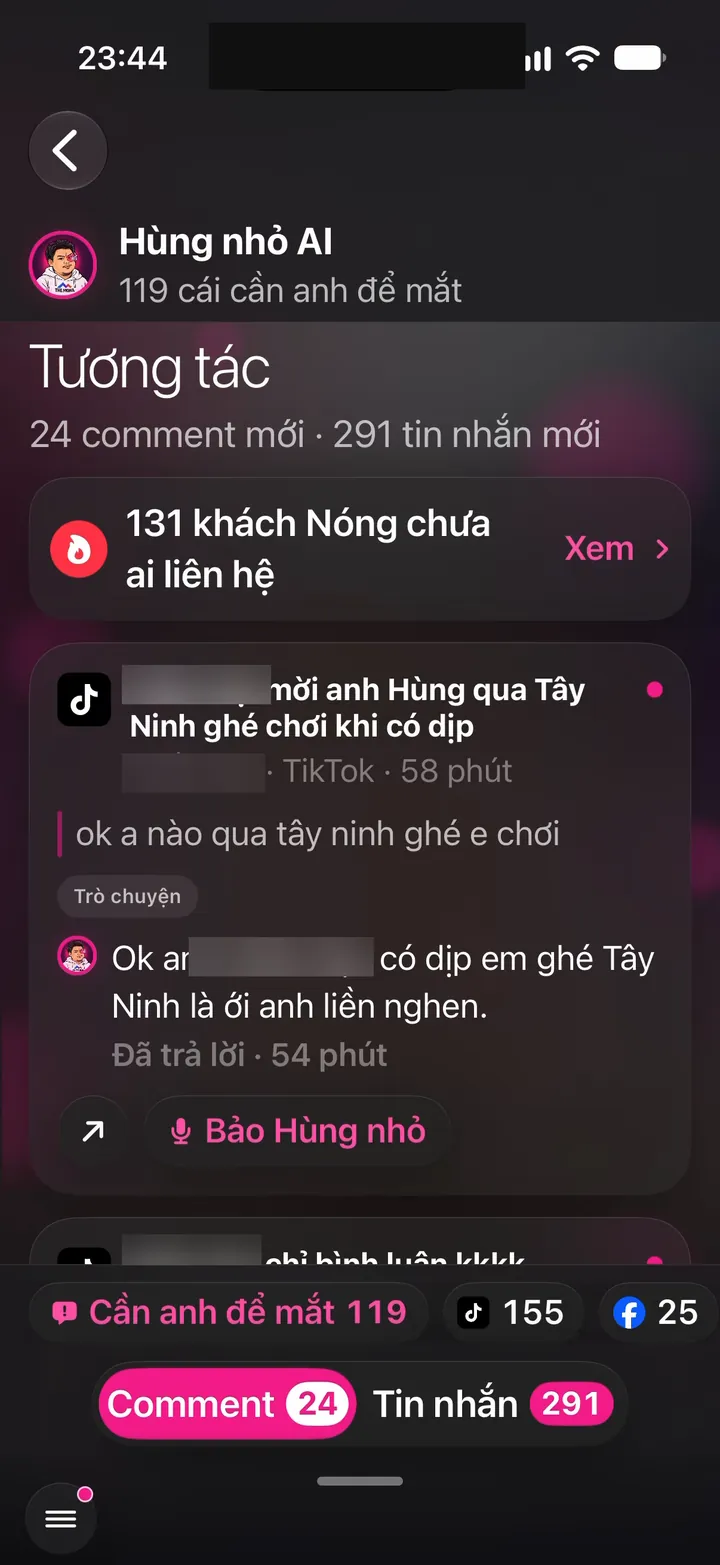
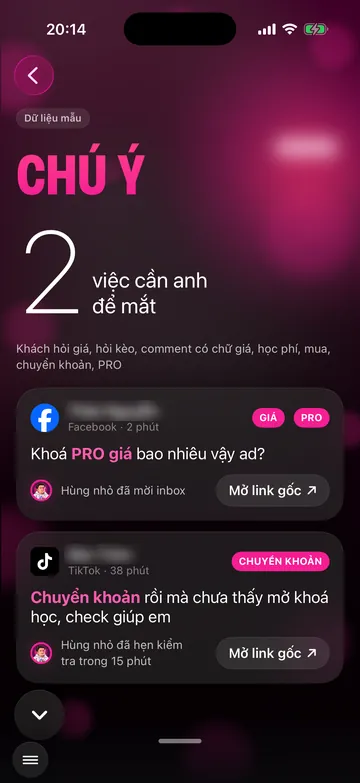
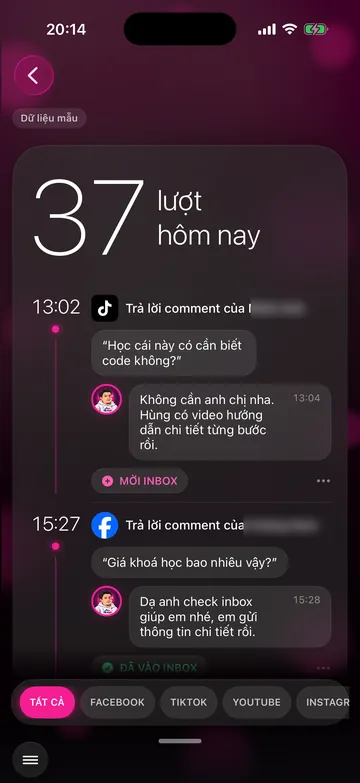
The Engagement screen on Hùng's phone: 39 comments and 274 messages in one place, each card with what the customer asked and whether the assistant replied (names hidden)

03 - Reply to comments and messages

Whenever customers ask, the assistant answers right then

  • Replies in seconds, even at 2 AM
  • In your voice, addressing people the way you do
  • Knows when to stop if a question goes beyond your expertise
  • Attention holds back the questions you should answer yourself
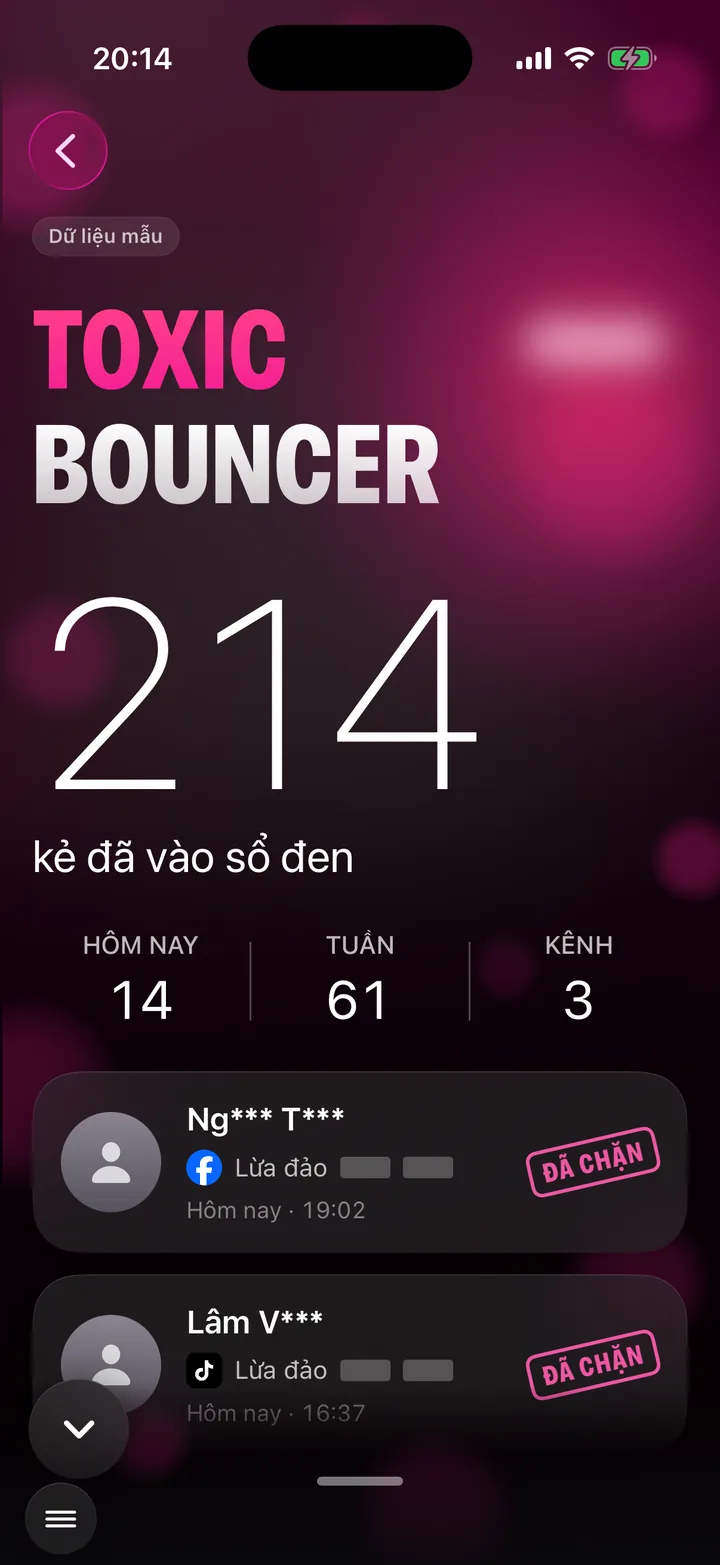
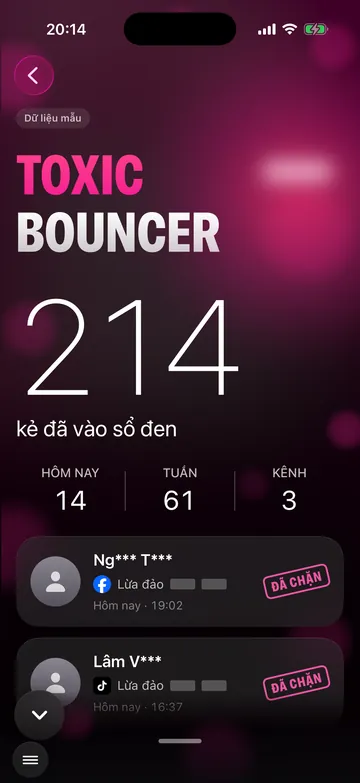
The Toxic Bouncer screen on Hùng's phone: 48 people came in to troll since Sep 28, 2026, the counts of abuse in comments and in messages, and how many were blocked, hidden and excluded from ads

04 - Toxic Bouncer - your anti-toxicity team

Trolls get shut down, you only see clean comments

  • Hides and blocks trolls on Facebook, Messenger and ad comments
  • Removes them from ad audiences so your ad money never reaches them
  • Never argues: on YouTube and TikTok, trolls don't get a single word back
  • No false flags: genuine complaints are only hidden, and your team is told to call back

Fetching the latest numbers

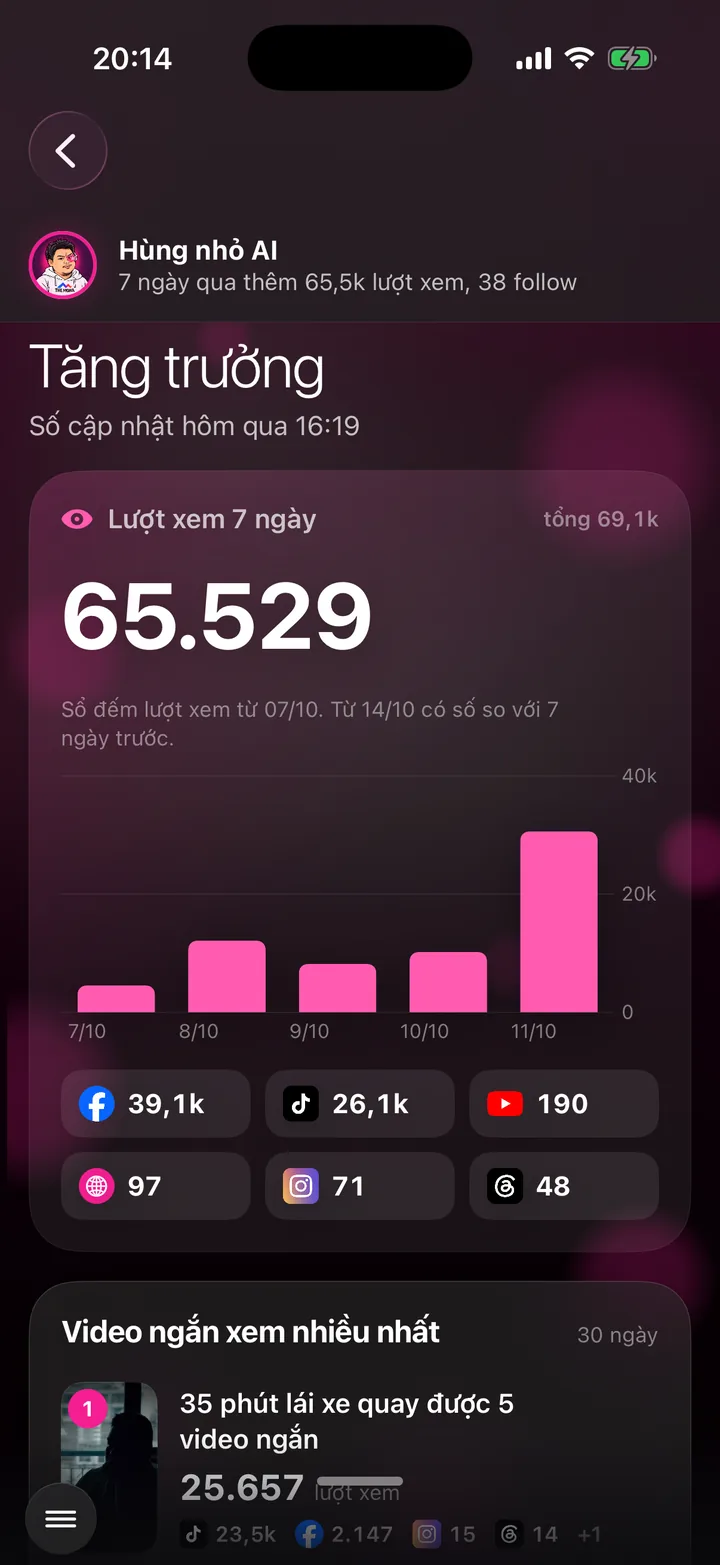
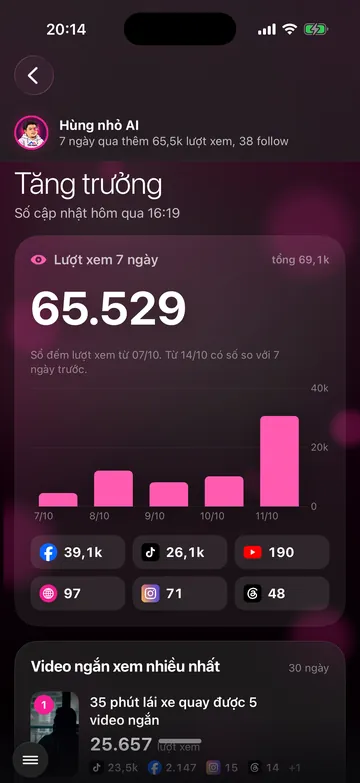
  • 886,131total views, all channels
  • 482videos and posts published
  • 36days on the app, since Oct 7, 2026

05 - Stats and reports

How much your channels grew, right there when you open the app

  • Real numbers from each platform itself, no estimates
  • Every hour it updates itself, nobody edits by hand
  • Every channel, every video has its own numbers
  • Every weekend a short report lands on your phone
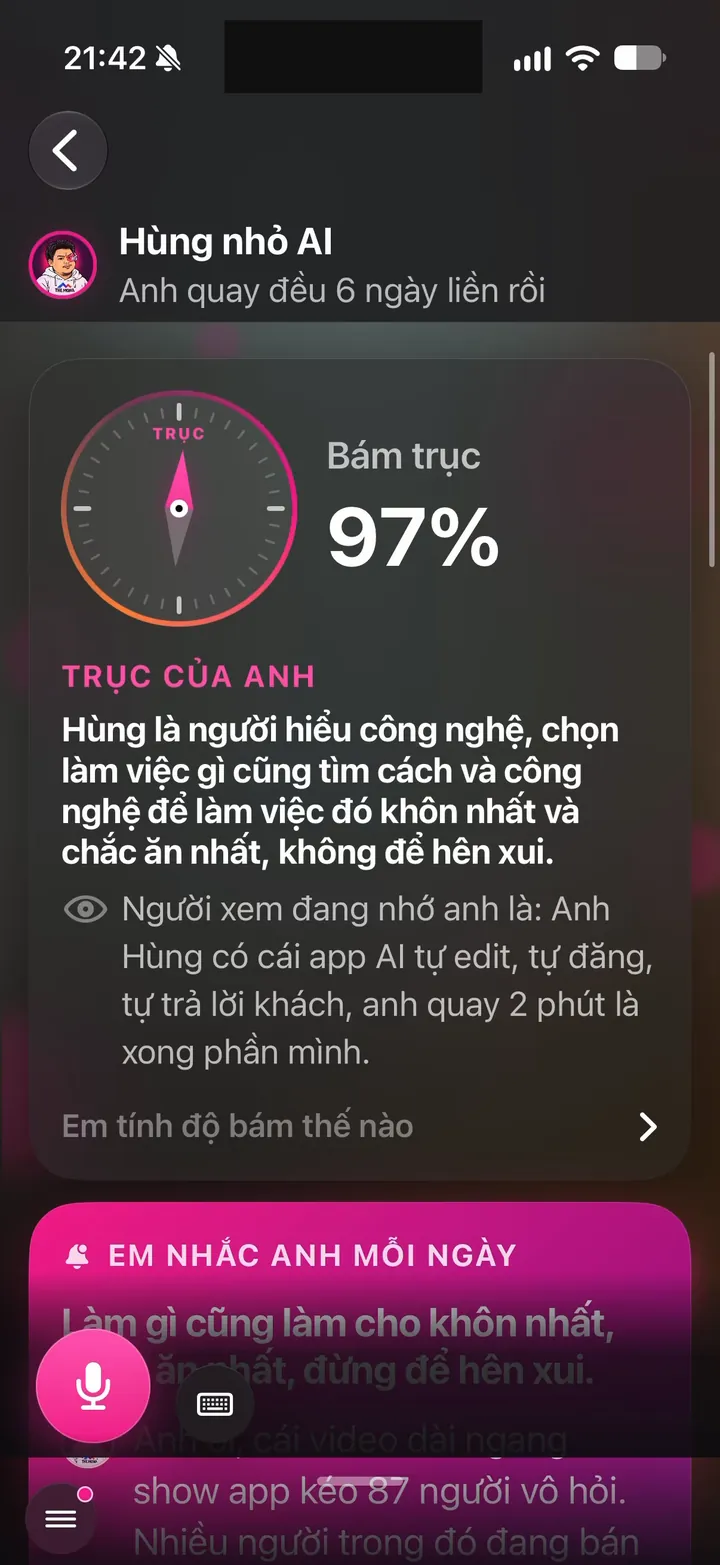
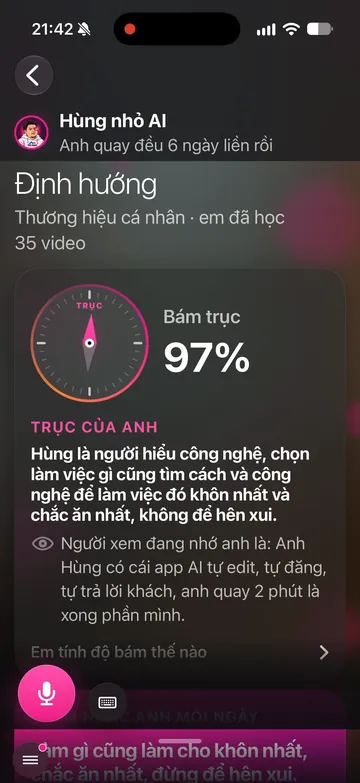
Direction screen on Hùng's phone: the compass 97% on axis, the brand axis Hùng chose and who viewers remember him as

06 - Personal brand direction

Know what to record next week, no guessing

  • Each topic branch scored on 4 measures
  • Finds the side branches too
  • Off-brand topics get a straight drop it
  • A video list for next week

New video - 5:20

Review nhanhieu.ai's store version and the Live feature

App demo video - full 11:46

Demo video: the whole nhanhieu.ai app, screen by screen

Watch the full video on YouTube
nhanhieu.ai app demo: Khánh Hùng walks through the whole app, screen by screen

Videos explaining each feature, recorded and edited with the app itself

AI edits on its own, shows the cut, you give feedback1:12
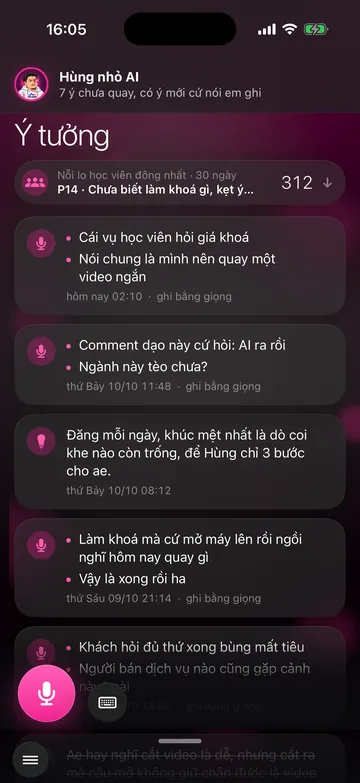
The Ideas screen and the Compass that sets what to record1:49
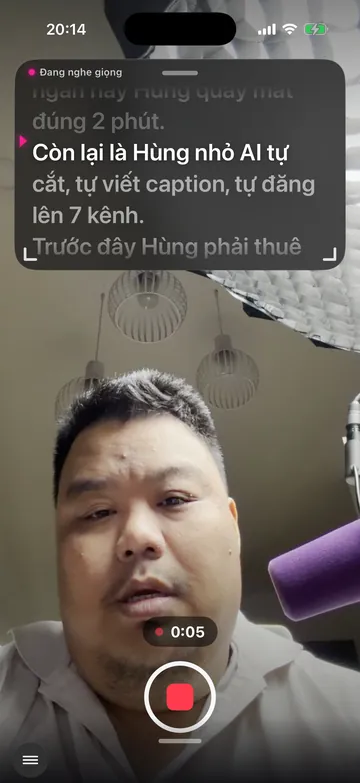
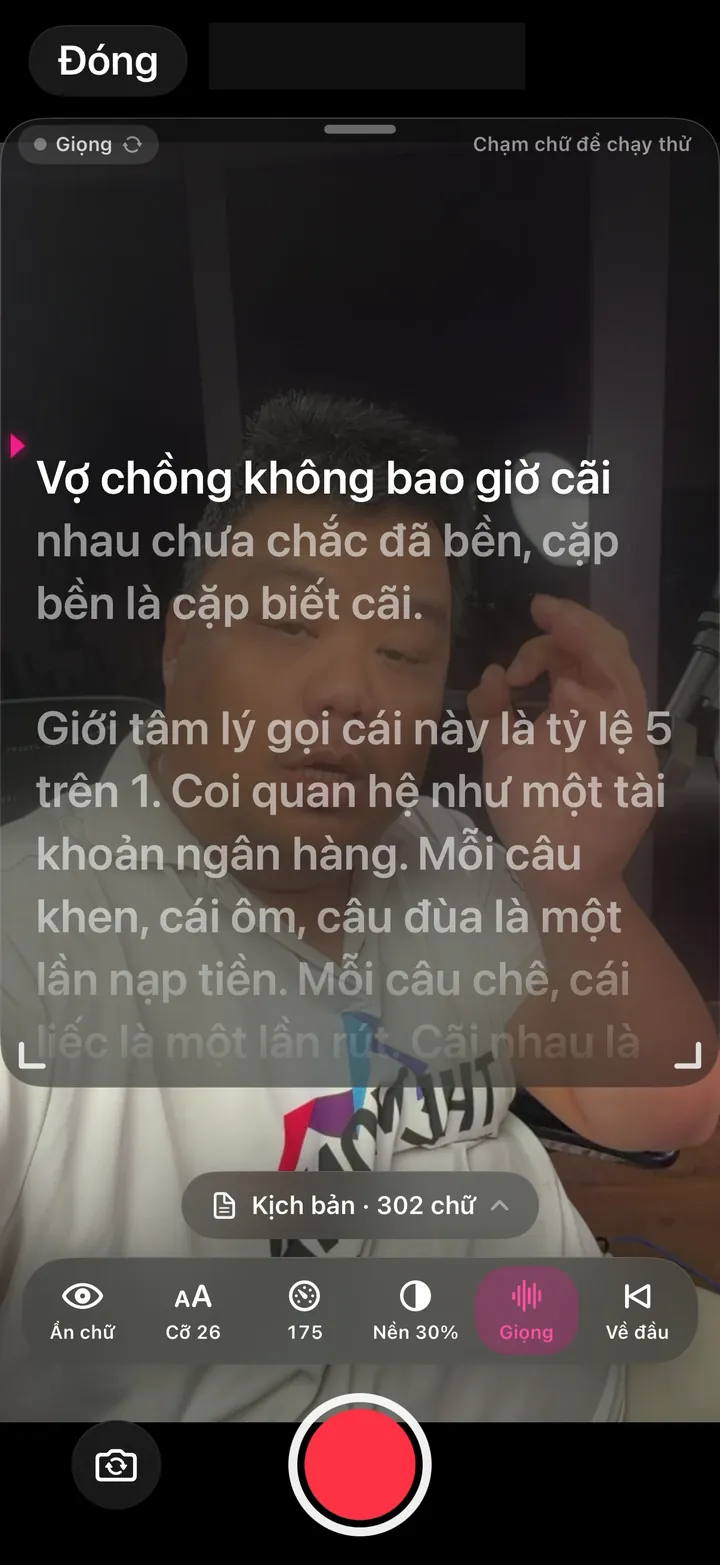
Teleprompter recording in the app, a 2-minute daily routine1:52
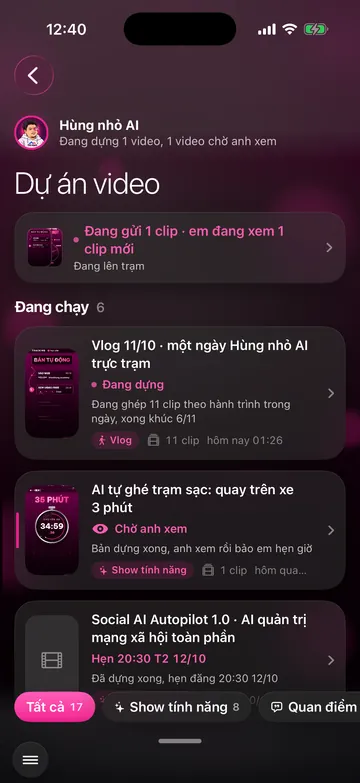
Track AI video editing progress right in the app1:08
Thought the posting calendar was broken, turns out the machine was smarter than me1:05
A video with a few hundred views that brings in messages, counted by AI1:25
A video with a few thousand views and 138 people sent messages1:32
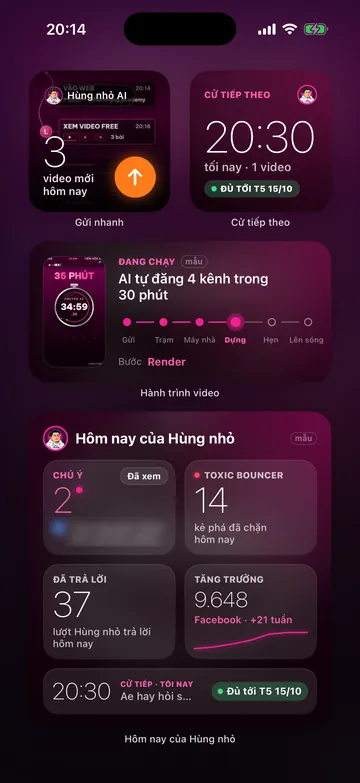
Widgets and each expert's own brand identity1:44
Anti-toxicity team2:00

Screens in the app

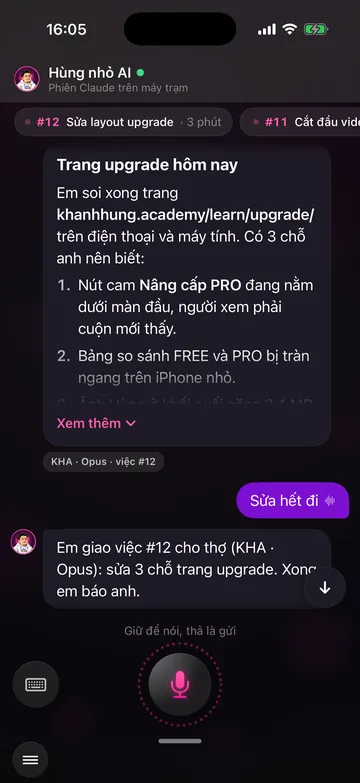
From idea to published video, just 5 swipeable screens

Five screens sit on a loop, in the order you make a video: swipe from the edge to the next one, and after the fifth you're back at the first.

  • One hand. Every button sits in the lower half of the screen.
  • Talk, don't type. Every action screen has a mic.
  • Your own app. With your name, photo and colors.

Management made smart

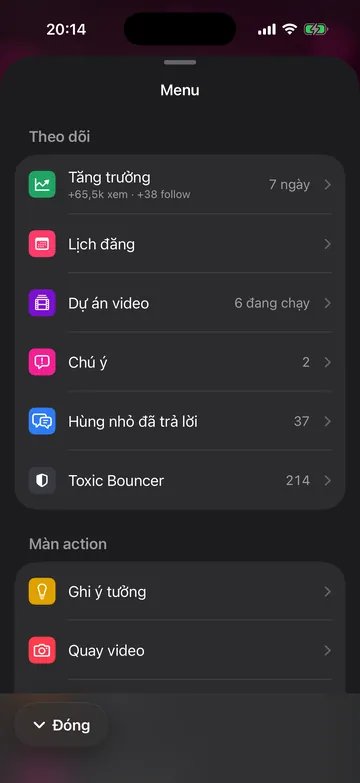
Open them from the menu button in the bottom-left corner.

101 features - 6 job groups
Every app feature, grouped by the job you want done

Want this app under your name?

An assistant with your name, photo and colors, on iPhone and Android.

Implementation process