
Feature 7/14 - Smart management
Personal brand direction: your assistant reads the numbers for each content branch and tells you what to record next
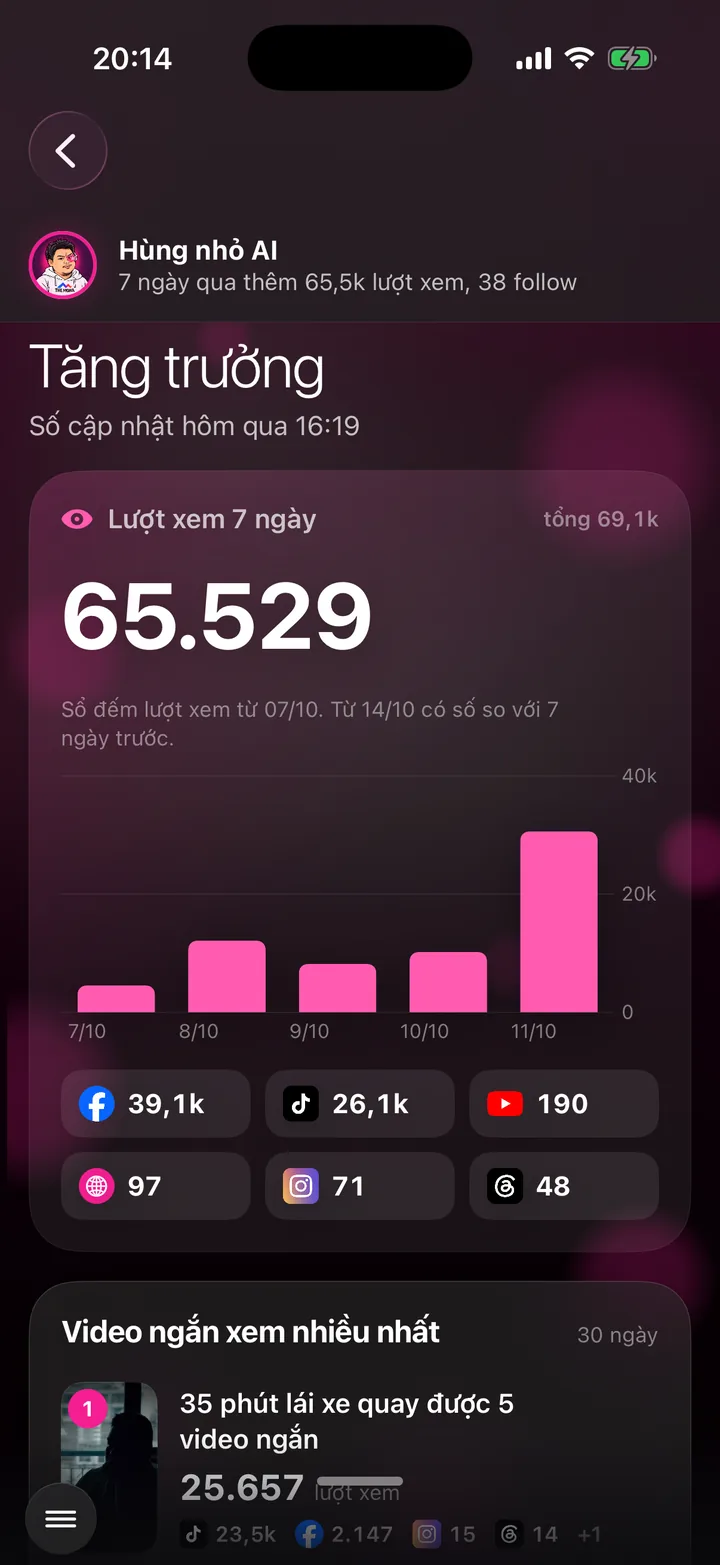

Your assistant reads the numbers for each content branch, checks them against the image you want to build, then points to the branch to do next and the mix for the coming week.
What this screen is for
Recording every day is only half of it. The other half is recording the right topics: topics that bring new viewers, topics that bring buyers, topics that protect your professional reputation, and topics that fit the image you want people to remember.
Your assistant sorts all your videos into content branches. For each branch it reads four numbers: how many people watched, how many new followers, how many customers asked, how many bought.
Your assistant checks those four numbers against the brand image you chose during setup. The result is clear advice: which branches to record next week, how many videos for each, and which branch to drop.
Explainer video
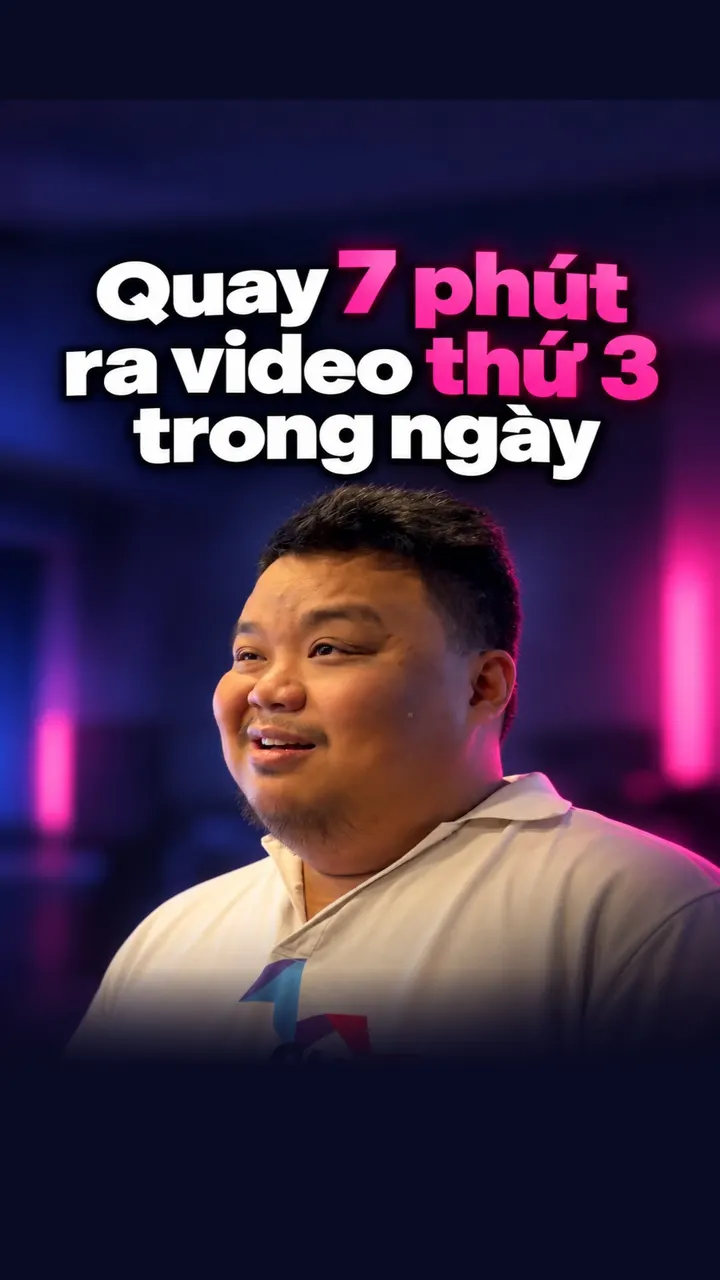
Watch Khánh Hùng explain this feature
 1:49
App demo video - Brand direction chapter, from 7:06
Watch Khánh Hùng open this screen in the real app
Watch the full video on YouTube
How to use it
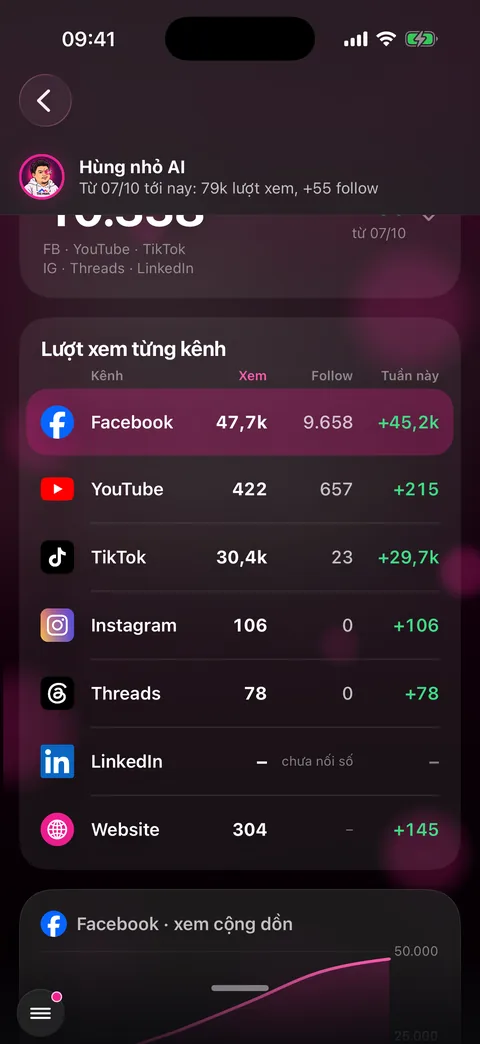
Open the menu in the bottom left corner and choose Growth to see the numbers for each channel and each video.
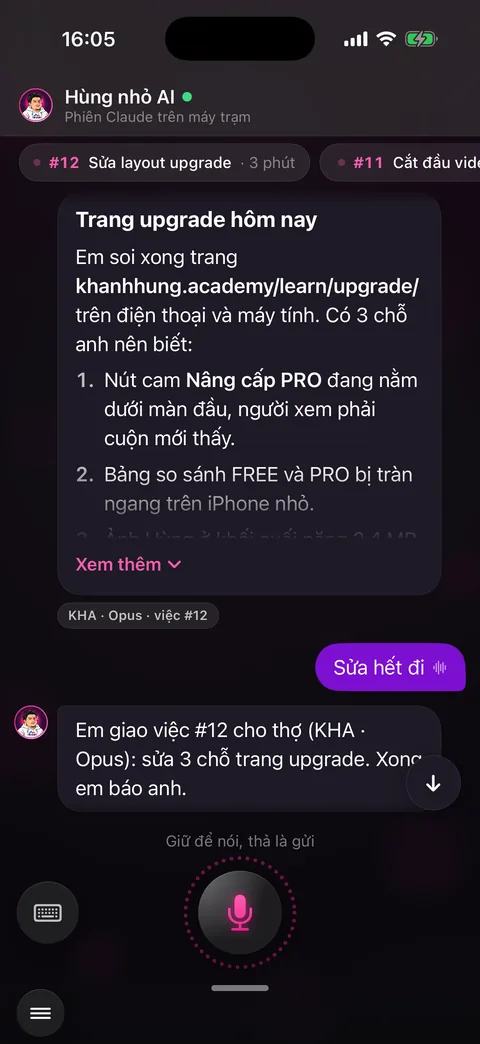
Swipe to the Talk to assistant screen. Hold the mic and ask, for example “what should I record next week” or “which branch is bringing in customers”.
Your assistant answers from your channel's real numbers: which branch gets the most views, which brings in money, which builds credibility, which fits your image best.
Your assistant suggests a mix for next week, for example three videos on this branch and two on that one, and says plainly which branch to drop because it's off-image.
Open the Video projects screen to see your videos already sorted by type by your assistant, and how many videos each branch has.
Behind the scenes, what the assistant does
The MONA AI Station collects numbers straight from the platforms every hour: views, followers, comments, purchase inquiries in messages.
Your assistant files each video under a content type based on what you actually say in it (the same as the video type filter on the Video projects screen), then adds up the numbers per branch.
The brand image you want to build lives in the Personal Brand DNA that MONA builds during setup. If a branch gets lots of views but is off-image, your assistant says so plainly and doesn't push you to chase trends.
What you get
- Know what to record next week, no guessing.
- Your channel grows in the right direction: viewers, customers and professional credibility, all at once.
- A consistent brand image across every video.
Examples by industry
A cardiologist asks “what should I record next week”. The assistant answers: the explaining lab results branch brings the most viewers, the a day at the clinic branch brings the most bookings. It suggests three lab result videos and two clinic videos.
A lawyer sees that videos commenting on hot cases get lots of views. The assistant points out that the divorce procedure Q&A branch is the one bringing consultation bookings, and it fits the image of a calm lawyer better.
A business owner asks which branch to keep making. The assistant points out that behind-the-scenes operations brings followers, customer stories brings quote requests, then suggests a mix of the two for next week.
Want this app under your name?
An assistant with your name, photo and colors, on iPhone and Android.
Implementation process