nhanhieu.ai

12 features - Safe to use for years

nhanhieu.ai security: built to last, your data stays yours alone

Sign in with your fingerprint, no password to remember. Your data never mixes with anyone else's. The app runs smoothly and keeps up with new iPhone and Android releases.
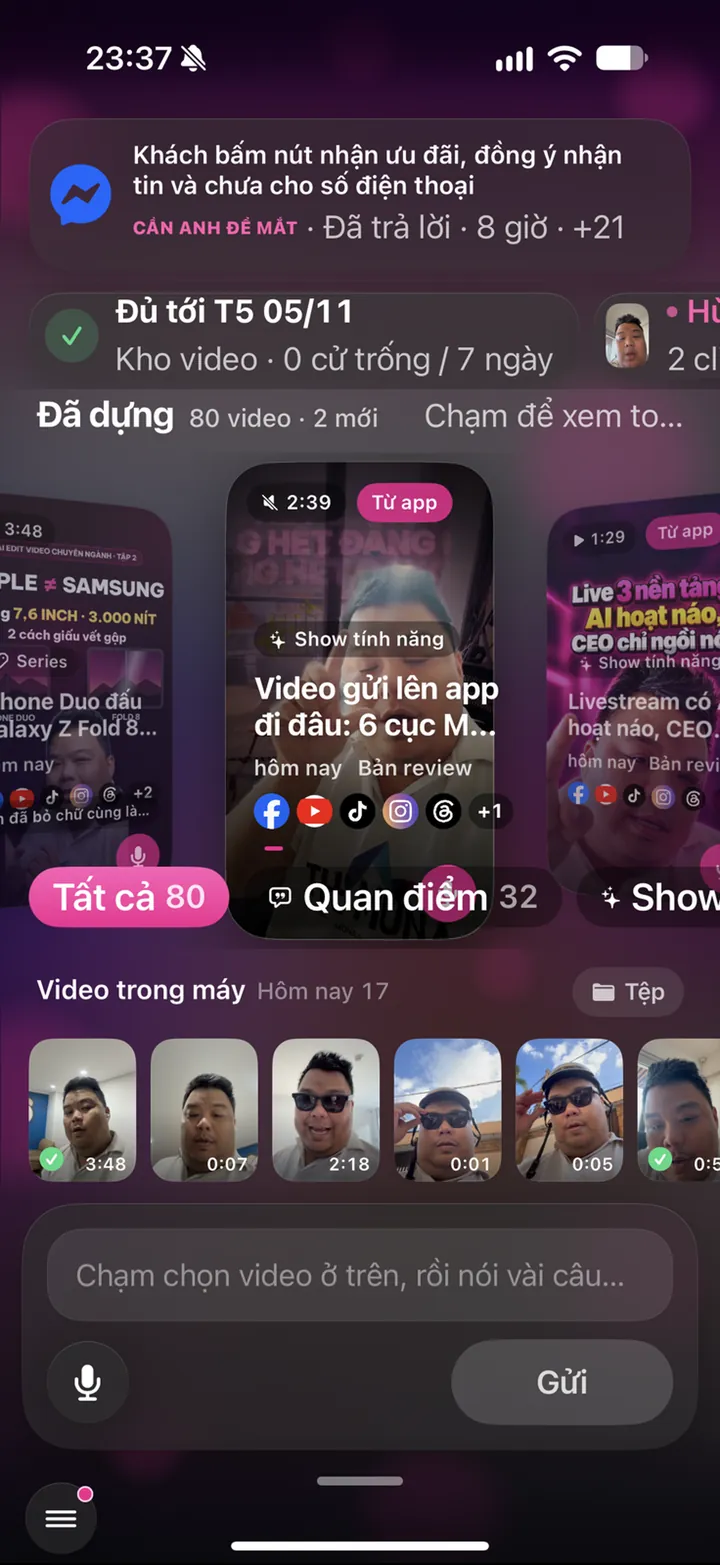
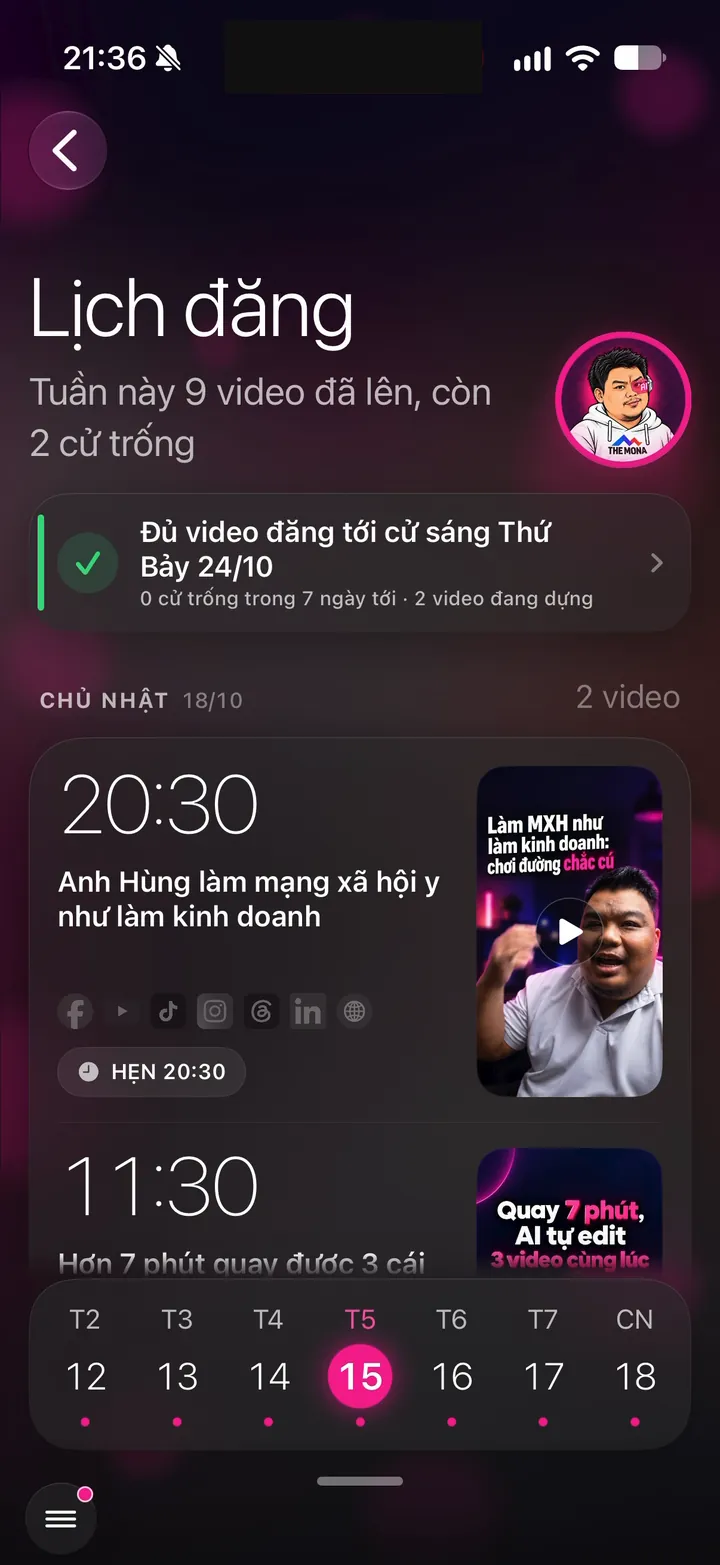
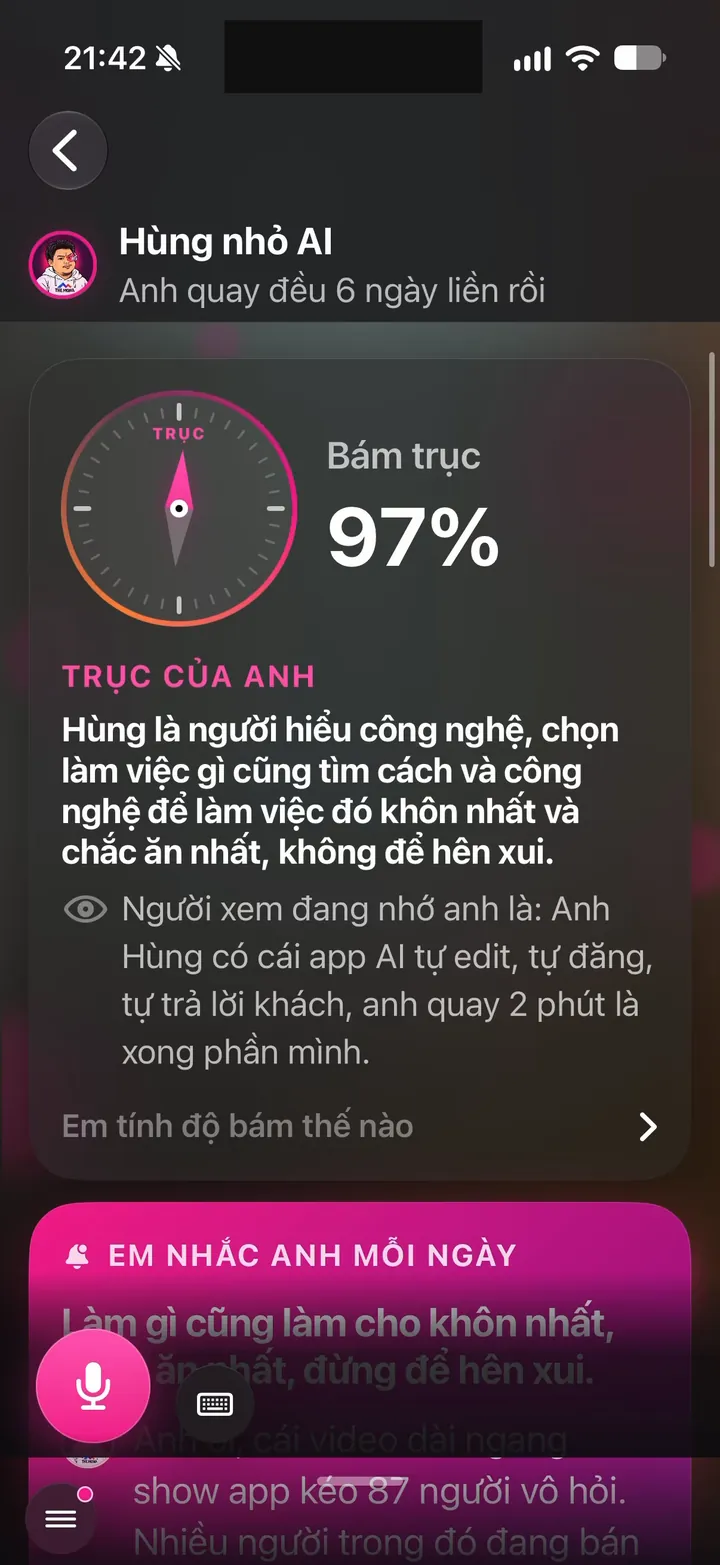
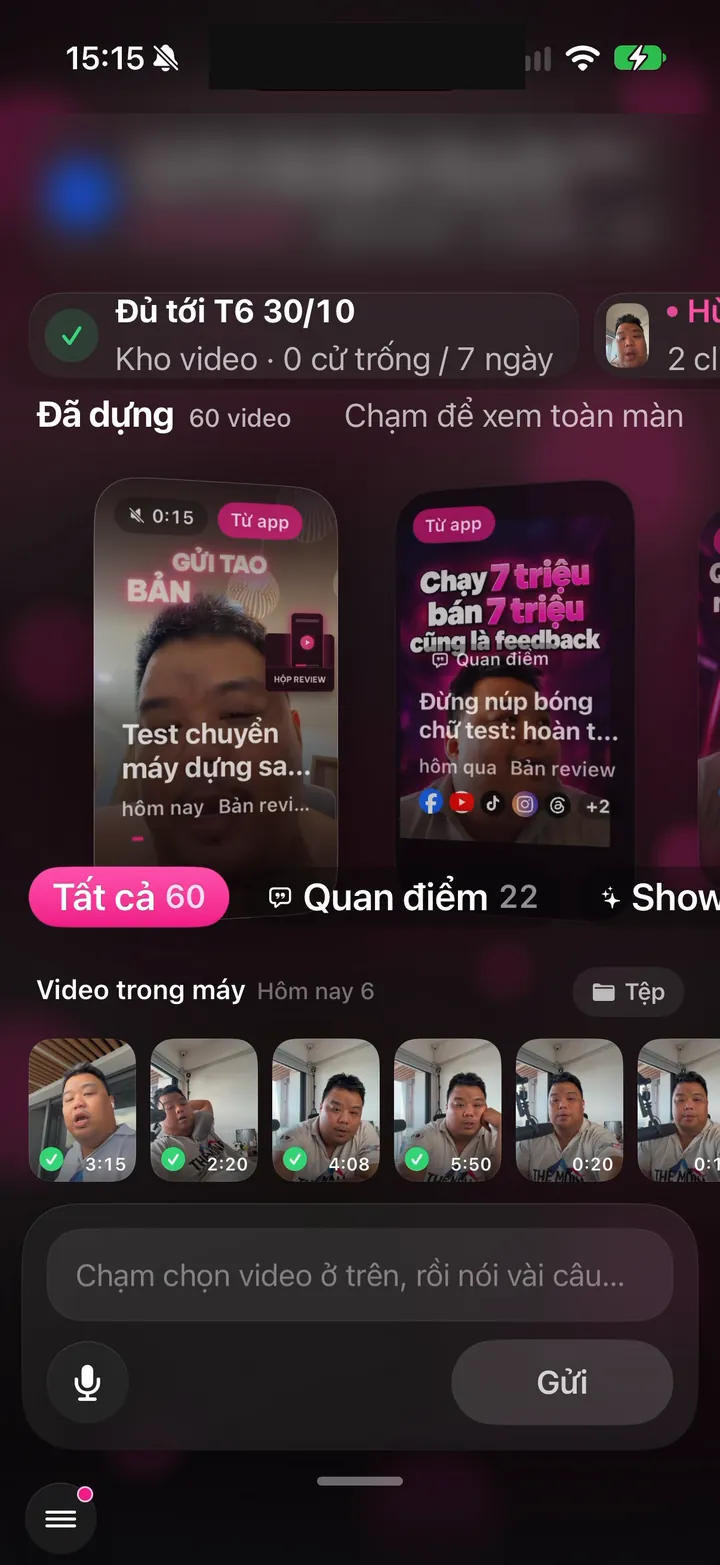
Real Hùng nhỏ AI app screen: Home screen at launch: covered through Friday, Oct 30, 60 videos edited
iOS - Android

Interface

2 features
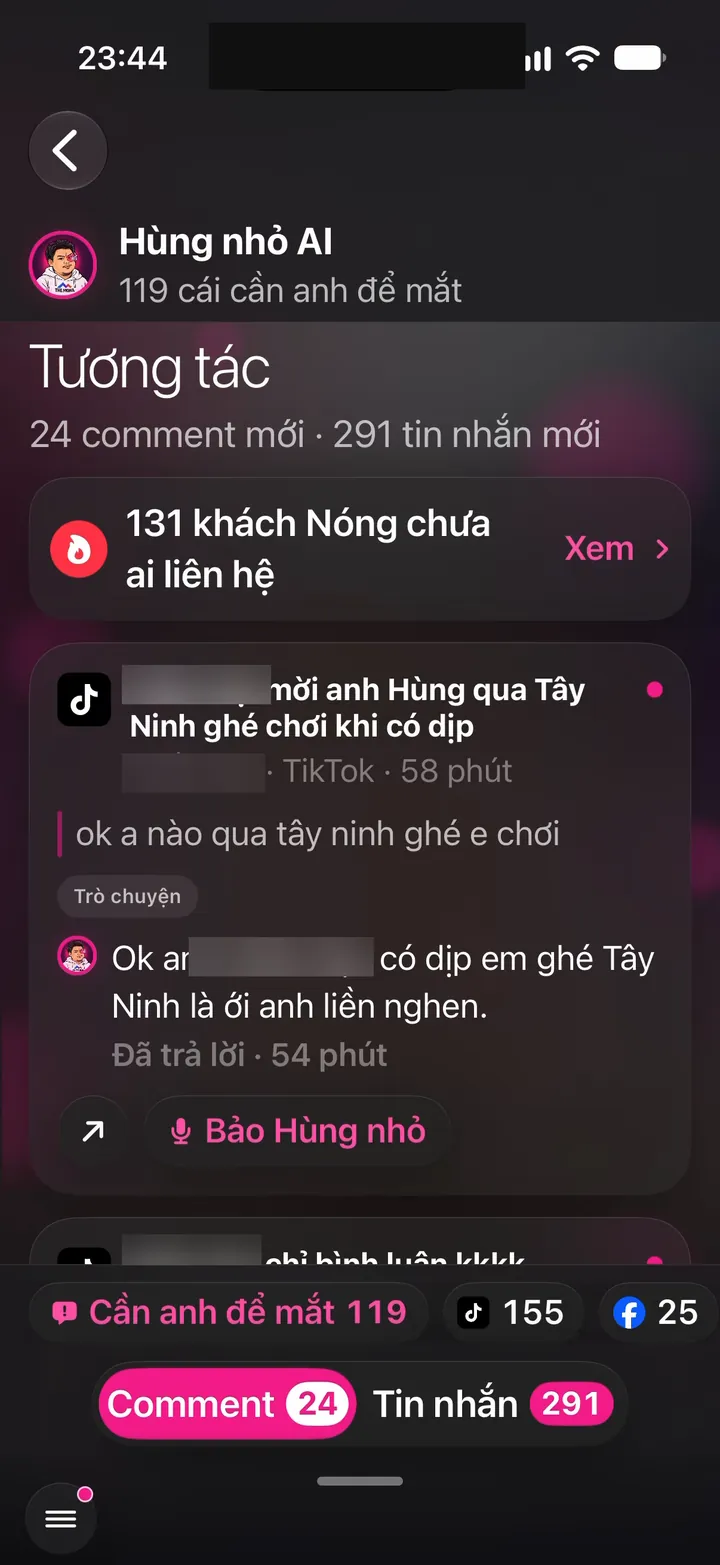
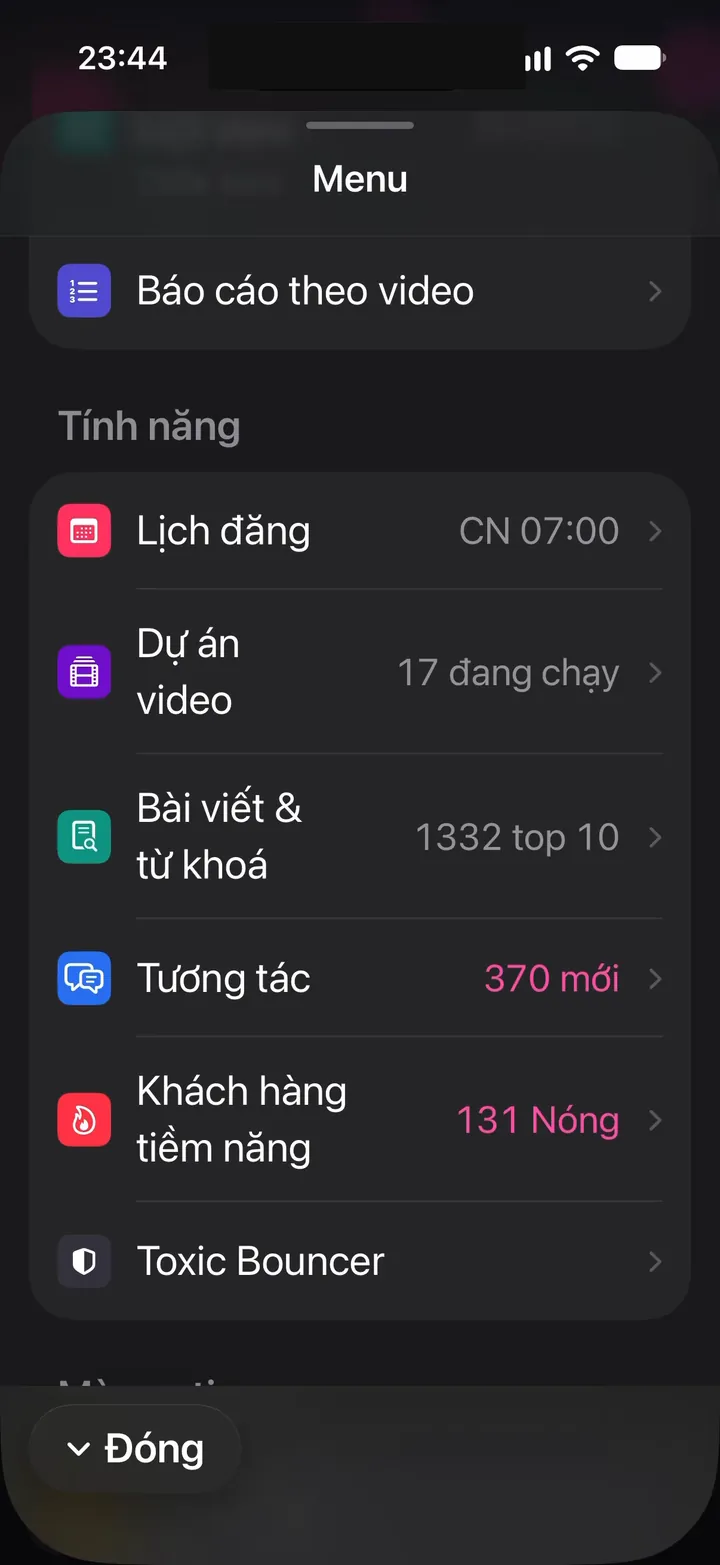
Real screen of Khánh Hùng's Hùng nhỏ AI app. Features menu: 17 active projects, 370 new interactions, 131 Hot leads
01iPhone

Swipe between 4 main screens, one-handed

What you get

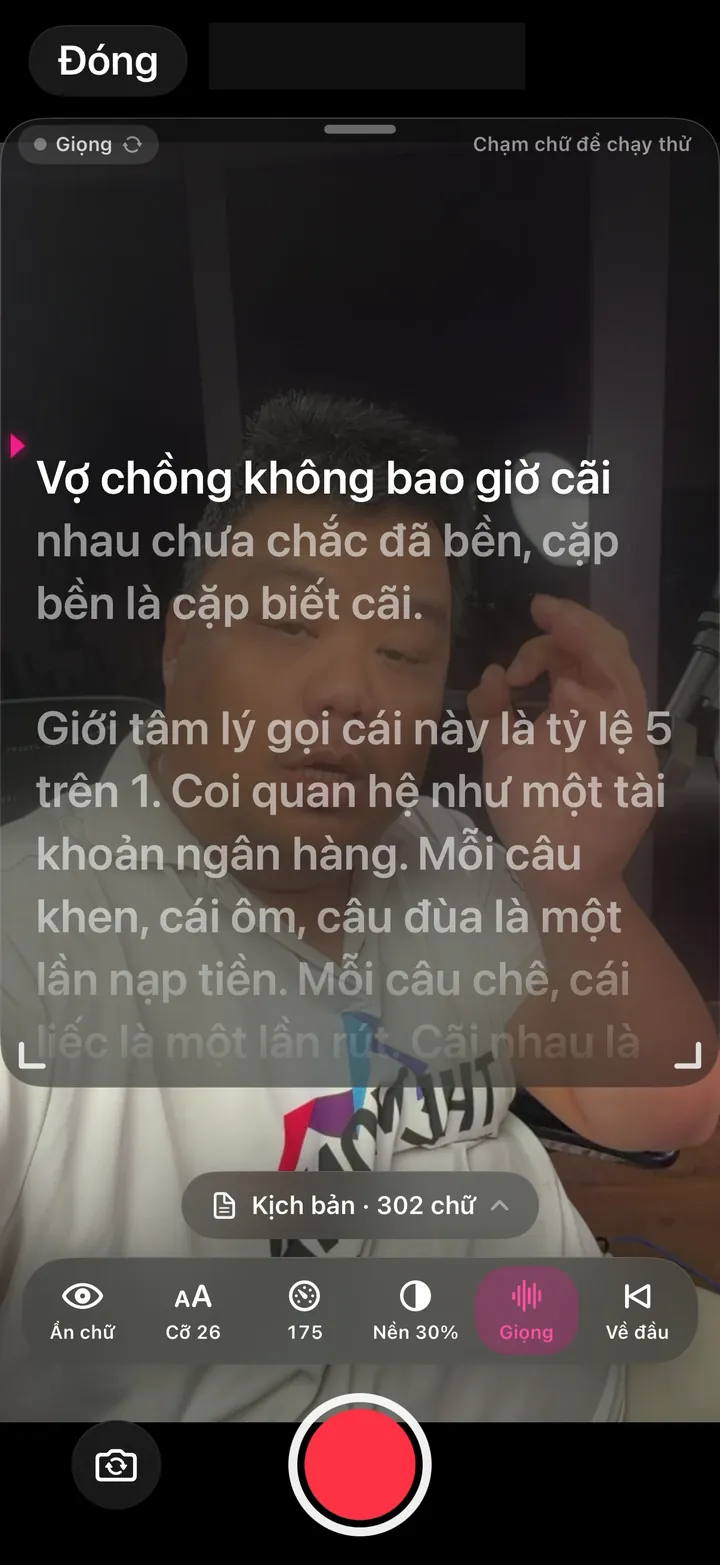
Record, Publish, Talk to assistant, and Calendar sit on one horizontal swipe loop, and the screen follows your finger. The menu button is in the bottom left and the grab bar at the bottom, all within thumb reach. Use the whole app with one hand.

Why it's hard to build

Smooth page swiping means measuring every frame and fixing any that lag. It has to coexist with the iOS back swipe without the two fighting. Every button sits in the thumb zone, not in the top right corner like most apps.

Real screen of Khánh Hùng's Hùng nhỏ AI app. Home screen at launch: covered through Friday, Oct 30, 60 videos edited
02Android

Themed icon and edge-to-edge display

What you get

Turn on themed icons and the nhanhieu.ai bear icon turns a single color that matches your wallpaper, like Google's apps. The app fills the whole screen, and buttons are never hidden behind the navigation bar. Clean like a native app.

Why it's hard to build

The monochrome icon had to be hand drawn as separate vector paths, since the color icon can't be reused. Android 16 forces every app edge to edge, so a web-wrapped app has to reserve the right safe area on each phone.

Store

1 features
Real screen of Khánh Hùng's Hùng nhỏ AI app. Most viewed videos: 48,042 and 32,976 views
03Android

Asks for a rating at the right moment

What you get

The app only asks for a rating after you've received your third video, once you've seen it deliver. The rating sheet appears right in the app, without switching to the store. New users are never bothered.

Why it's hard to build

Google limits how often the rating sheet can appear and never tells the app how many stars the user gave. A web-wrapped app has to go through an intermediate native screen. Pick the wrong moment and the chance to ask is gone.

System

2 features
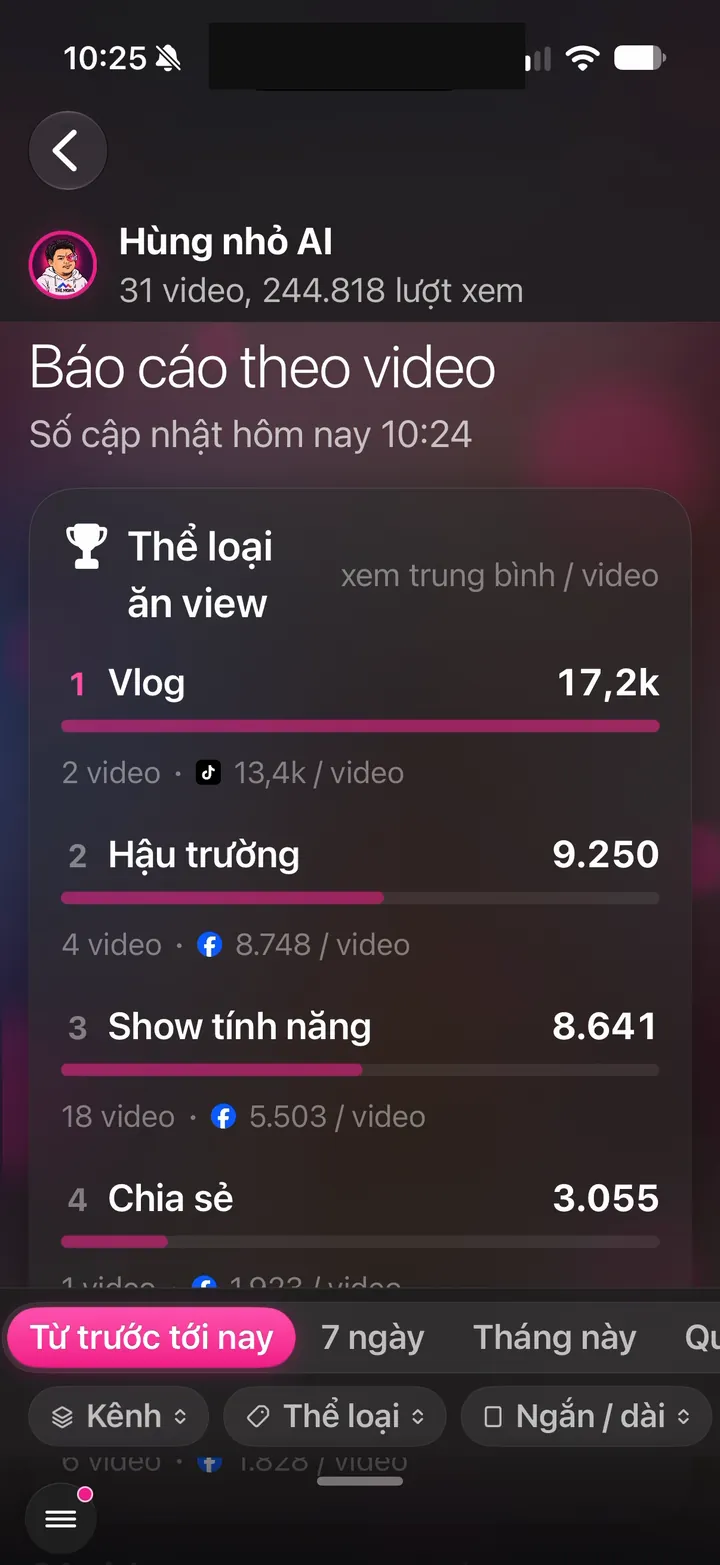
Real screen of Khánh Hùng's Hùng nhỏ AI app. Per-video report: top performing formats, Vlog 17.2k per video
04Android

Android 16 ready: edge to edge, predictive back, large screens

What you get

Swiping back goes to the previous screen in the app. An open menu or detail pane closes first, and the app only exits from the first screen. Buttons are never hidden by the bottom bar. Plug into DeX, switch between light and dark mode, or rotate the phone, and the app doesn't restart.

Why it's hard to build

By default a web-wrapped app treats the whole app as one page, so swiping back anywhere exits immediately. Every screen change has to be recorded in the browser history so Android 16's predictive back has somewhere to go. The review also caught an old bug: the app crashed on launch on Android 7.0 because it called a feature only available from Android 7.1. Google Play requires every app to meet the Android 16 standard from late 2026.

This is the foundation that makes going back, rotating, and large screens work naturally.

Real screen of Khánh Hùng's Hùng nhỏ AI app. Features menu: 17 active projects, 370 new interactions, 131 Hot leads
05Android

Ready for Android 17

What you get

Android 17 changes the rules for local network access, widget images, SMS OTP codes, and security certificates. The app has been built against the Android 17 SDK and checked rule by rule, so widgets and sign-in won't break when your phone updates. You won't have to wait for a fix.

Why it's hard to build

It means studying the next Android release's changes ahead of time and test-building with the new SDK. This review also caught an old bug that crashed the app on Android 7.0. Most apps only fix things after users report bugs.

This is the compatibility foundation that keeps the app running when your phone gets an OS update.

Links

1 features
Real photo illustrating nhanhieu.ai links open straight to the right screen in the app
06Android

nhanhieu.ai links open straight to the right screen in the app

What you get

Video or inbox links sent via Zalo or email open the app right where they should. No browser detour, no signing in again. iPhone already works this way.

Why it's hard to build

Android has to verify that nhanhieu.ai owns the app, and re-verify periodically. In-app browsers in Zalo and TikTok often hold onto links, so the landing page needs its own Open in app button.

Account

2 features
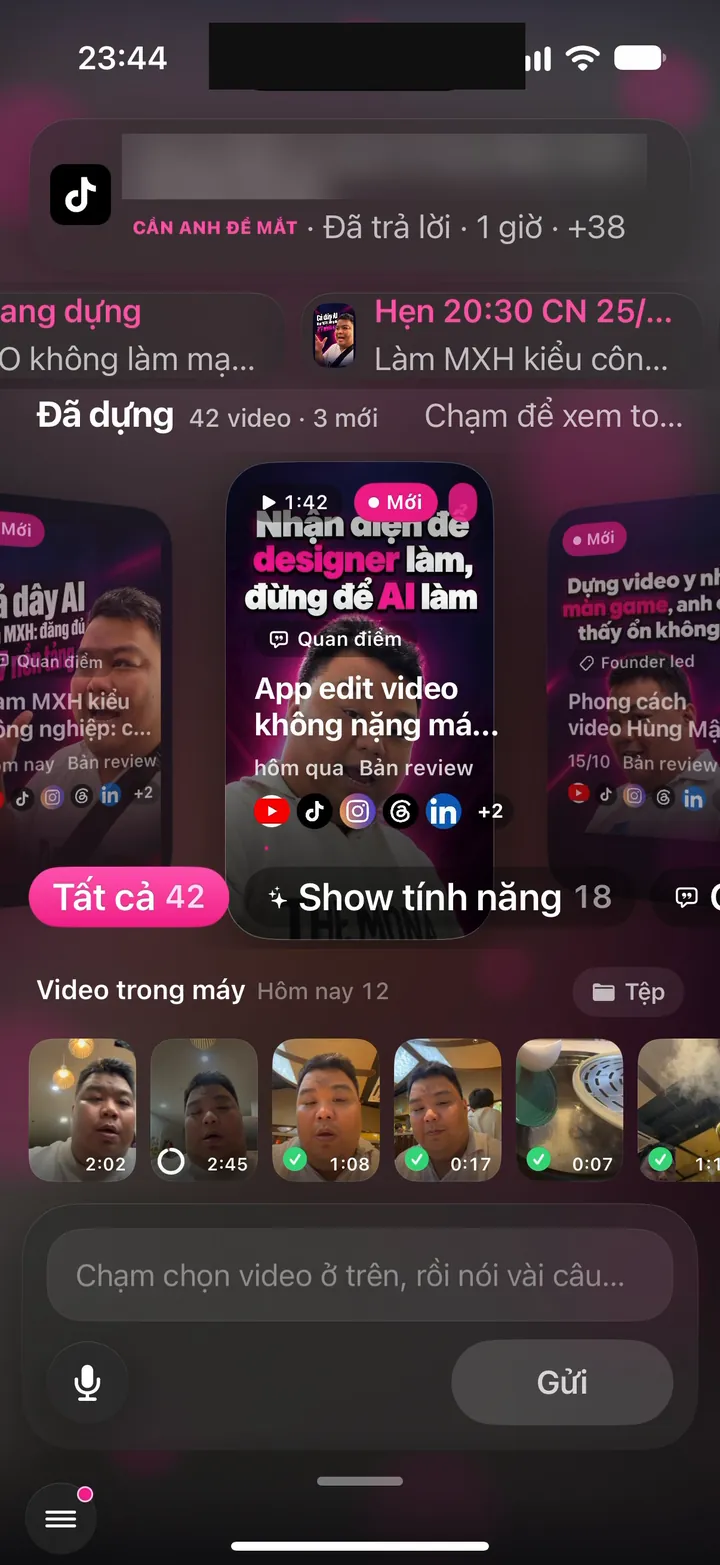
Real screen of Khánh Hùng's Hùng nhỏ AI app. Home screen: 42 edited videos, phone videos, voice box and Send button
07iPhoneAndroid

Sign in at the right time with Apple, Google, or email

What you get

Open the app and sign in with one tap using Apple, Google, or email. No account yet? The app creates a free one on the spot. The 15-second AI edit trial runs on that account too, so your trial, videos, and Brand Anchor follow you to any other phone. Use whichever way is most convenient.

Why it's hard to build

Multiple sign-in methods have to link back to exactly one person. An account created with Google on Android can still sign in on iPhone by setting a password. Signing in on another phone never loses work in progress or carries over anyone else's private data.

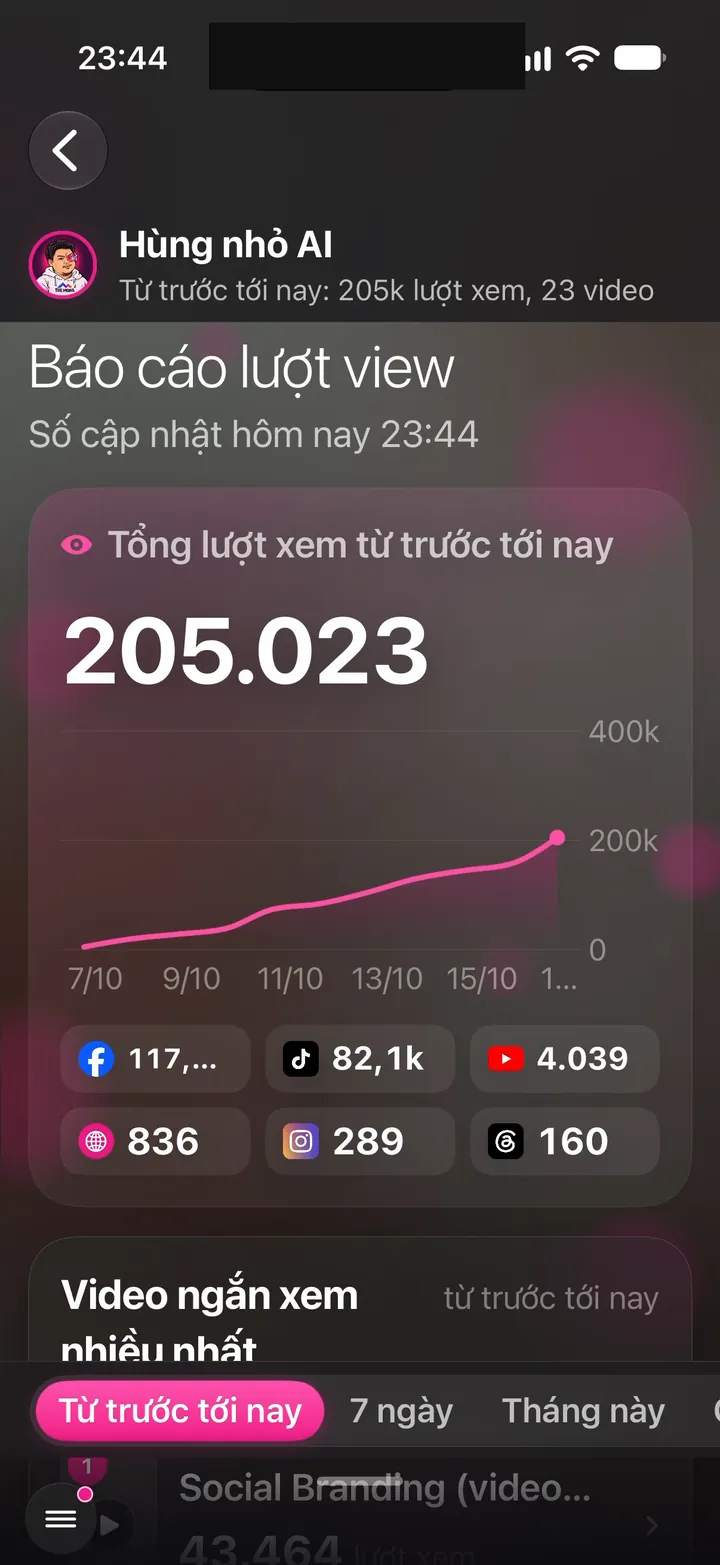
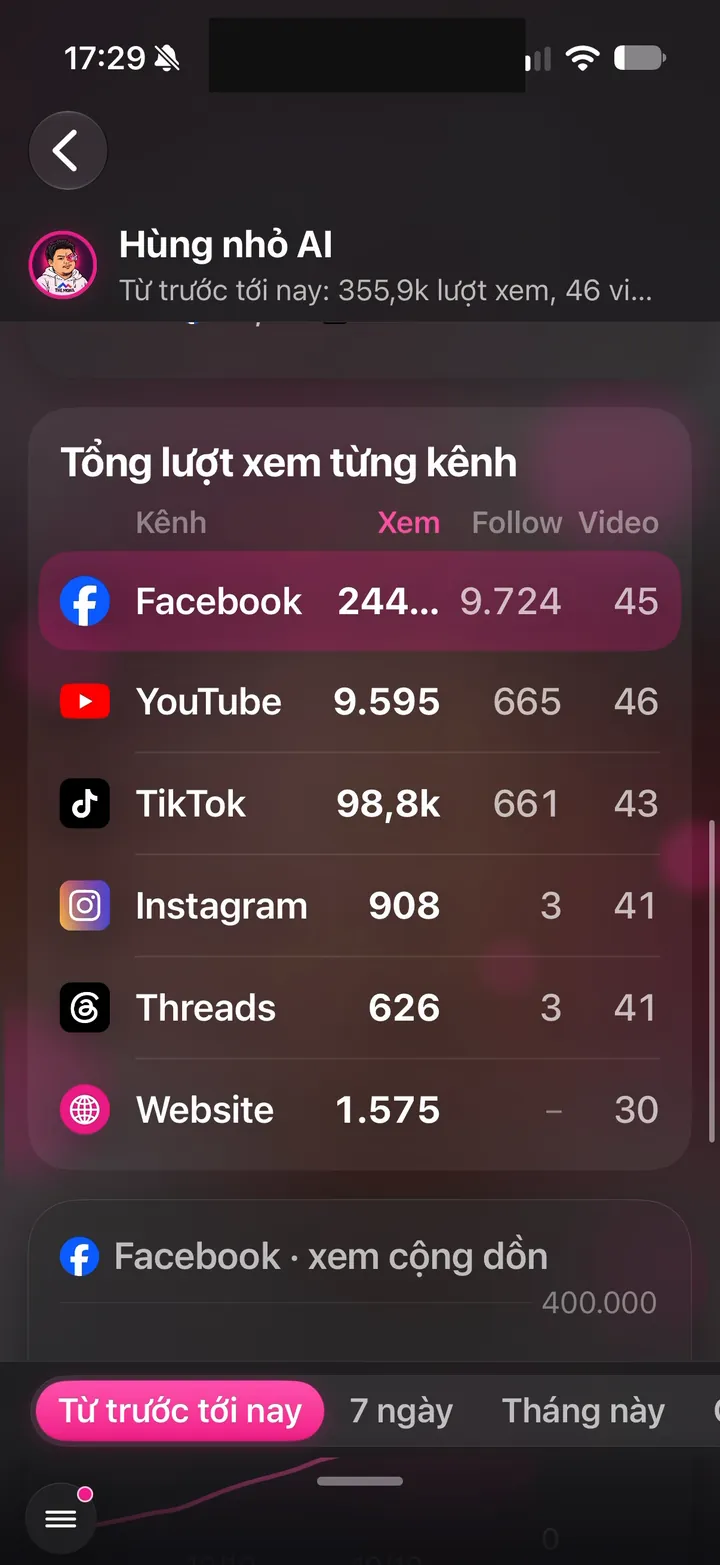
Real screen of Khánh Hùng's Hùng nhỏ AI app. View report: 205,023 views, broken down by channel
08iPhoneAndroid

Never mixes data between two people

What you get

Spouses, coworkers, or anyone sharing a phone number still get separate accounts, and each sees only their own channels and customers. Signing out leaves nothing behind: the previous account's video library, Brand Anchor drafts, notifications, widgets, and progress cards are all cleared. Hand your phone to someone else without exposing your customers.

Why it's hard to build

Profiles are merged only on strong keys like a sign-in account or verified email. Phone numbers, names, and devices are just hints and never trigger an automatic merge. Cleanup on sign-out has to reach widgets, Dynamic Island, and the send queue too. MONA learned this rule from experience and applies it to every system with user profiles.

Security

4 features
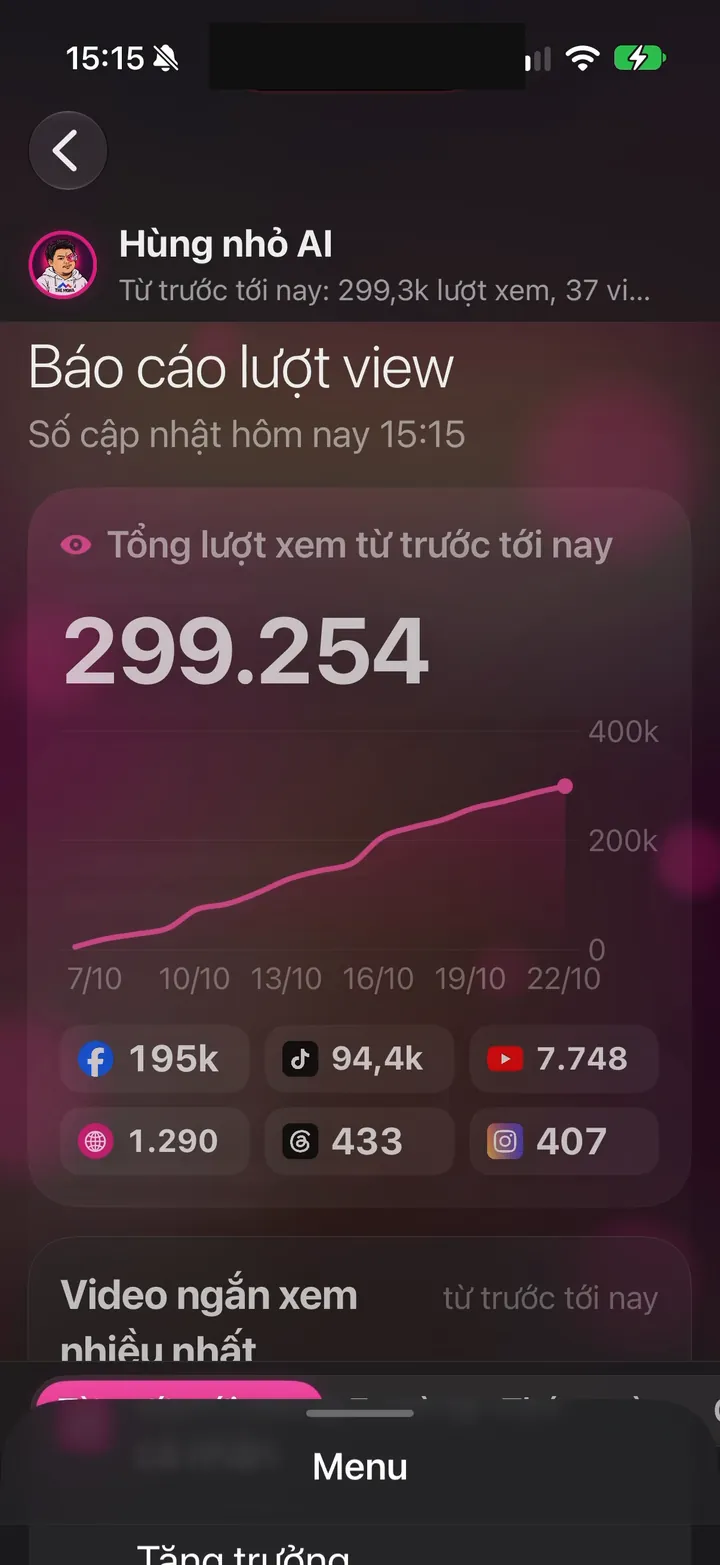
Real screen of Khánh Hùng's Hùng nhỏ AI app. View report: 299,254 views, chart from Oct 7 to Oct 22
09iPhone

Sign-in key stored in the iPhone's secure vault

What you get

Your sign-in key lives in Keychain, the iPhone's secure vault. Never in a regular file, never printed to logs. Widgets and background uploads still work without exposing the key.

Why it's hard to build

The key is shared by the app, widgets, and progress cards, so it needs a shared keychain group with tight limits. It becomes readable after the first unlock so background uploads can run, but stays locked to outsiders. The sample data preview screen is hard-blocked from calling the real server.

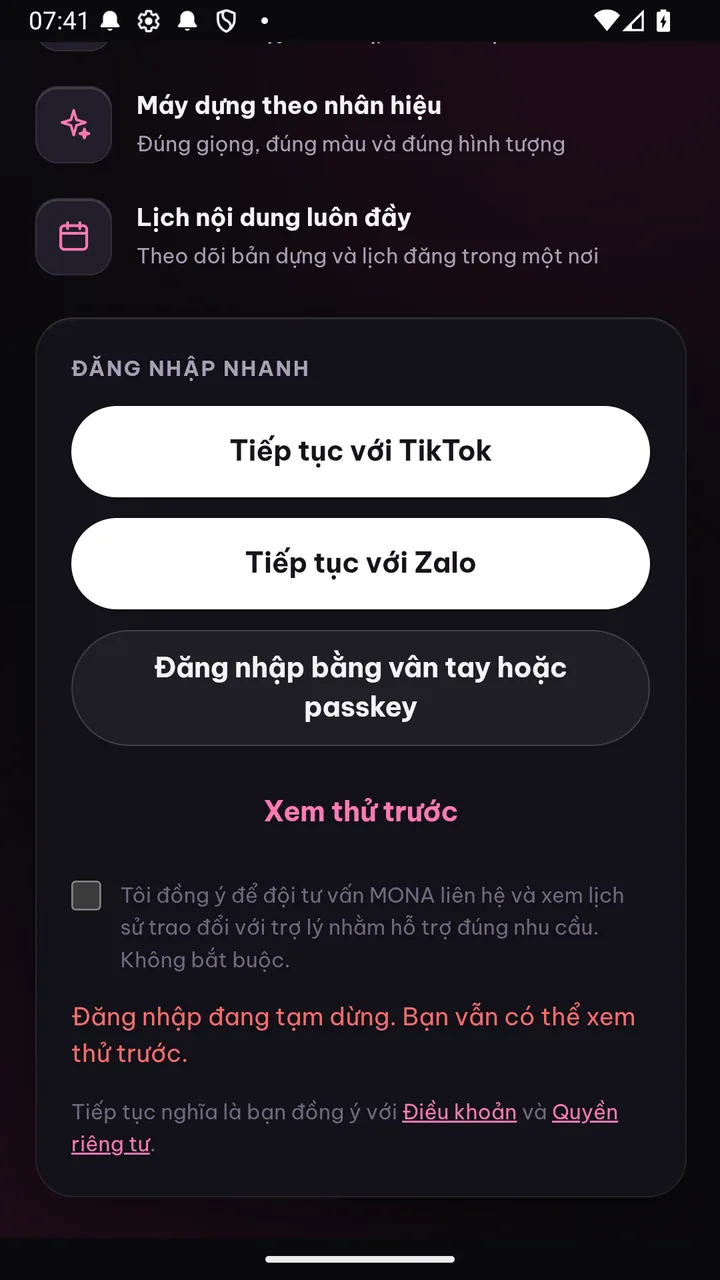
Real photo illustrating Sign in with your fingerprint, no password
10Android

Sign in with your fingerprint, no password

What you get

Next time, just touch your fingerprint or look at the screen to open the app. No OTP codes, no passwords. The same key works on the web and in the app. No password means nothing to leak.

Why it's hard to build

Fingerprint keys built on the passkey standard need a server that properly supports WebAuthn. On Android 14 and later, they go through the phone's shared credential manager, which also shows Samsung Pass. Google, WhatsApp, and TikTok already use this standard.

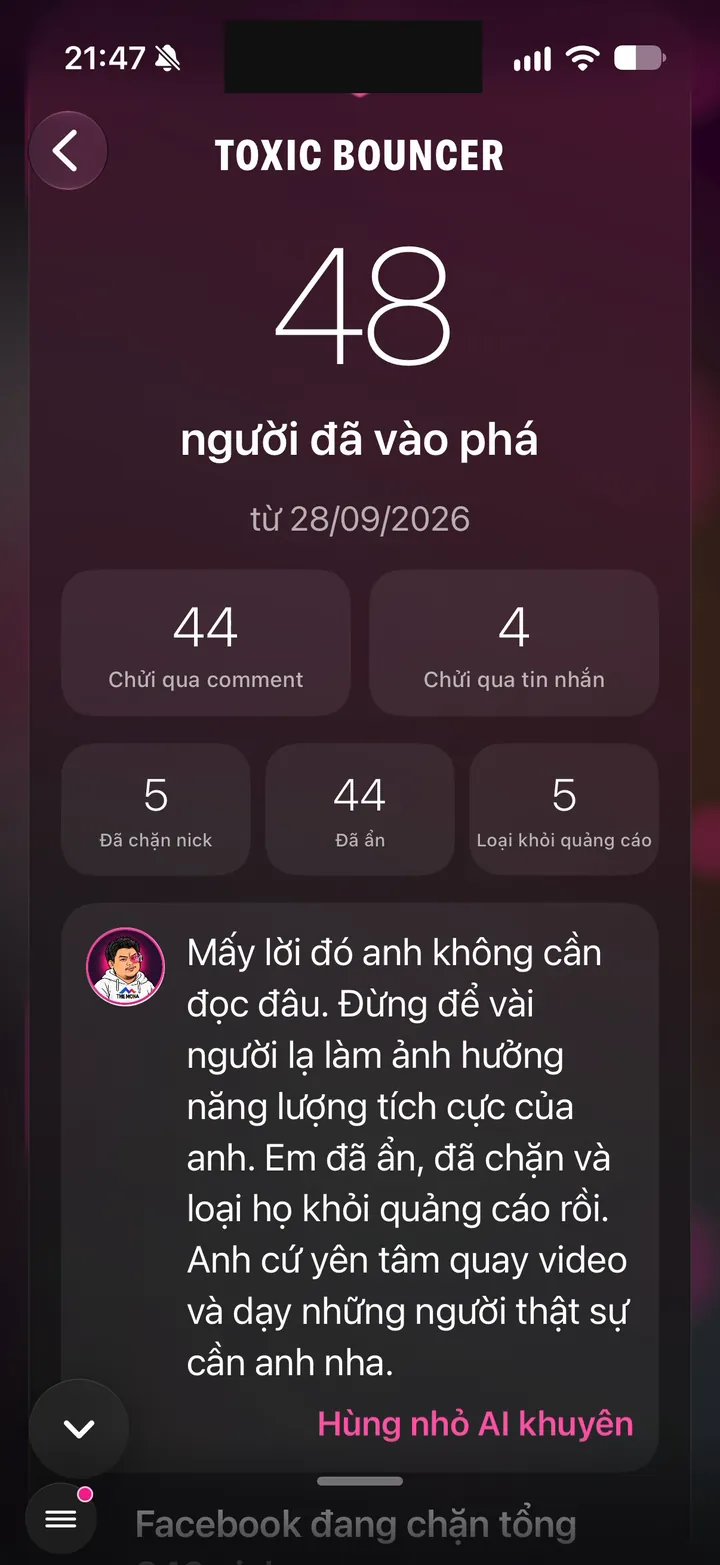
Real screen of Khánh Hùng's Hùng nhỏ AI app. Toxic Bouncer: 48 trolls, 44 hidden, 5 blocked
11Android

Blocks mass fake account creation

What you get

Free AI edit trials (sign-in required) are for real people. The server grants trials only to the Google Play version of the app running on a real phone, while emulators and bulk account tools just get a prompt to download the app from Google Play. Fake accounts can't jump the video editing queue.

Why it's hard to build

The app requests an attestation from Google Play tied to the signed-in account's trial, and the server checks it with Google, keeping only a hash of the attestation. A phone that passes once stays passed, so real people aren't blocked by mistake on a shaky connection. Banks, TikTok, and WhatsApp use the same mechanism.

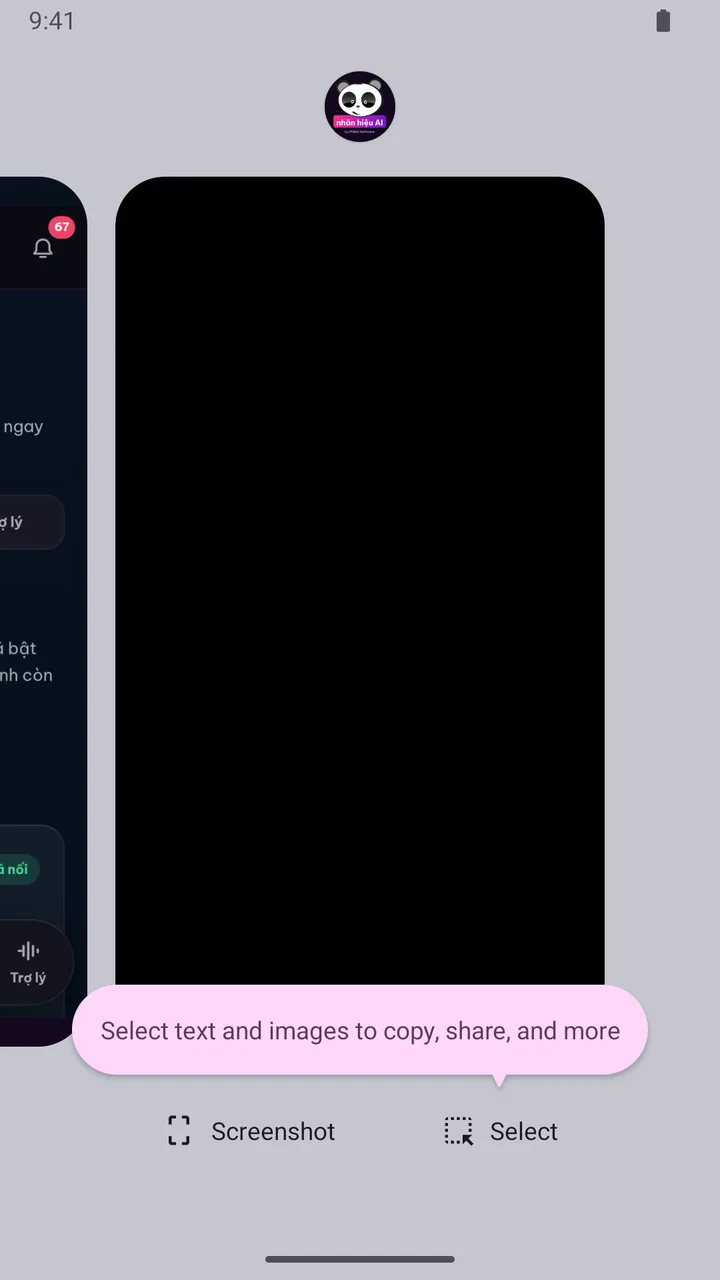
Real photo illustrating Inbox protected from screenshots and screen recording
12Android

Inbox protected from screenshots and screen recording

What you get

Turn on Inbox screenshot lock in Account, and the inbox opens in its own window with a lock icon. Screenshots come out black, screen recording or casting shows black too, and the recent apps list doesn't reveal messages either. If the phone has Android 16's Advanced Protection on, the app turns this lock on automatically. Customer messages and phone numbers are assets that never leak.

Why it's hard to build

A web-wrapped app is drawn by Chrome, and Android won't let an app put a screenshot lock on what Chrome draws. So the app builds its own separate window, signed in with the existing session, opens only the inbox there, and locks that window, while other screens can still be captured normally. Banks and Signal use this kind of lock.

Related features

Other job groups in the app

From one feature to a whole channel-building system

You record and give instructions on your phone. The assistant edits, posts and monitors your channels, all in one app.

See all 101 features