nhanhieu.ai

27 features - Recording as easy as talking

Video recording app for experts and CEOs: ideas ready to talk about, done in 2 minutes

Fresh ideas every day that fit your personal brand. The teleprompter sits right under the lens. The camera holds the light and framing, so all you do is talk.
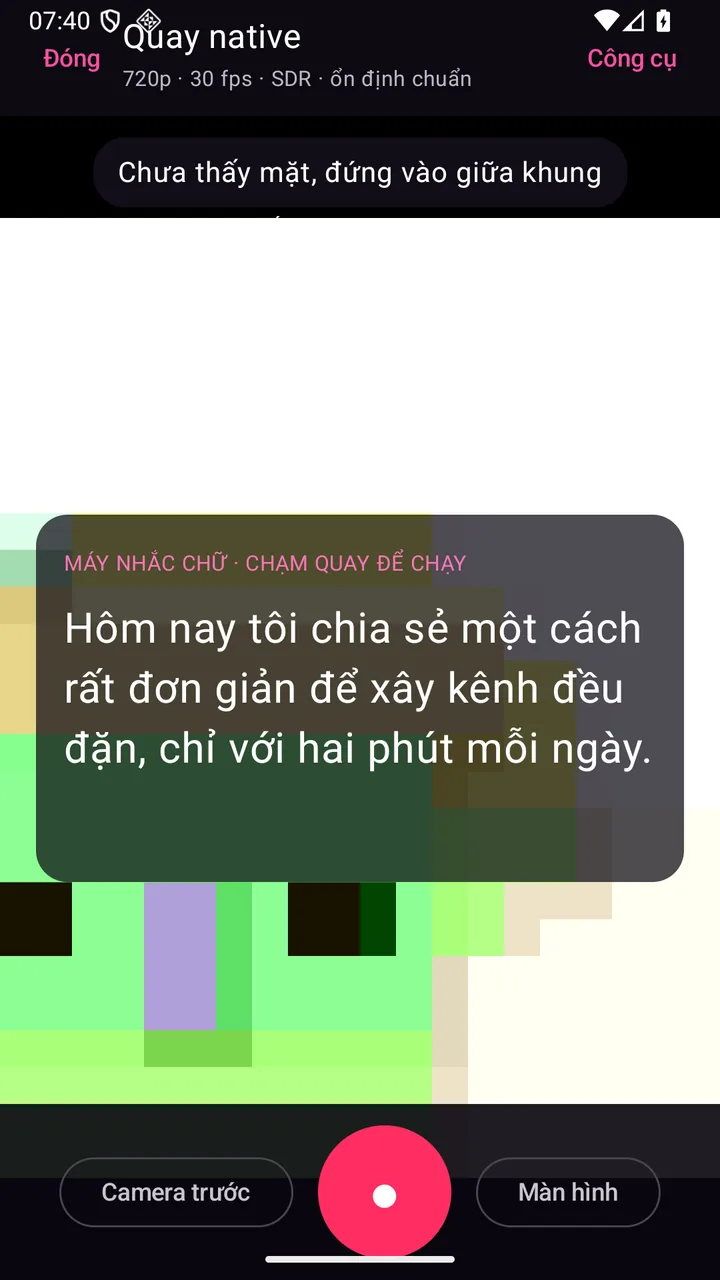
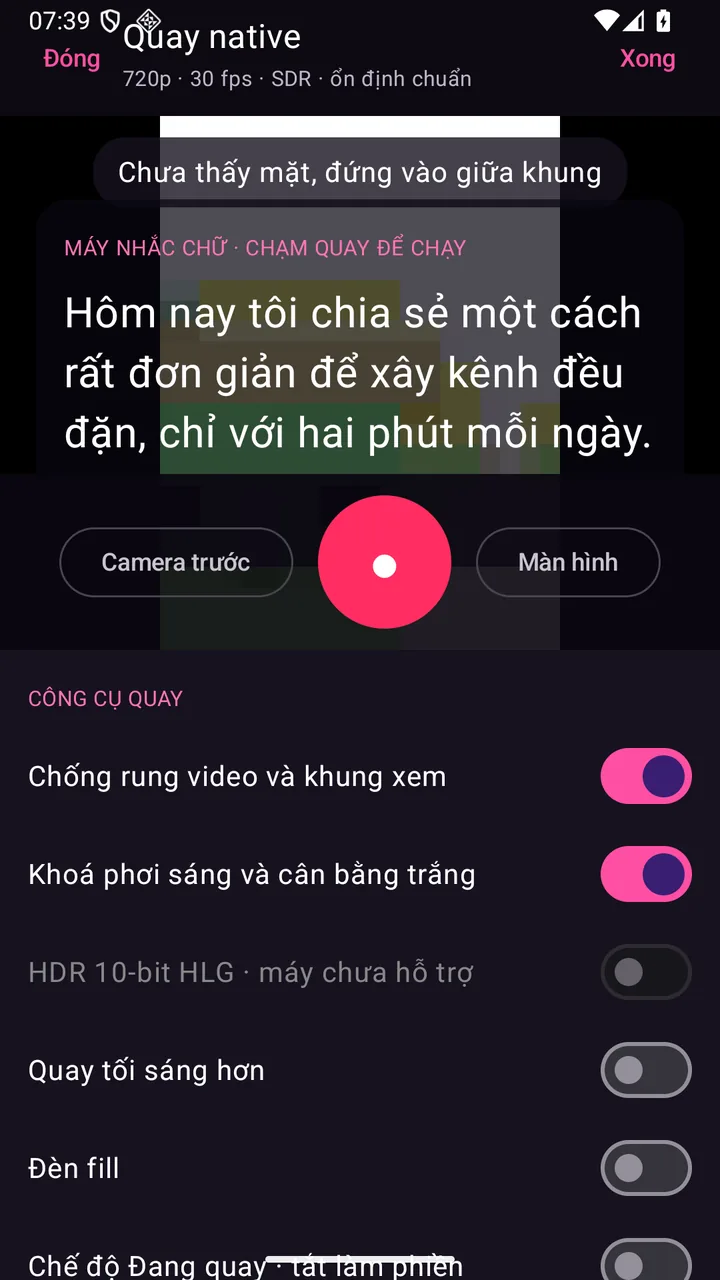
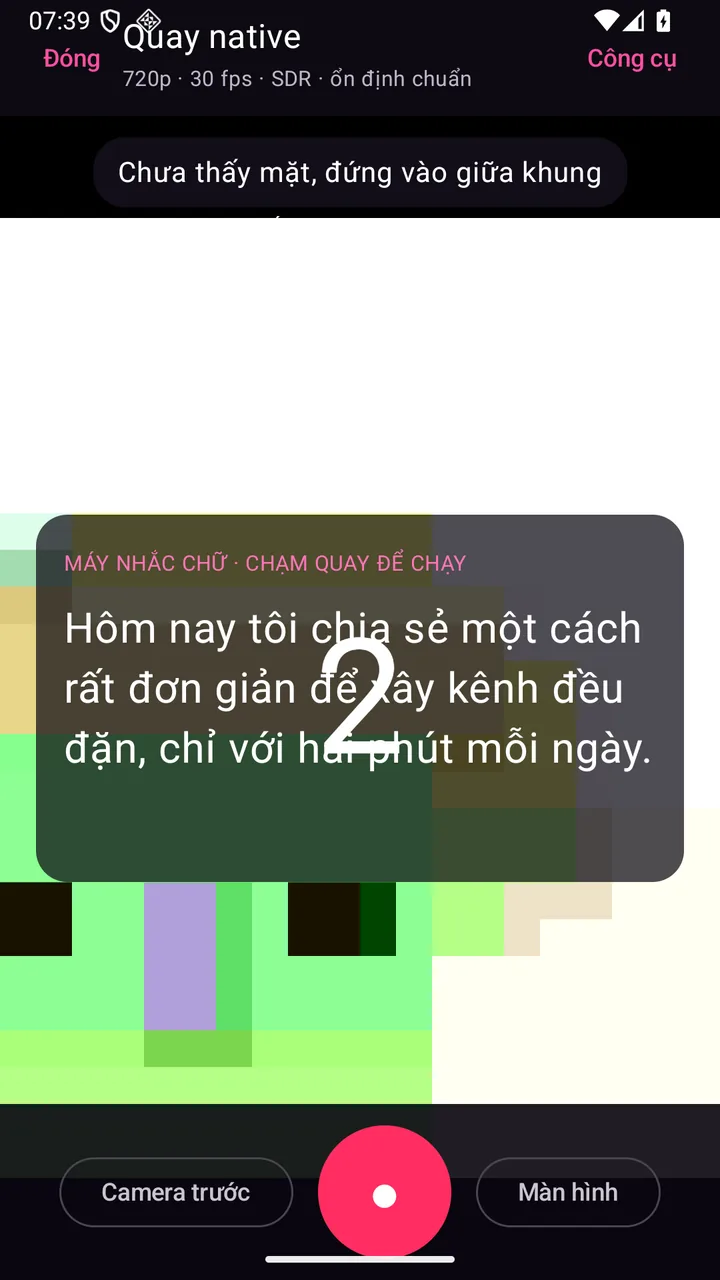
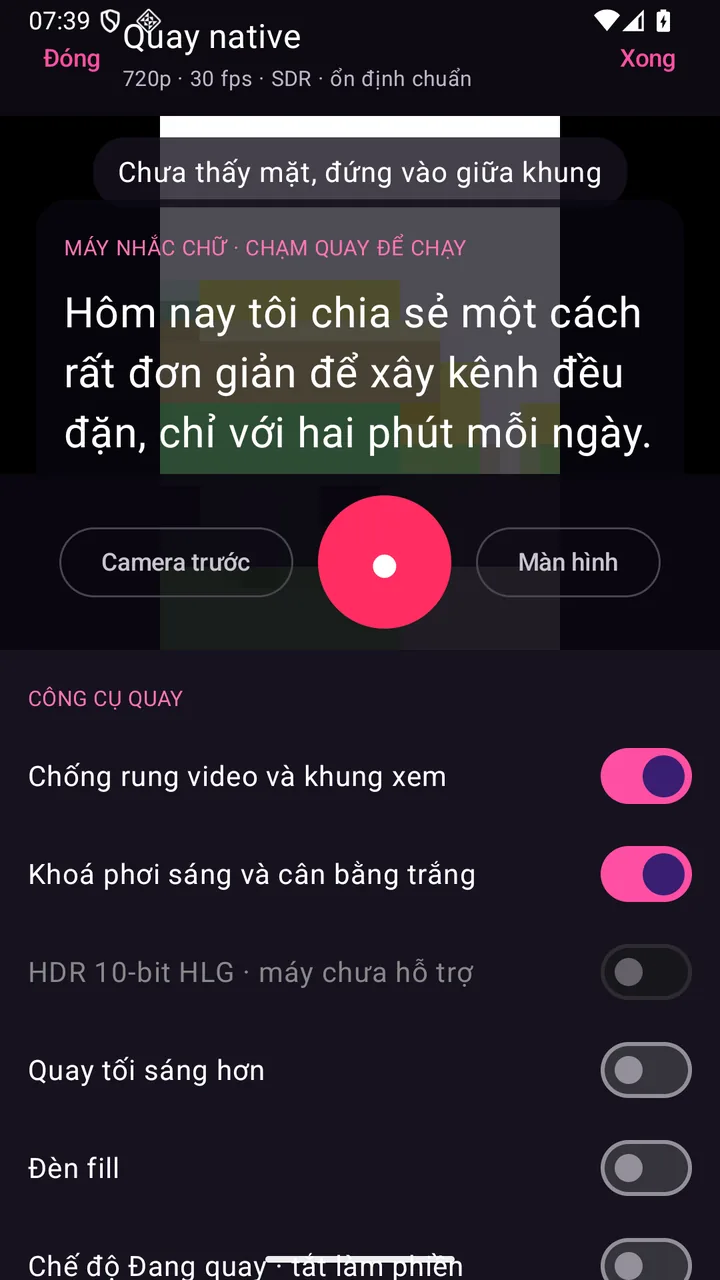
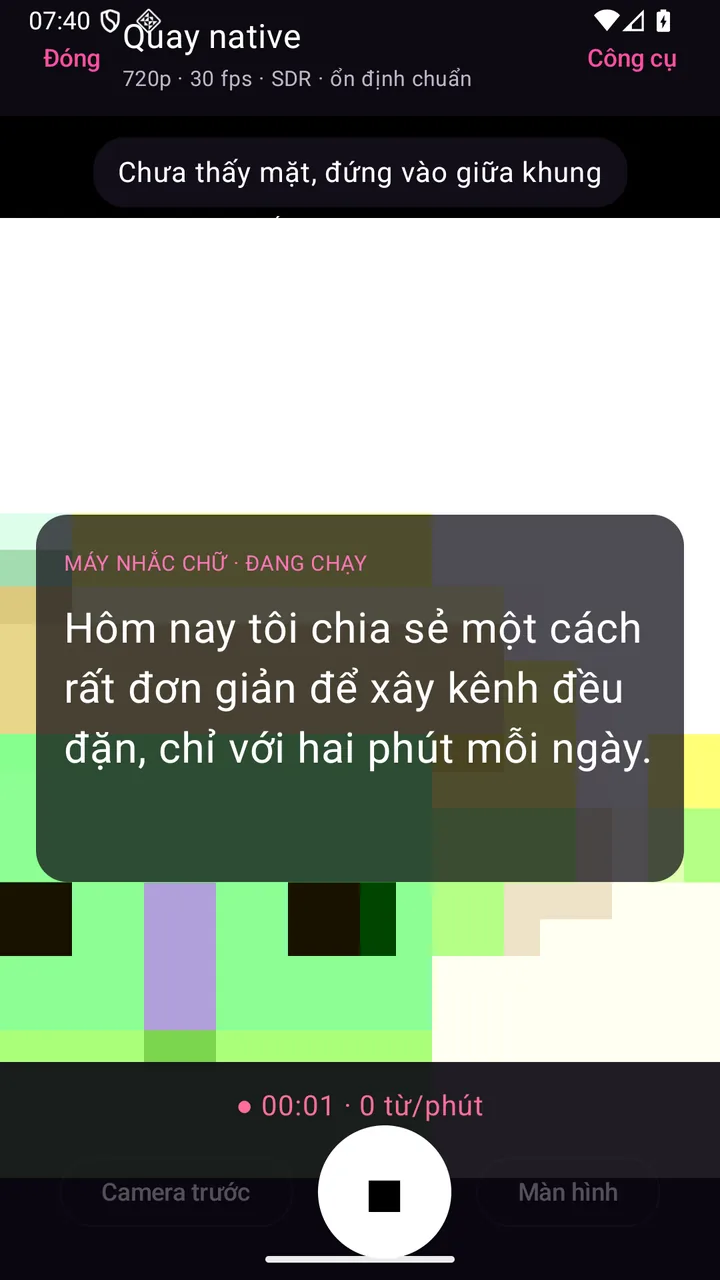
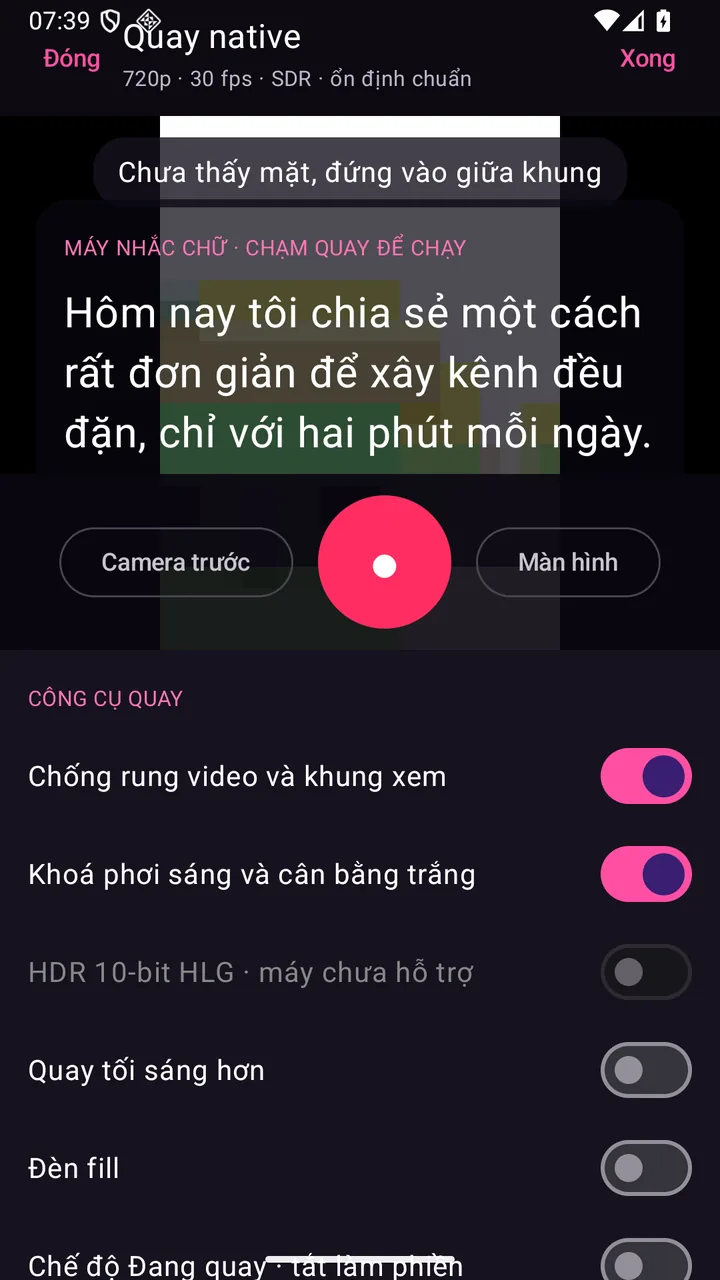
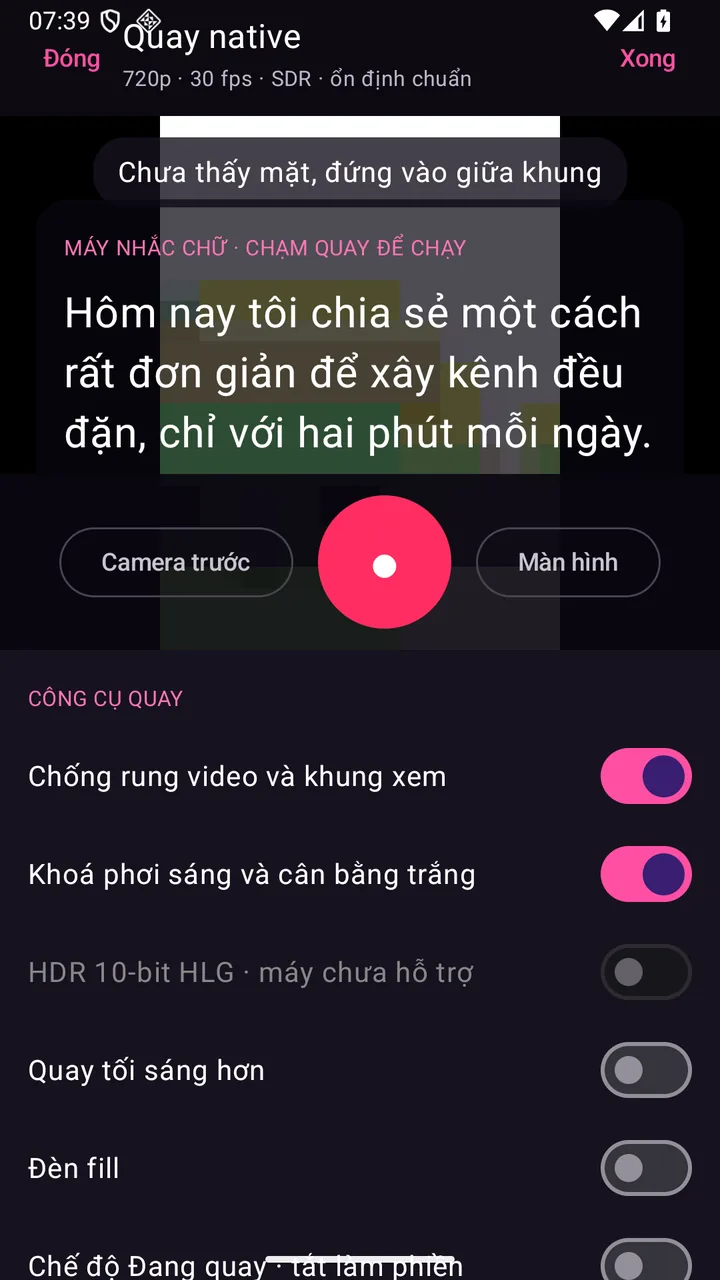
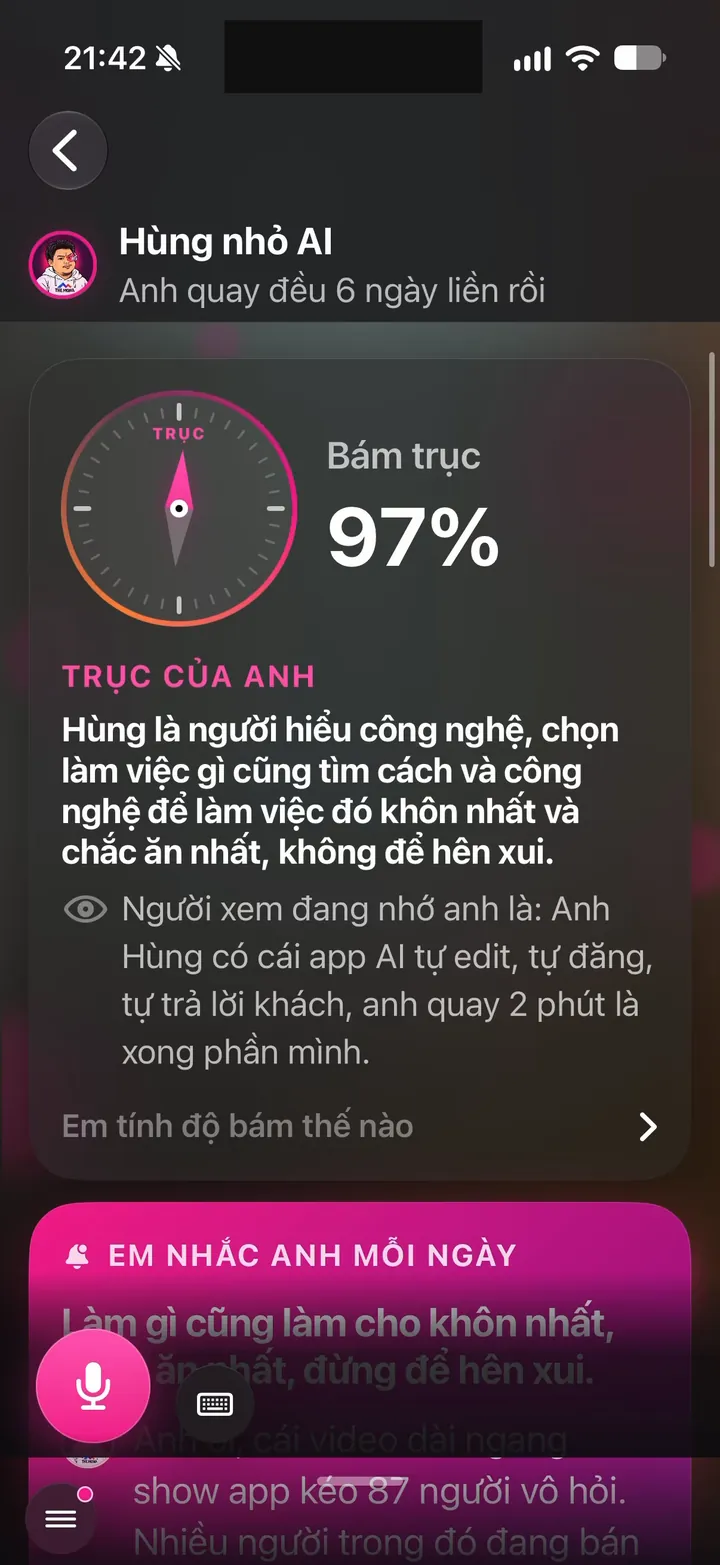
Real Hùng nhỏ AI app screen: Teleprompter by the front camera, with a Hide text, Size, Speed, Background, Voice bar
iOS - Android

Ideas and a script ready before you record

4 features
Real screen of Khánh Hùng's Hùng nhỏ AI app. Ideas: Hùng nhỏ AI gathers ideas from Khánh Hùng's own words, each with bullet points
01iPhoneAndroid

Daily ideas based on your Brand Anchor

What you get

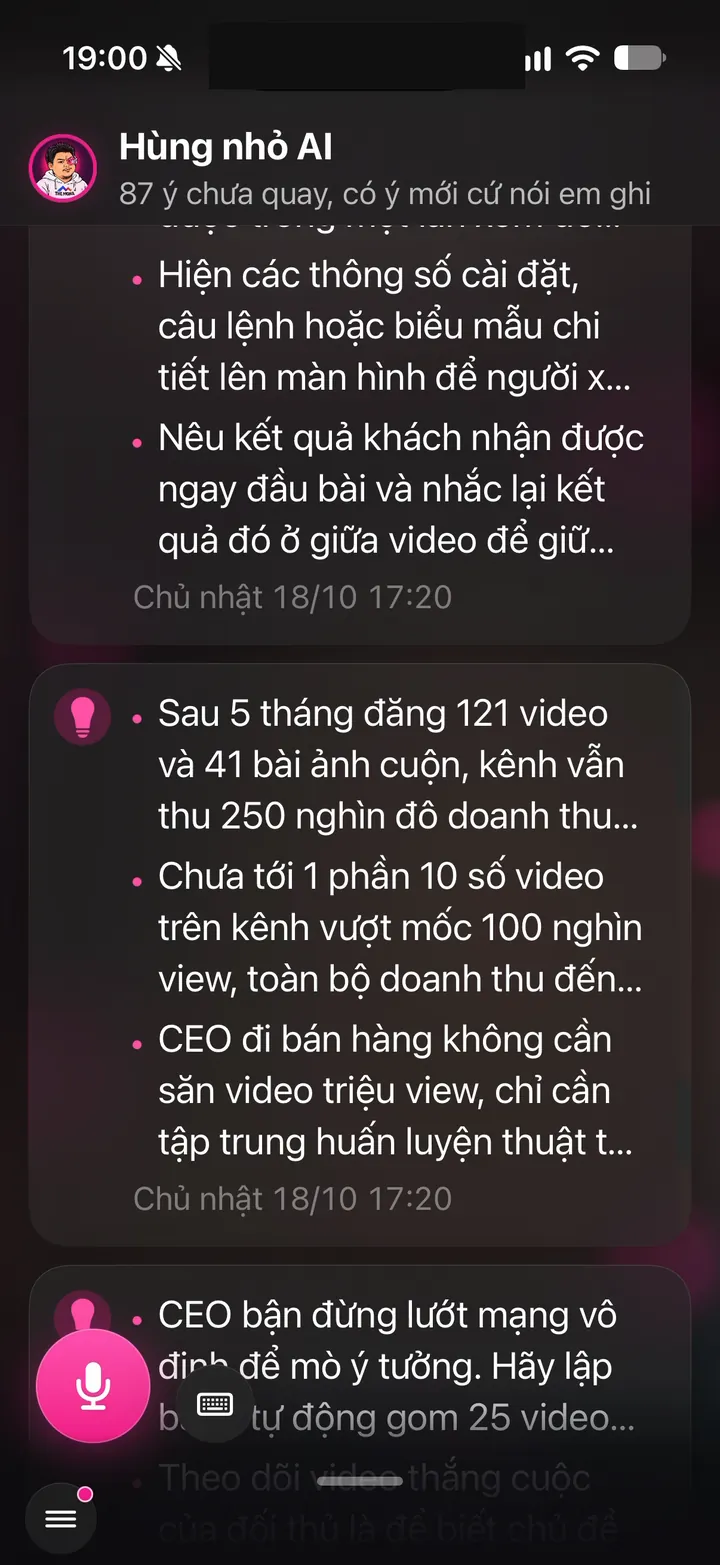
Open the app in the morning and 10 ideas are waiting, matched to your profession and brand persona. Each one is short, like "Why customers often choose wrong..." or "Explain a tricky concept your way". Tap a line to record right away, or save it to your notebook for later. No more standing in front of the camera with nothing to say.

Why it's hard to build

Ideas must follow each person's Brand Anchor, not a generic list for every industry. The server reads each client's brand profile, content pillars and off-limits topics before writing. Each line has to spark 2 minutes of talking without turning into a long script that makes you read like a robot. Popular content suggestion apps usually just push general trends, with no idea who you are.
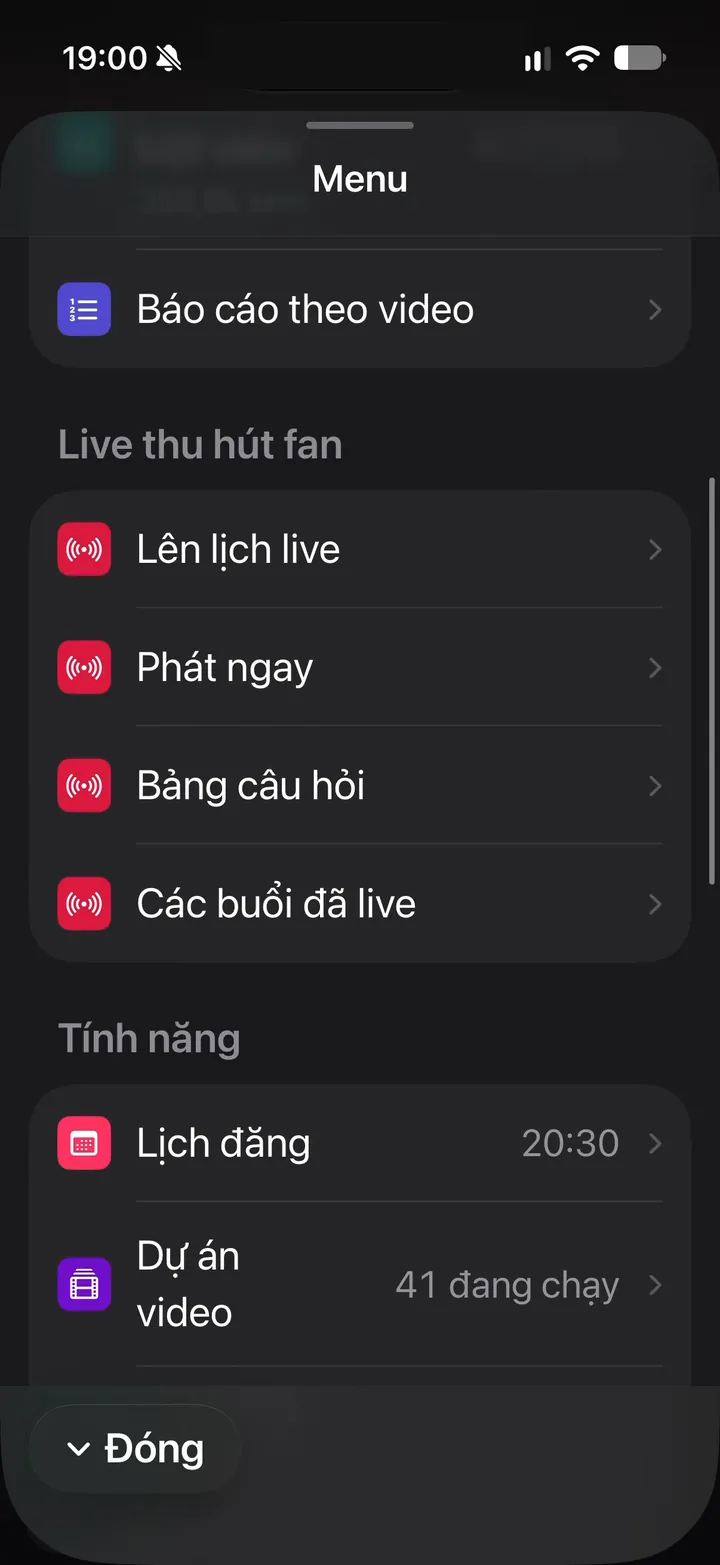
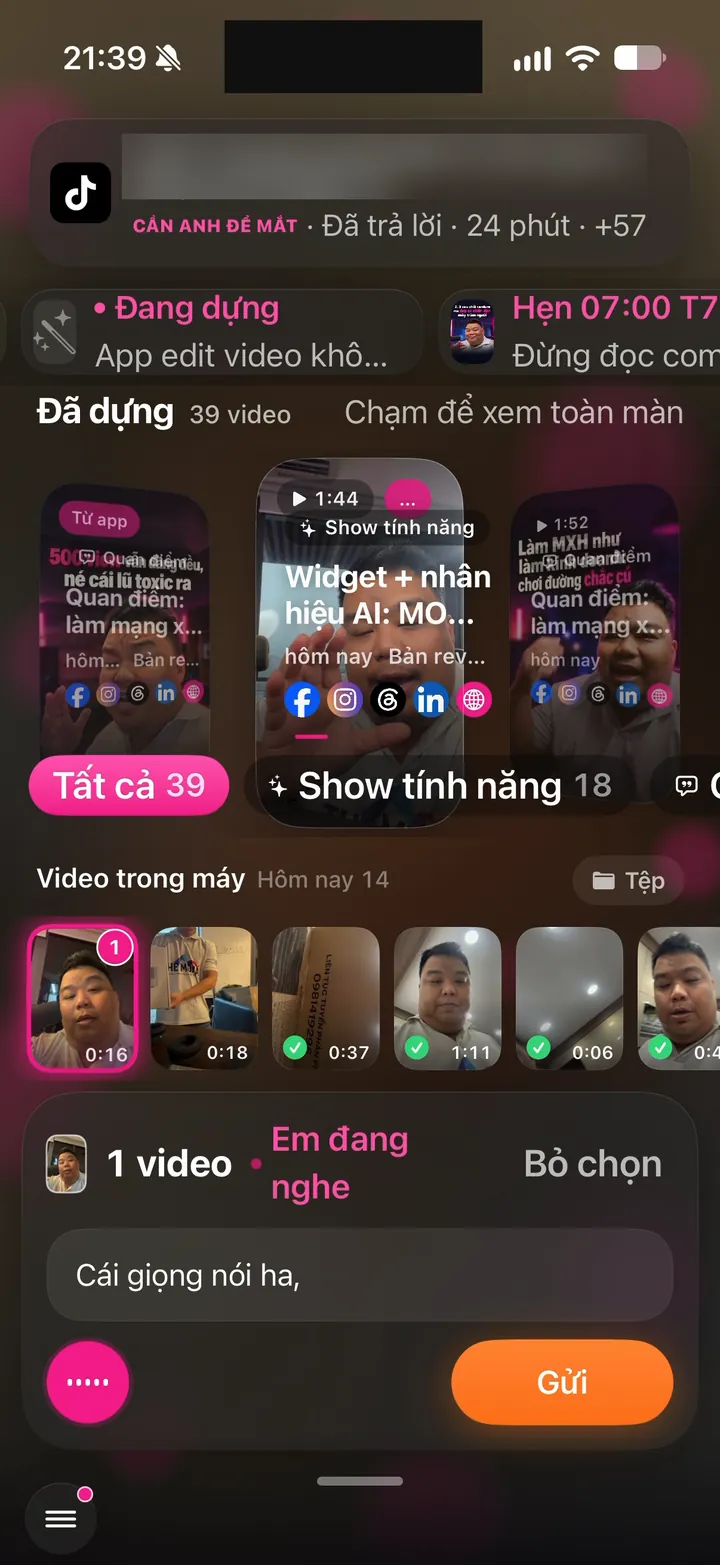
Real screen of Khánh Hùng's Hùng nhỏ AI app. Ideas: 87 ideas not yet recorded, mic button to speak a new one
02iPhoneAndroid

One-tap voice idea capture

What you get

Driving or in a meeting when a great idea hits? Tap the big round mic button in the corner and speak. You can do it one-handed. The server transcribes it, tidies it into a few short lines, and keeps your original words to review. Lose your connection and the idea waits in a queue on the phone, then sends itself once you're back online.

Why it's hard to build

Transcribing natural spoken Vietnamese, full of jargon and names, is much harder than English. The app uses a dedicated Vietnamese speech engine plus each client's own dictionary, then cleans out the ums and ahs. Ideas have to survive a connection that drops mid-sentence, so the app keeps its own queue on the phone. Popular note apps usually make you fix wrong words and organize ideas yourself.

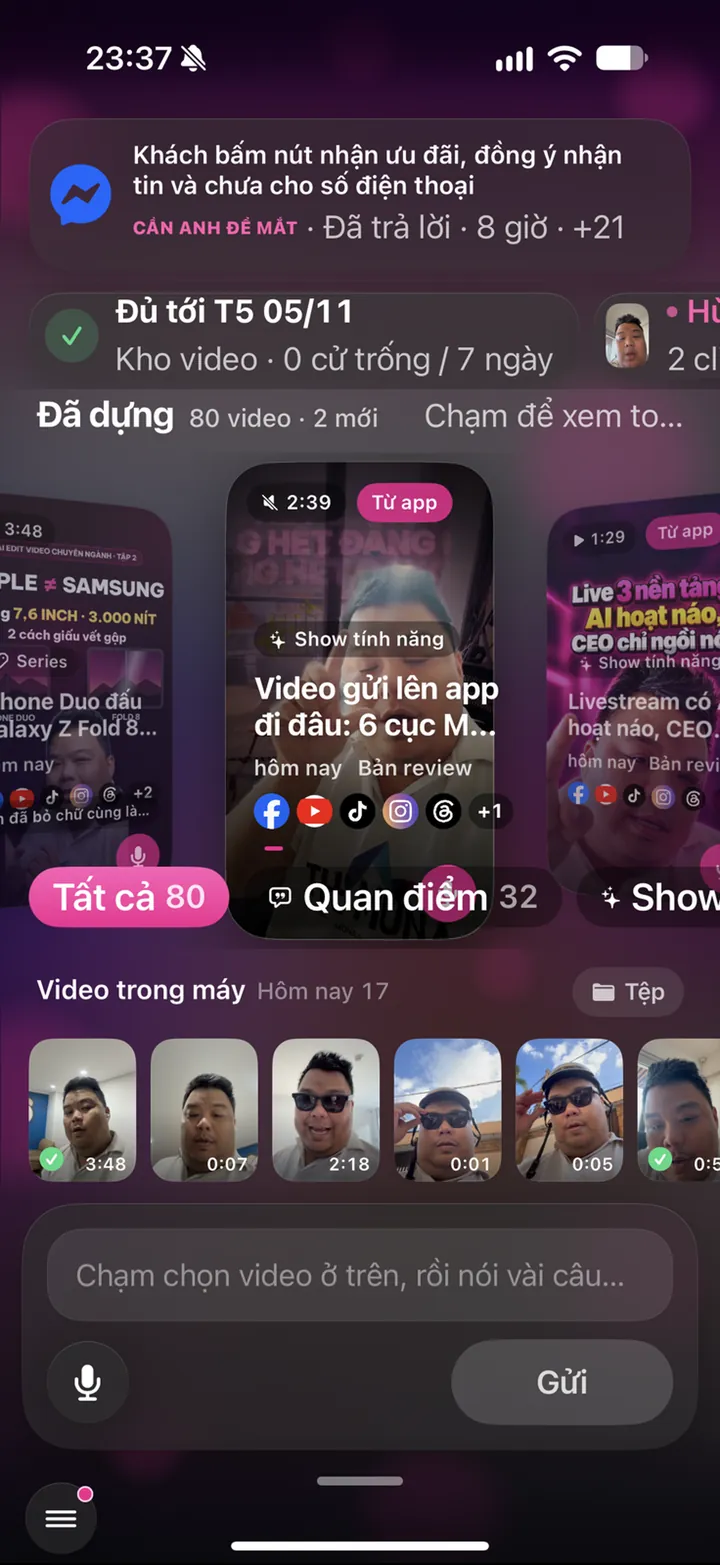
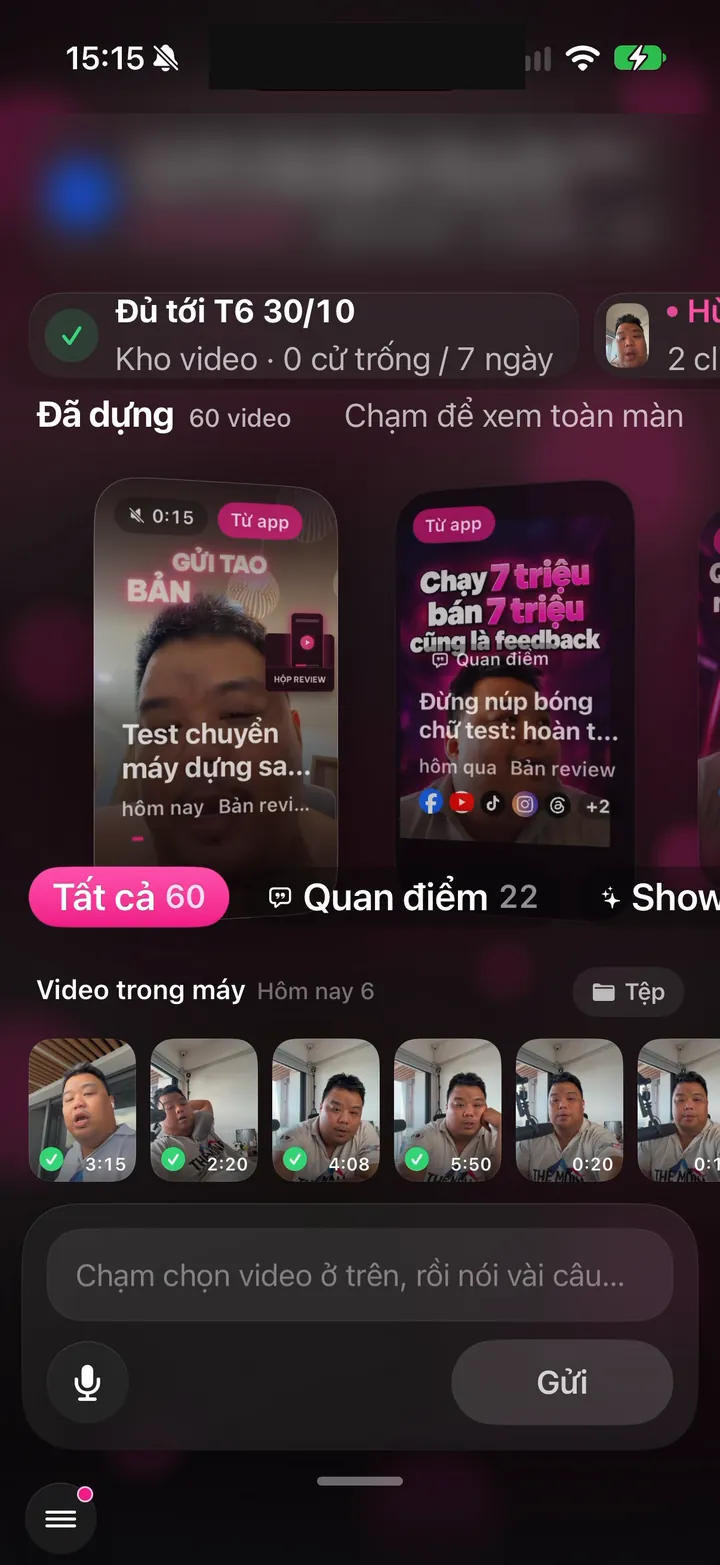
Real screen of Khánh Hùng's Hùng nhỏ AI app. Picking a clip on the phone while Hùng nhỏ AI listens to instructions
03iPhoneAndroid

Your own voice dictionary: fix it once, it remembers

What you get

If the system mishears your brand name once, press and hold the wrong phrase, choose Correct to, and type the right word. From then on, every mic field in the app gets it right. Think course names, product names, drug names, industry terms. Every speaking screen shares this one dictionary.

Why it's hard to build

Each client has their own voice profile on the server, shared by all of their apps. Word replacement has to respect Vietnamese diacritics, so fixing one word never breaks a look-alike. The app shows clearly which engine is listening, so it never silently falls back to a weaker one. Your phone's default voice keyboard won't let you teach it custom words like this.

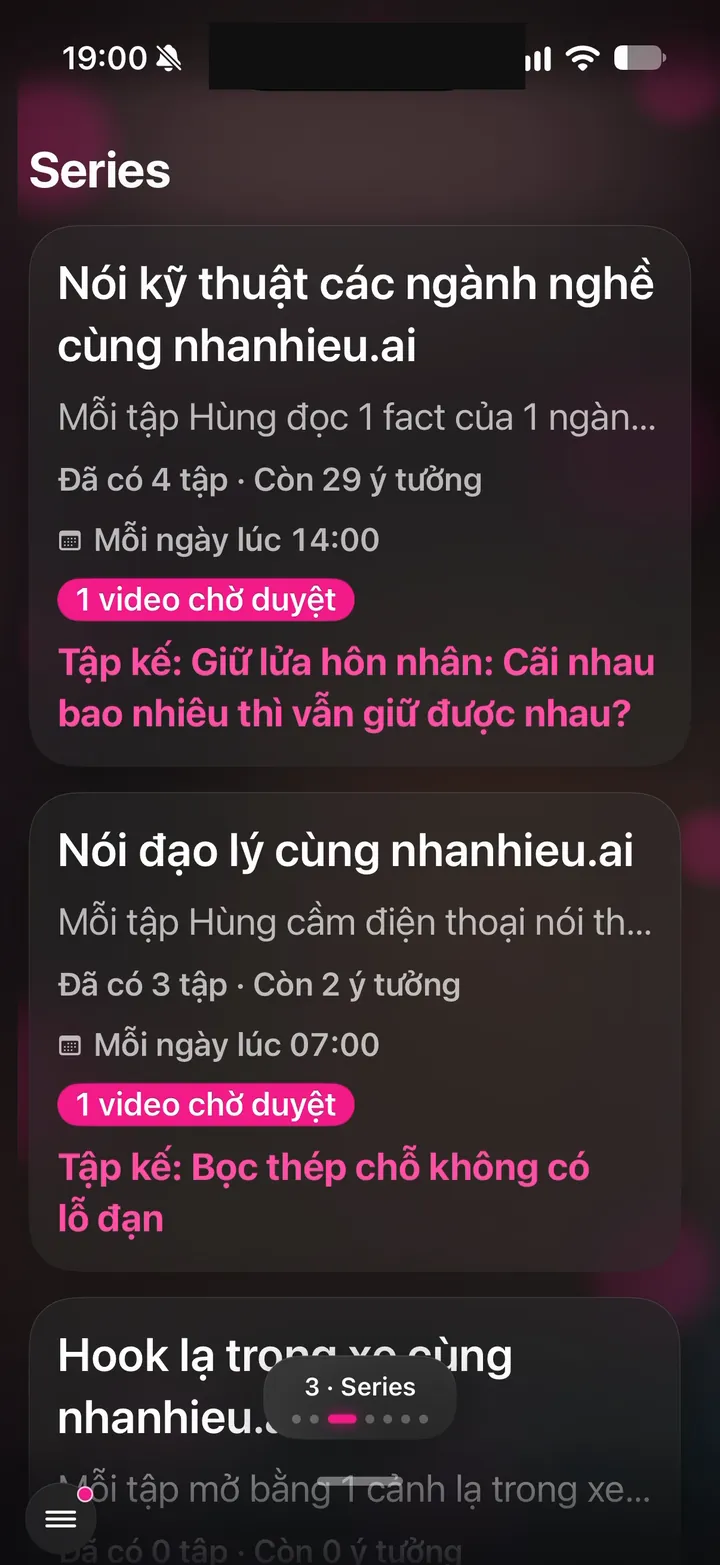
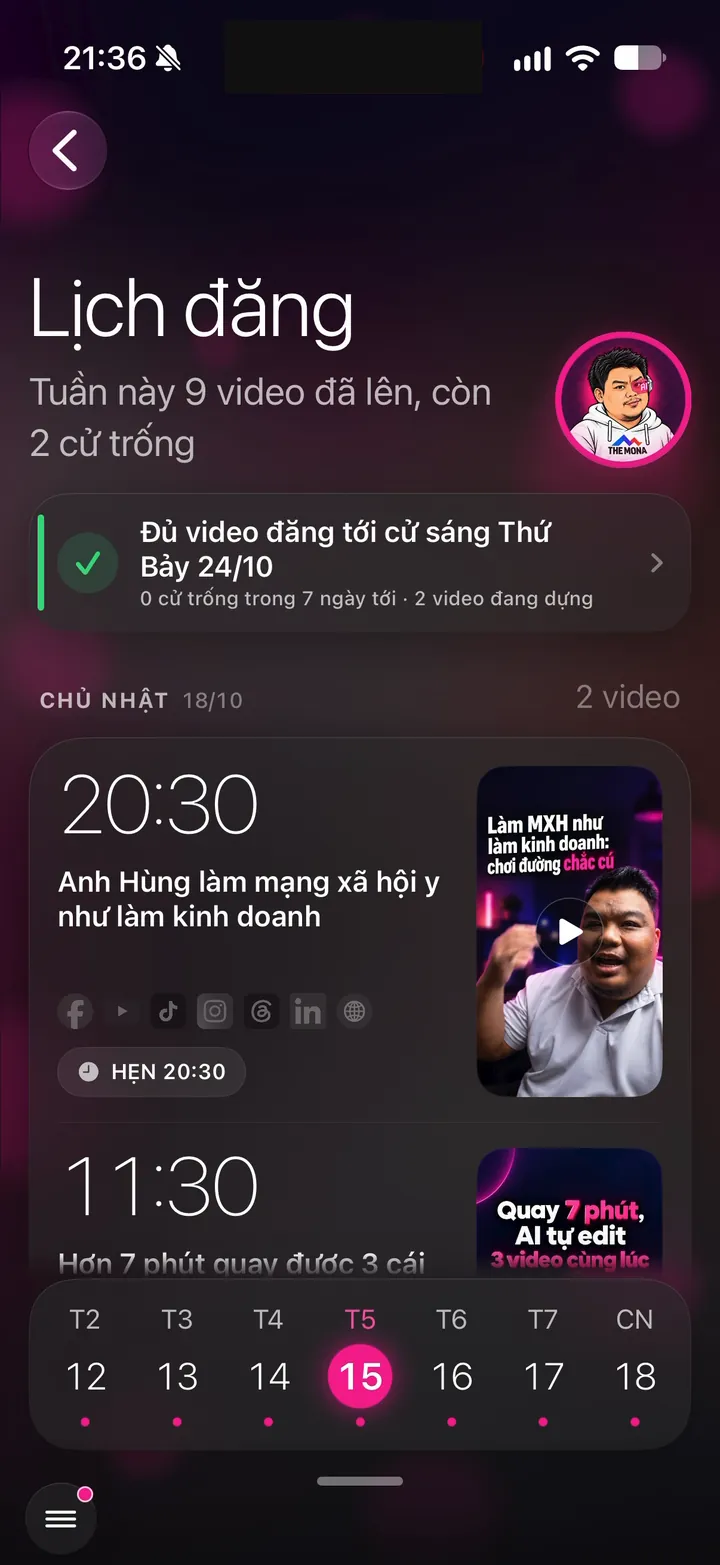
Real screen of Khánh Hùng's Hùng nhỏ AI app. Series: each series shows the next episode, posting time and videos awaiting approval
04iPhoneAndroid

Script: type it, pick an idea, or have the assistant write it

What you get

You have three ways to fill the teleprompter. Type or paste text you've prepared. Pick a line from your idea library. Or tell the assistant "write me a 2-minute script on this topic", and it sends the finished script straight to the teleprompter. Scripts are saved on the phone, so switching screens never loses them.

Why it's hard to build

All three sources have to land in one place, so the teleprompter, the Record screen and the assistant all see the same version. The assistant has to write in your own voice, not boilerplate. Scripts also need to fit 2 minutes, because anything longer makes you stumble.

Record with the prompter right under the lens

3 features
Real screen of Khánh Hùng's Hùng nhỏ AI app. Teleprompter by the front camera, with a Hide text, Size, Speed, Background, Voice bar
05iPhone

Vertical camera with a teleprompter right under the lens

What you get

Open the app and the front camera fills the screen, with your script scrolling just below the lens. Your eyes stay right by the lens, so viewers feel you're looking and talking straight to them. Drag the text box to move it, drag a corner to resize, and adjust font size and speed. Tap the text to pause, tap again to resume. Videos come out in true vertical 1080 x 1920 for TikTok, Reels and Shorts.

Why it's hard to build

The app has to record and draw text over the camera at the same time without stuttering. The team used Apple's low-level capture framework instead of the simple recorder, so the same mic audio can also feed voice recognition. The text box remembers its position as a share of the screen, so it lands in the right spot on any phone. Text also has to avoid the notch, Dynamic Island and the close button so nothing gets covered.

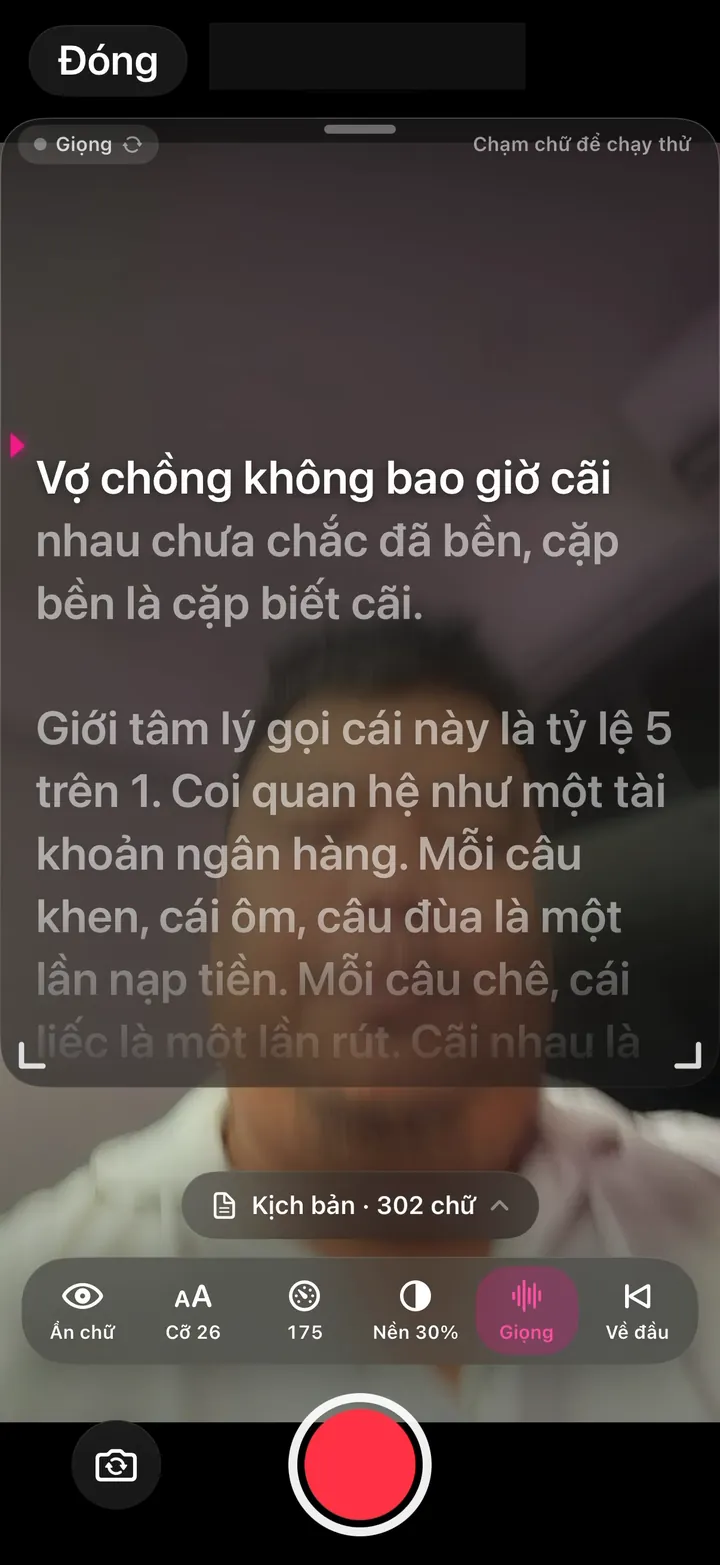
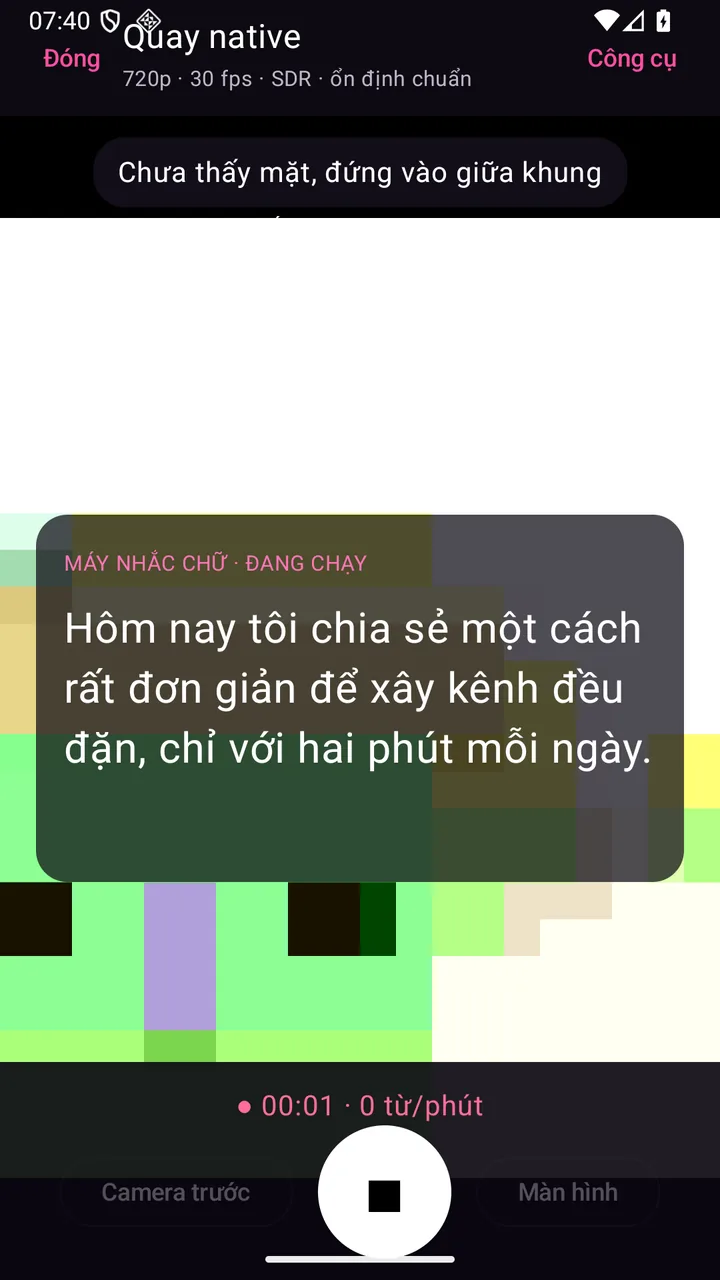
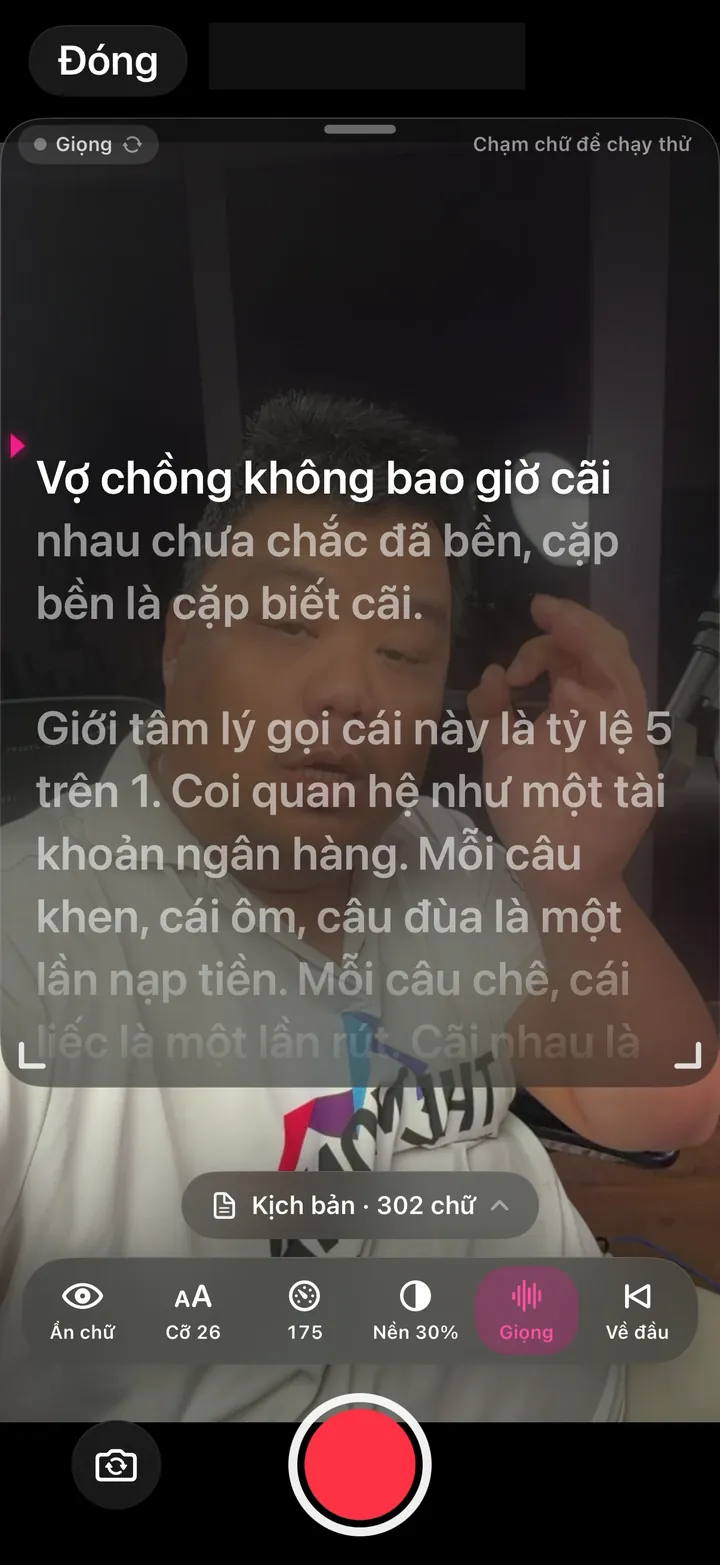
Real screen of Khánh Hùng's Hùng nhỏ AI app. A 302-word script on the teleprompter in voice-scroll mode
06iPhone

Teleprompter that scrolls with your voice

What you get

The text scrolls as you speak. Pause to think and the text waits for you. No one needs to hold a remote, and you never have to manage scroll speed. The current line stands out, lines you've read fade away.

Why it's hard to build

A phone lets only one part of an app use the mic at a time. The app splits the camera's own mic audio off to the speech engine, so it records sound and tracks which word you're on at once. Vietnamese recognition has to keep up with real speech, tones and regional accents included. Voice-following scroll has mostly lived in paid, dedicated teleprompter apps like PromptSmart.

Real screen of Khánh Hùng's Hùng nhỏ AI app. Teleprompter by the front camera, with a Hide text, Size, Speed, Background, Voice bar
07iPhone

Steady camera: no auto zoom, no flipped text

What you get

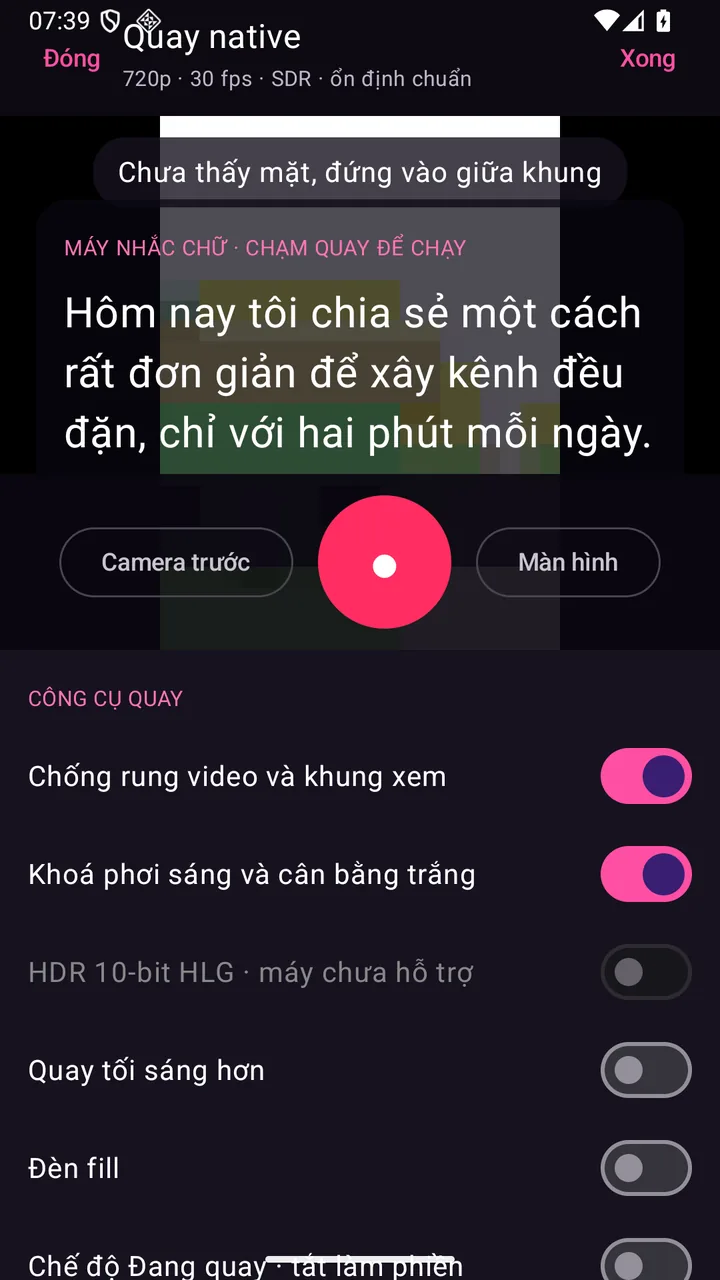
Many iPhones turn on Center Stage automatically, so the frame zooms in and out every time you move. The app turns it off so the frame stays still, like shooting on a tripod. The back camera uses stabilization, the front camera skips it so the frame isn't cropped tighter. Text on your shirt or a sign behind you never comes out mirrored.

Why it's hard to build

Center Stage is a system mode, so the app has to request its own control before it can turn it off. Stabilization on the front camera narrows the frame, so each camera needs its own setting. These are small details ordinary camera apps skip, and people only notice once the video is ruined.

Clear face, clear sound, no corrupted files

12 features
Real photo illustrating Stabilization and a preview that matches the recorded frame
08Android

Stabilization and a preview that matches the recorded frame

What you get

Walk and talk with the phone in hand and your clip still shakes less. What you see while recording is exactly what the video captures, so your head never gets cut off. If the app gets closed mid-take, what you've already shot stays intact.

Why it's hard to build

It takes Google's newest camera library (CameraX 1.6) plus a file writer that survives the app being killed suddenly. Every Android phone maker handles stabilization differently, so each device has to be checked for what it supports. This record screen is built natively for Android, not run in a browser. Samsung Camera, CapCut and YouTube Create use this same system stabilization layer.

Real photo illustrating Locked exposure and skin tone for the whole take
09Android

Locked exposure and skin tone for the whole take

What you get

Skin tone and brightness don't drift when you move or someone walks behind you. The edited video keeps the same color from start to finish. Subtitles and visuals don't get lost in patches that swing dark and bright.

Why it's hard to build

Phone cameras adjust exposure and color nonstop by default, so clips often flicker. The app has to lock exposure and white balance right after focusing on your face. Only Android 16 lets third-party apps set color temperature, so older phones can only lock the basics. Usually only a phone maker's pro video mode offers this.

Real photo illustrating Face framing tips and backlight warnings while you record
10Android

Face framing tips and backlight warnings while you record

What you get

The app tells you as you record: "your face is too small", "bring your eyes up to the top third", "you're backlit". Fix it on the spot and skip the reshoot. Better clips going in mean a better edit coming out.

Why it's hard to build

The app runs face detection on every frame right on the phone, without sending images anywhere. At the same time it measures brightness to catch scenes that are too dark or backlit. All of this runs alongside recording without heating up the phone or dropping frames. Pixel Camera has similar framing guides, but only for photos.

Real photo illustrating Live speaking pace meter
11Android

Live speaking pace meter

What you get

A bar next to the frame shows whether you're too fast, just right or too slow. You adjust your pace while you record. Videos are easier to follow, and the edit needs fewer cuts for stumbles.

Why it's hard to build

Android won't let two parts of an app open the mic at once. The app has to capture the mic once and share the audio between the camera and the pace counter. The counter also has to understand Vietnamese to count the words you've said. Speech practice apps have this, video recording apps almost never do.

Real photo illustrating Works with lavalier and wireless mics, with a level meter
12Android

Works with lavalier and wireless mics, with a level meter

What you get

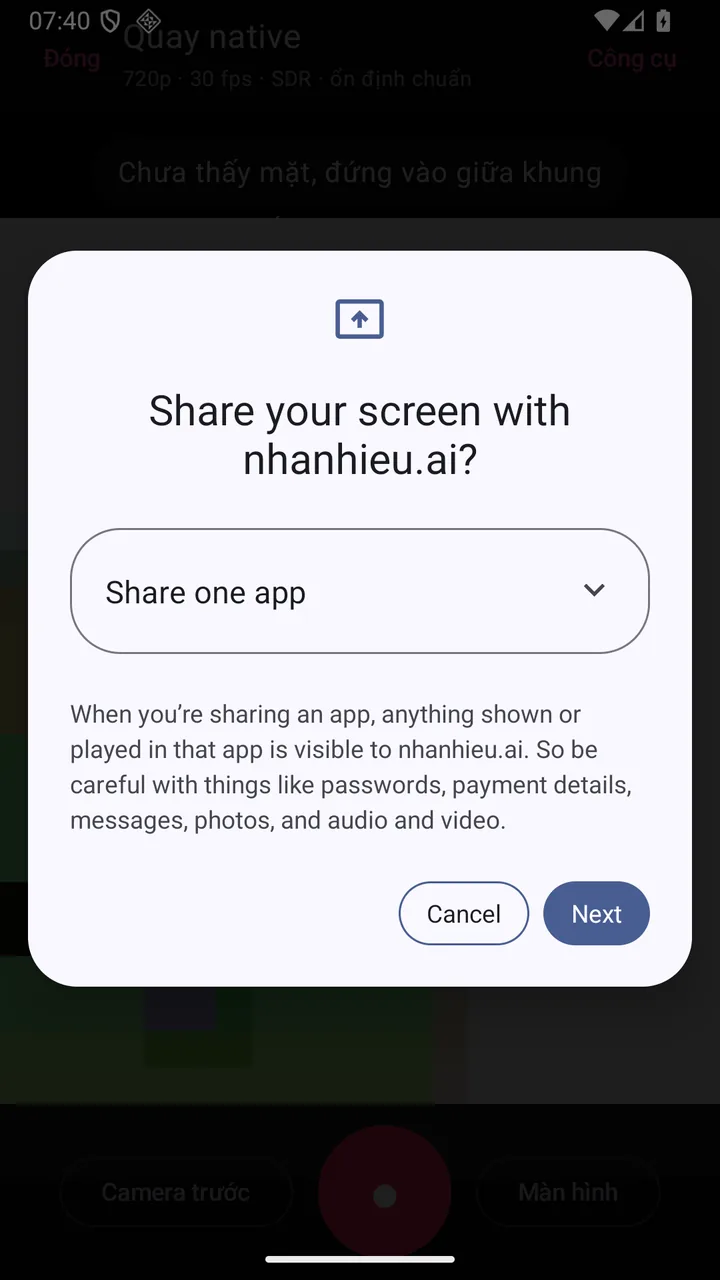
Plug a DJI or Rode wireless mic into USB-C and the app picks the right mic. A level meter runs on screen, so you know the mic is picking up sound before you record. No more finding out after 2 minutes that the audio came from the phone's mic.

Why it's hard to build

Android has many ways to connect a mic: USB, Bluetooth, built-in. Google's camera library has no mic picker, so the app has to detect devices and force the right mic. Bluetooth mics also need a special recording mode turned on to work. Samsung Camera has a mic selector, most other recording apps don't.

Real photo illustrating Screen recording with voice-over
13Android

Screen recording with voice-over

What you get

Open your website, app or price list on your phone and explain as you scroll. Screen recordings go straight into the edit queue, just like face-to-camera clips. Great for product intros, customer how-tos and reviewing students' work.

Why it's hard to build

Screen recording on Android needs permission every time and has to run the exact type of background service Google requires. Since Android 15, the system hides notifications and OTP codes during recording, and the app has to play by that rule. Android browsers can't record the screen, so this part is built natively for Android.

Real photo illustrating Clear face in low light, with the flash as a fill light
14Android

Clear face in low light, with the flash as a fill light

What you get

Even in an office at night with half the lights off, your face stays clear. The flash becomes a fill light with adjustable strength, so there's no glare. No need to buy a light just to shoot a few evening clips.

Why it's hard to build

Low-light boost for video and adjustable flash strength only opened up to third-party apps in Android 15. Every phone supports them differently, so the app has to check before turning them on. Usually only a phone maker's own camera has a night video mode.

Real photo illustrating Start from afar: Bluetooth remote, volume button, voice command, countdown
15Android

Start from afar: Bluetooth remote, volume button, voice command, countdown

What you get

Set the phone 2 meters away to get your whole body in frame. Press a few-dollar Bluetooth remote, press the volume button, or say "Start". The phone counts 3, 2, 1 and starts recording. No more reaching for the phone and walking back.

Why it's hard to build

A Bluetooth remote sends the same signal as a volume key, so the app has to catch it only on the record screen, without changing the phone's volume. The "Start" voice command shares the speech engine with the pace meter, since Android only lets the mic open once. Samsung Camera has English voice commands, Vietnamese content apps rarely do.

Real photo illustrating Recording mode: blocks notifications, keeps the screen on
16Android

Recording mode: blocks notifications, keeps the screen on

What you get

While you record, Zalo messages and calls won't pop up and ruin the take. The screen won't turn off midway while you're reading the teleprompter. When you finish, all notifications go back to normal.

Why it's hard to build

The app adds its own Recording mode to Android's modes, and you grant Do Not Disturb access once. It has to switch on right as recording starts and switch off cleanly when you're done, even if the app is closed abruptly. Keeping the screen on is easy, but few apps block notifications at the right moment.

Real photo illustrating Correct mirroring, storage warnings, no corrupted files
17Android

Correct mirroring, storage warnings, no corrupted files

What you get

Text on your shirt isn't reversed in the video. The phone warns you before storage fills up, instead of throwing an error after 2 minutes of recording. If the app crashes, what you've recorded is still there.

Why it's hard to build

These three small glitches are the top reasons people have to reshoot. The app has to check storage before recording, catch full-storage errors while writing, and use a file writer that survives sudden crashes. Big camera apps all do this, small apps usually skip it.

Real photo illustrating Wide-color HDR recording, auto-converted to standard color for posting
18Android

Wide-color HDR recording, auto-converted to standard color for posting

What you get

If your phone supports HDR, the app records 10-bit wide color. Before sending, it converts to standard color so your video doesn't look washed out or blown out on social media. You don't need to know what HDR is.

Why it's hard to build

Most social networks and editing systems still run on standard color. HDR video uploaded as-is easily looks washed out. Color has to be converted properly on both the phone and the server, so many apps just turn HDR off.

HDR recording comes with a step that brings color back to standard during editing, so skin tones don't wash out.

Real photo illustrating Phone maker camera effects in the preview
19Android

Phone maker camera effects in the preview

What you get

If your phone supports them, the preview shows the maker's own background blur, night mode and skin smoothing. You look better while framing your shot. Real background removal for video lives in the background blur section (E7).

Why it's hard to build

Google states that maker effects apply only to the preview and photos, not to recorded video. The app has to detect which phones have them and which don't. Many makers also keep video effects exclusive to their own camera app.

Maker effects only help you frame a better shot before you record.

Record on a foldable phone

3 features
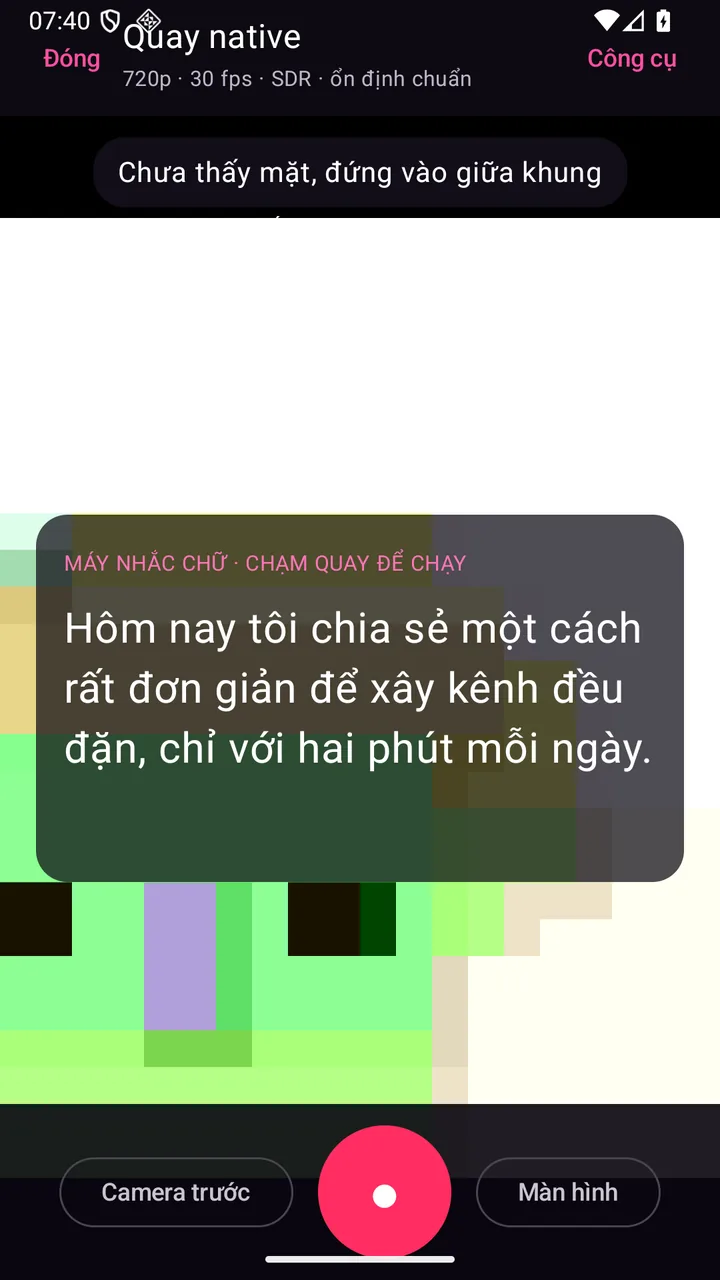
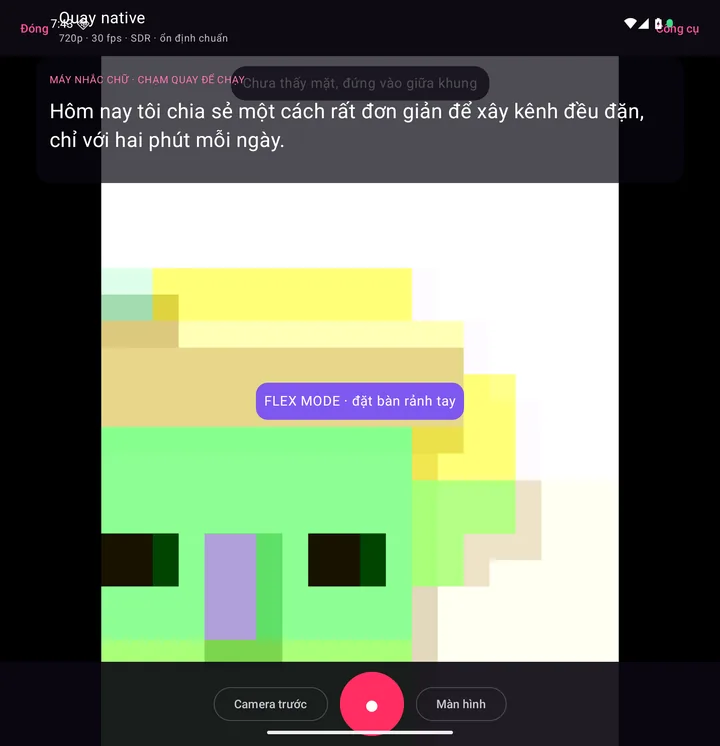
Real screen of Khánh Hùng's Hùng nhỏ AI app. A 302-word script on the teleprompter in voice-scroll mode
20Android

Fold 7: record with the back camera, see yourself on the cover screen

What you get

The Galaxy Z Fold 7's back camera is far sharper than its front camera. Fold the phone, record with the back camera, and still see your face on the cover screen. Your clips look like they were shot on a real camera, with no one holding the phone for you.

Why it's hard to build

The app has to move the recording view to the foldable's second screen using Google's display toolkit, and this only works on newer foldables. The system shows its own permission prompt, and the app has to walk you through it smoothly. Outside Samsung's and Pixel's own cameras, very few apps record this way.

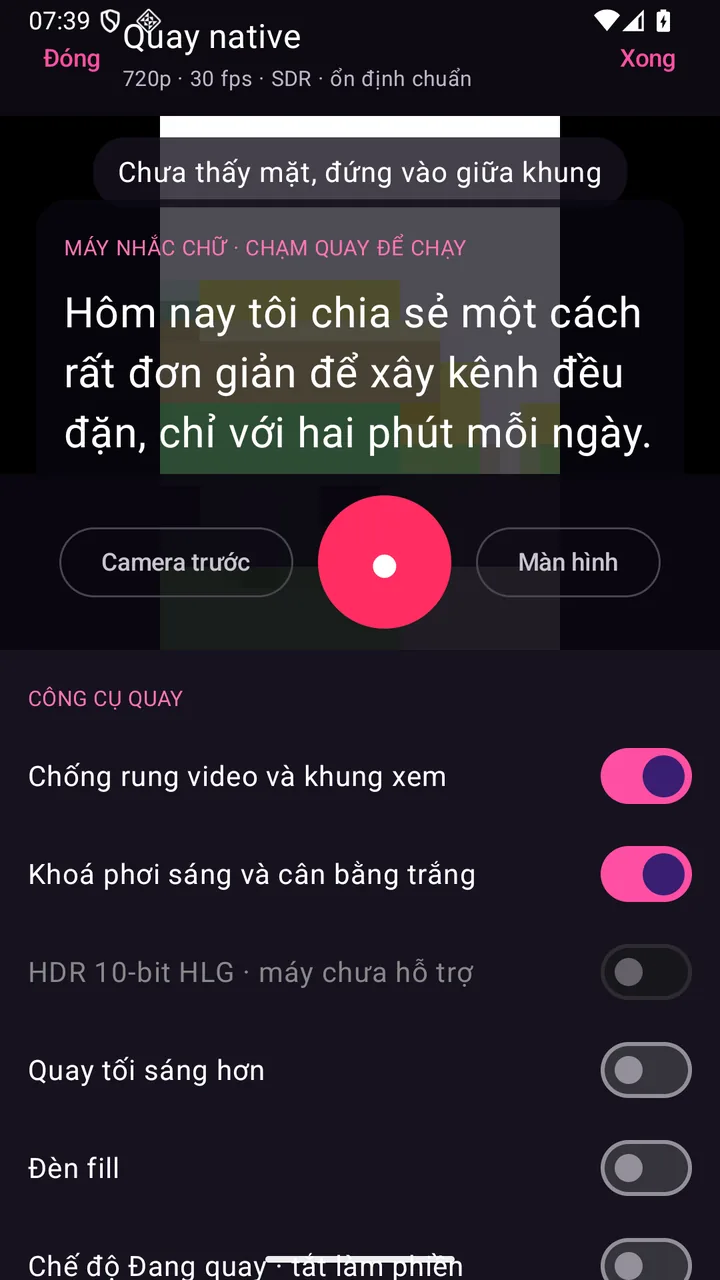
Real screen of Khánh Hùng's Hùng nhỏ AI app. Teleprompter by the front camera, with a Hide text, Size, Speed, Background, Voice bar
21Android

Fold 7: teleprompter on the cover screen, right by the lens

What you get

When you record with the back camera, your script appears on the cover screen right next to the lens. Your eyes look straight at the camera while you read. Viewers see real eye contact, not someone reading text.

Why it's hard to build

The app has to run two screens at once on a foldable: the inner screen for recording, the cover screen as the teleprompter. Google has only confirmed this dual-screen mode on a few models, so it has to be tested on a real Fold 7. Samsung's camera has a dual-screen preview but no teleprompter. No teleprompter app has pulled this off on a foldable yet.

Real photo illustrating Half-fold it on your desk for hands-free recording
22Android

Half-fold it on your desk for hands-free recording

What you get

No tripod needed. Fold the phone to 90 degrees and set it on your desk. The top half shows the frame, the bottom half holds the record button and teleprompter text. Wrap up a meeting and record right at your desk.

Why it's hard to build

The app has to know the phone is half-folded with a horizontal hinge, then split the interface along the fold. Every foldable has a different screen ratio, so the layout has to adapt on its own. Samsung Camera, YouTube and Google Meet do this, content recording apps rarely do.

Jump to the right task with one tap or one phrase

4 features
Real screen of Khánh Hùng's Hùng nhỏ AI app. Teleprompter by the front camera, with a Hide text, Size, Speed, Background, Voice bar
23iPhone

Control Center buttons

What you get

Swipe open Control Center for 2 ready-made buttons: Talk to assistant opens the app with the mic already on, Send new video opens the Publish screen with your latest clip selected. You can put them on the lock screen in place of the flashlight button. One tap to give a command.

Why it's hard to build

This is a new kind of control Apple opened up in iOS 18, and very few Vietnamese apps have it. A command that arrives while the app is cold-starting has to be held until the interface is ready. The mic has to turn on right as the Talk to assistant screen appears.

Real screen of Khánh Hùng's Hùng nhỏ AI app. Picking a clip on the phone while Hùng nhỏ AI listens to instructions
24iPhone

Siri, Spotlight and the iPhone Action button

What you get

Tell Siri "Talk to assistant", "Send new video" or "What's on today" and the app does it right away. Typing in Spotlight works too. Set the Action button on the side of your iPhone to Talk to assistant, and one press lets you give a voice command.

Why it's hard to build

The app has to declare its commands with Apple's App Intents standard, using natural Vietnamese trigger phrases. A command has to work the same whether it's called from Siri, Spotlight, the Action button or Control Center. Google Assistant has dropped this kind of command, so Android takes a different route.

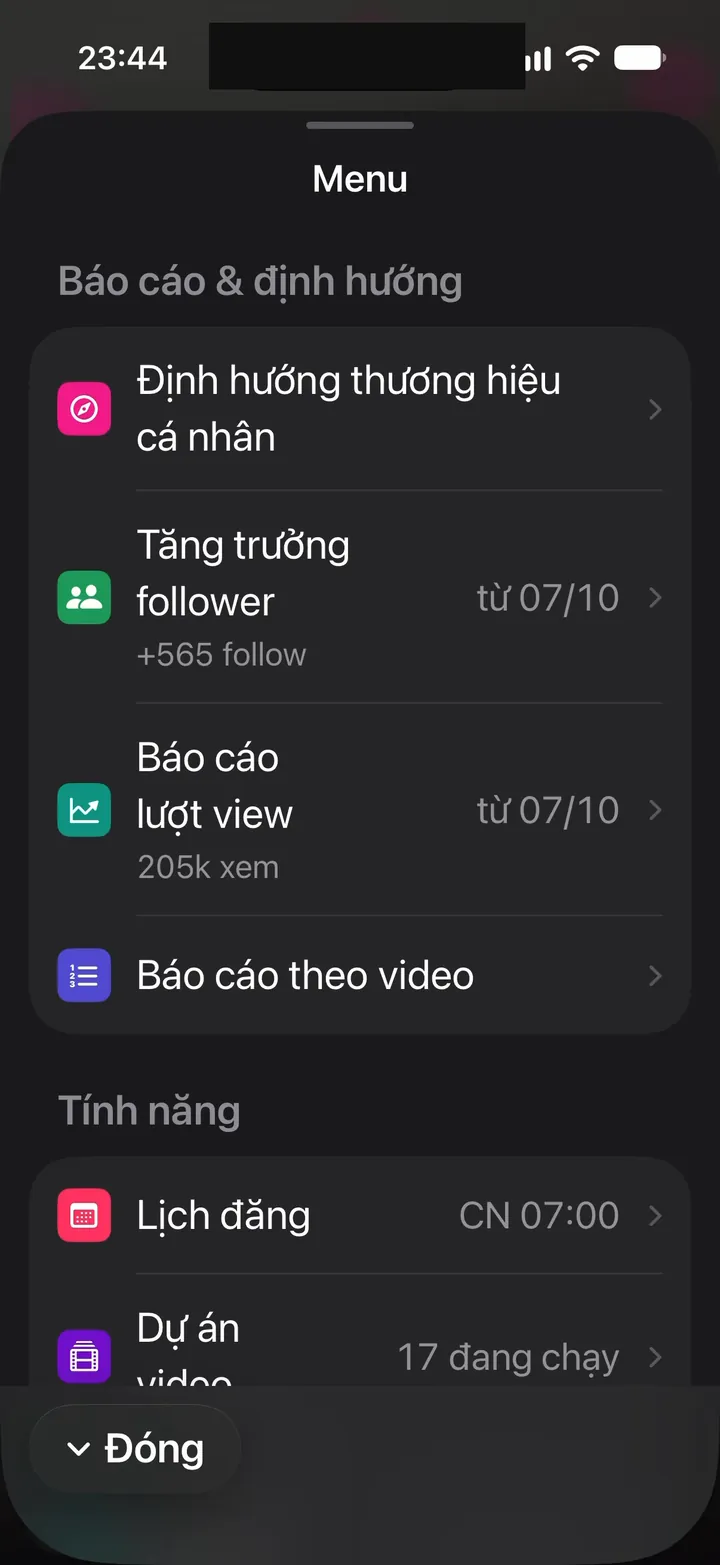
Real screen of Khánh Hùng's Hùng nhỏ AI app. Reports menu: follower growth +565, 205k views
25Android

Long-press the icon for 4 shortcuts

What you get

Long-press the nhanhieu.ai icon on your home screen to see 4 shortcuts: Quick record, Send video, Talk to assistant, Posting calendar. Drag the one you use most onto the home screen as its own icon. One tap takes you straight to the task.

Why it's hard to build

The web-wrapped app's shortcuts must not clash with the wrapper's default shortcuts. Each shortcut has to open the right screen in the web app, even when the app is closed.

Real screen of Khánh Hùng's Hùng nhỏ AI app. A 302-word script on the teleprompter in voice-scroll mode
26Android

Quick Settings tiles: Quick record, Talk to assistant

What you get

Swipe down from the status bar to find Quick record and Talk to assistant tiles next to Wi-Fi and the flashlight. Jump into recording from any screen. Perfect for when an idea strikes.

Why it's hard to build

Quick Settings tiles are a core part of Android, so the web-wrapped app needs its own extra service. A tile has to open the app on the right screen, even when the phone is locked. Very few content apps have these tiles.

See whether you've recorded today right on your watch

1 features
Real photo illustrating Galaxy Watch: see if you've recorded today, record button on your wrist
27Android

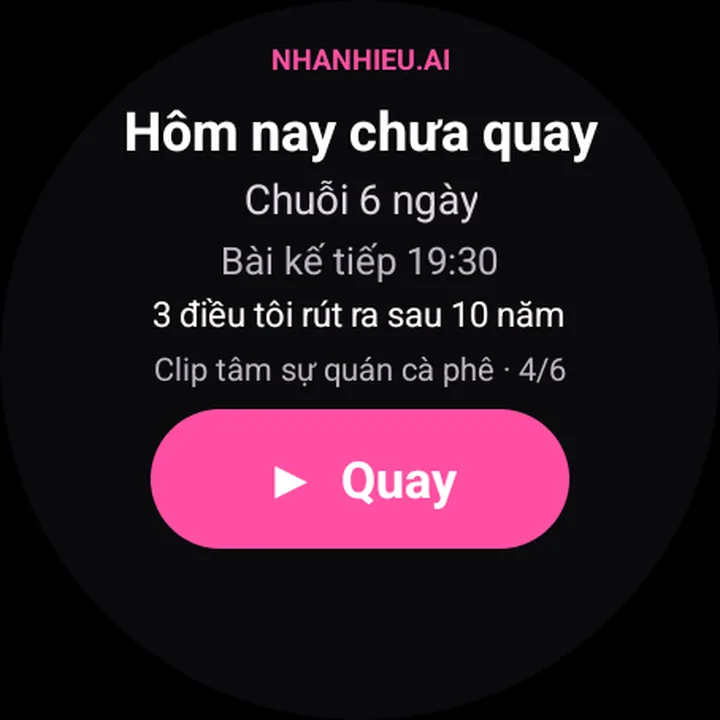
Galaxy Watch: see if you've recorded today, record button on your wrist

What you get

Swipe the watch face to see the Today tile: recorded or not, a 6-day recording streak, the next post going live at 19:30, a video being processed at stage 4 of 6. Phone sitting across the desk? Tap the pink Record button on your wrist, and the phone shows a prompt that takes you to the record screen in one tap. When a new lead asks to buy, your wrist buzzes with an Open on phone button. You can also add a small complication to your watch face showing Not recorded or your streak.

Why it's hard to build

The watch part is a separate Wear OS app that talks to the phone through Google's data channel, and it has to be signed with the same signature as the phone app for the two to hear each other. Android forbids apps from turning on the screen from the background, so a record command from the watch has to go through a notification you tap. Samsung offers watch controls for its own camera, but content apps that can do this are rare.

Related features

Other job groups in the app

9 features

Stay true to your style

12 features

Safe to use for years

From one feature to a whole channel-building system

You record and give instructions on your phone. The assistant edits, posts and monitors your channels, all in one app.

See all 101 features