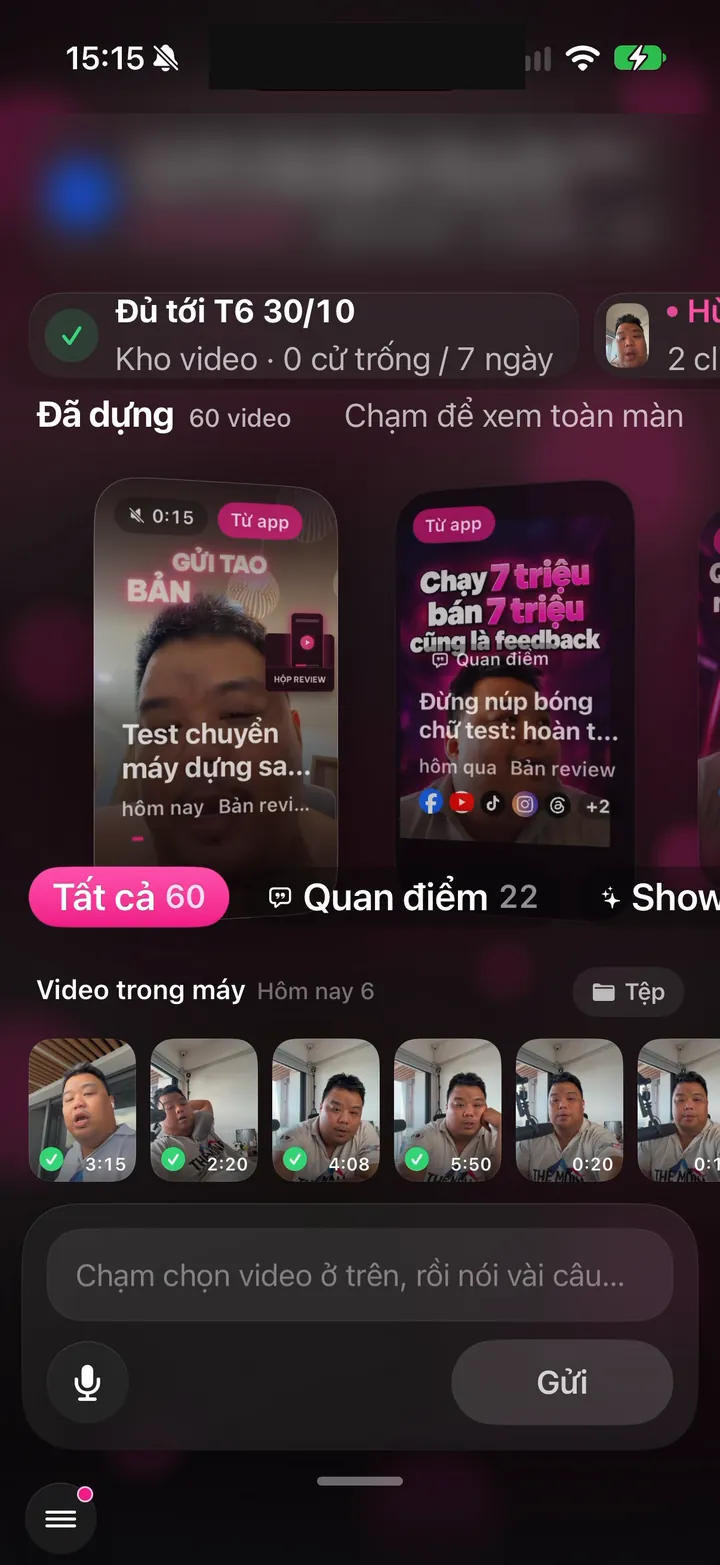

nhanhieu.ai

12 features - Every customer message gets a reply

Auto-reply to comments and messages with AI: Facebook, TikTok, YouTube

The assistant replies to comments and messages in your voice. Toxic comments are blocked before you even see them. People asking to buy are flagged so you can call them back.
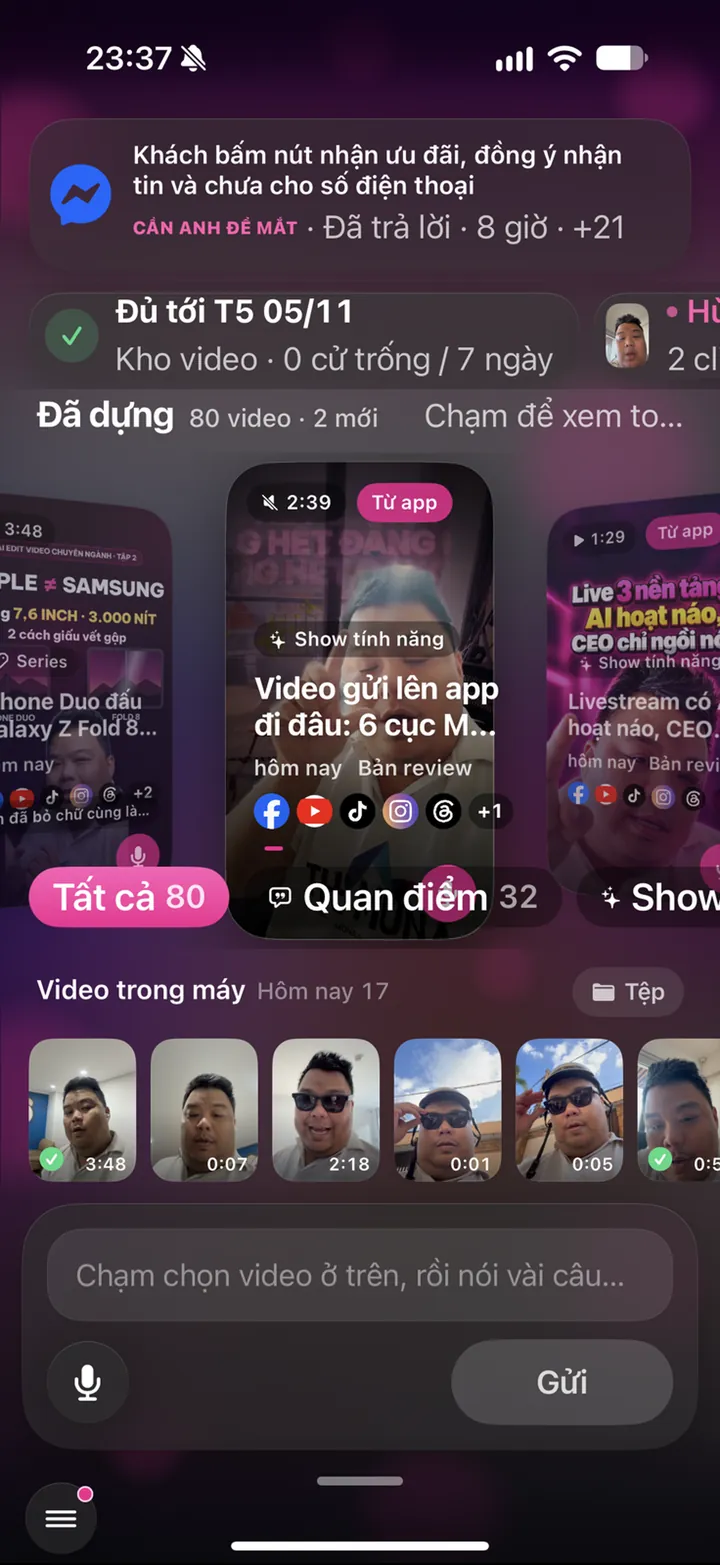
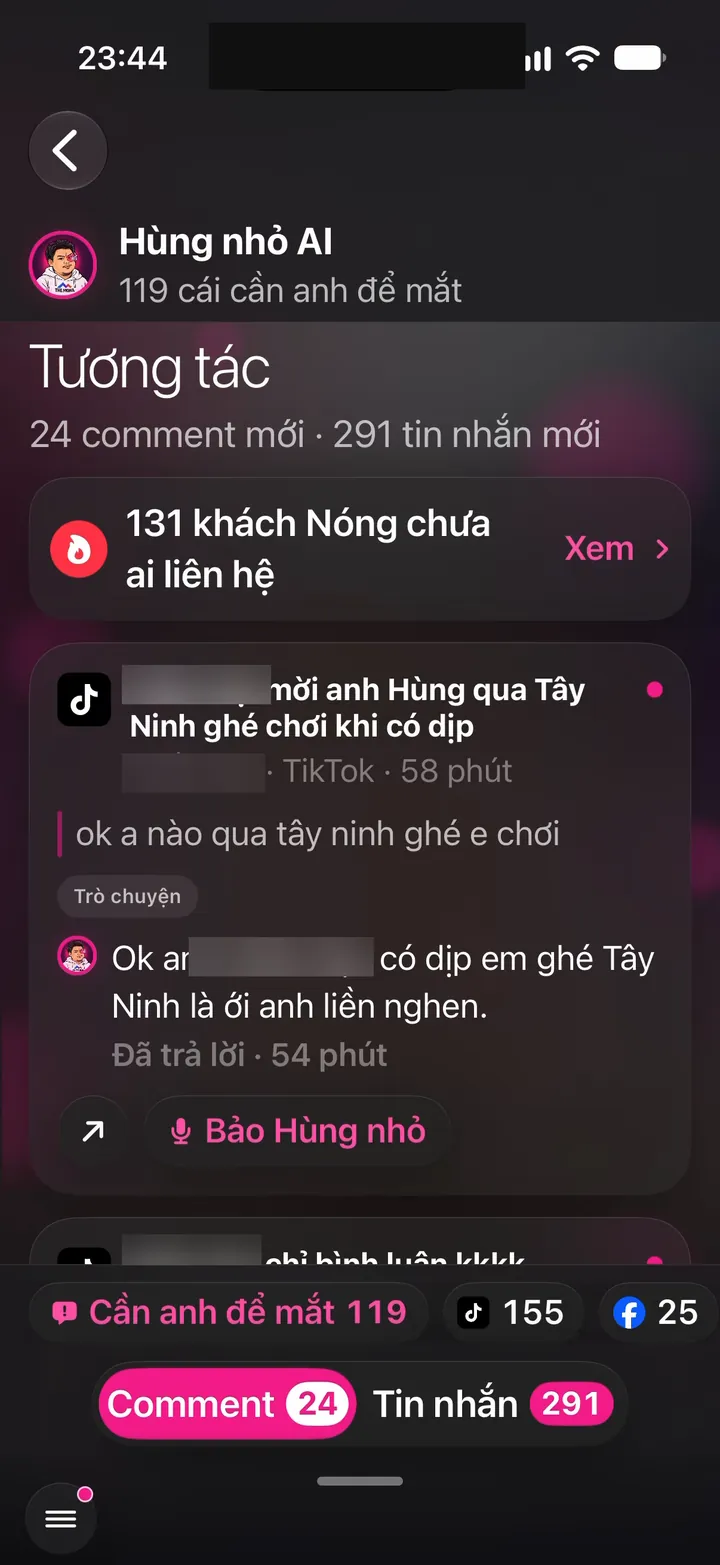
Real Hùng nhỏ AI app screen: Engagement: 24 new comments, 291 messages, Hùng nhỏ AI already replied
iOS - Android

AI replies to comments and blocks toxic ones

3 features
Real screen of Khánh Hùng's Hùng nhỏ AI app. Engagement: 24 new comments, 291 messages, Hùng nhỏ AI already replied
01iPhoneAndroid

AI replies to comments and messages in your own voice

What you get

Someone asks your price on TikTok at midnight, and by morning they have a reply in your voice, with your expertise. Replies stay within your field, never overpromise, never quote the wrong price. Choose Approve first to review each reply, or Automatic to let AI reply right away. Every comment and message from every channel lands in one inbox.

Why it's hard to build

AI has to tell real questions, praise, criticism, and abuse apart before replying. Replies follow each person's personal brand profile and voice, never generic templates. Each platform grants different read and reply permissions, and some allow replies only within 24 hours. Meta Business Suite only combines Facebook and Instagram, and you still type every reply yourself.
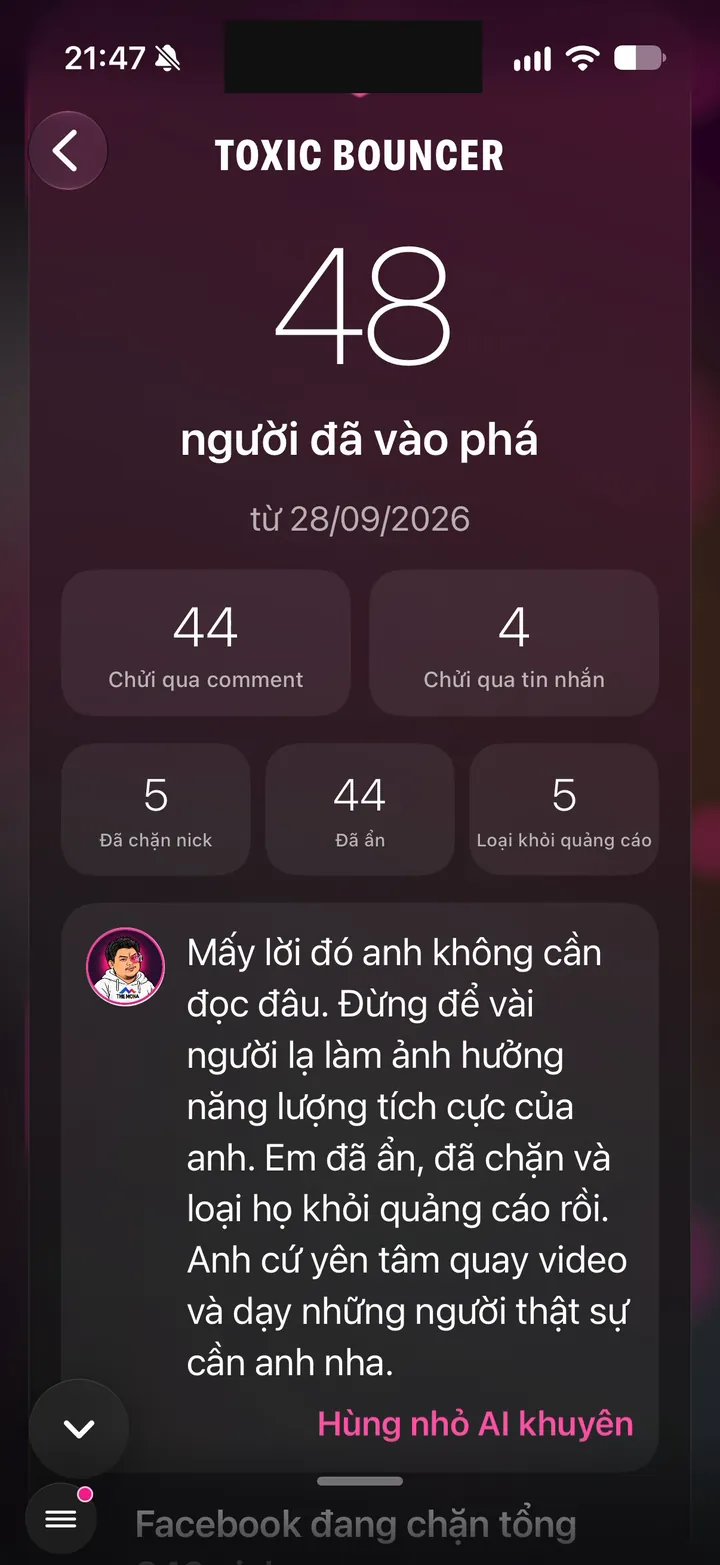
Real screen of Khánh Hùng's Hùng nhỏ AI app. Toxic Bouncer: 48 trolls, 44 hidden, 5 blocked
02iPhoneAndroid

Toxic Bouncer: blocks toxic comments before you ever read them

What you get

Experts and CEOs usually aren't used to being insulted online. Toxic Bouncer has 3 levels. Level 2 removes every negative comment and keeps the energy positive. Level 1 removes only insults, scams, and spam, while fair criticism stays. Level 0 filters nothing. Real questions, even angry ones, are always kept.

Why it's hard to build

The line between useful criticism and abuse is thin, especially in Vietnamese with its slang and abbreviations. The system runs a profanity filter first, then has AI score the rest, so it is both fast and accurate. New comments from already blocked people are handled instantly, with no rescoring. The system keeps only the counts, never the abusive words. The platforms only offer keyword filters you type in yourself.

Real screen of Khánh Hùng's Hùng nhỏ AI app. Engagement: 24 new comments, 291 messages, Hùng nhỏ AI already replied
03Server

Conversation starter comments on every new post

What you get

As soon as a post goes live, the channel adds 1 to 4 comments from the owner's account. They are spread out at 3 minutes, 20 minutes, 1 hour, and 3 hours. The easiest question to answer gets pinned on TikTok. Viewers see a conversation already going and are more likely to join in. Turn it on or off in the app.

Why it's hard to build

Each comment has its own style, differs across channels, and never repeats an old one. No links, no sales pitches, no hashtags, so platforms don't flag them as spam. The comment monitor has to know these come from the owner so it doesn't reply to them, and Toxic Bouncer must not delete them by mistake.

Spot people asking to buy so you can call back

2 features
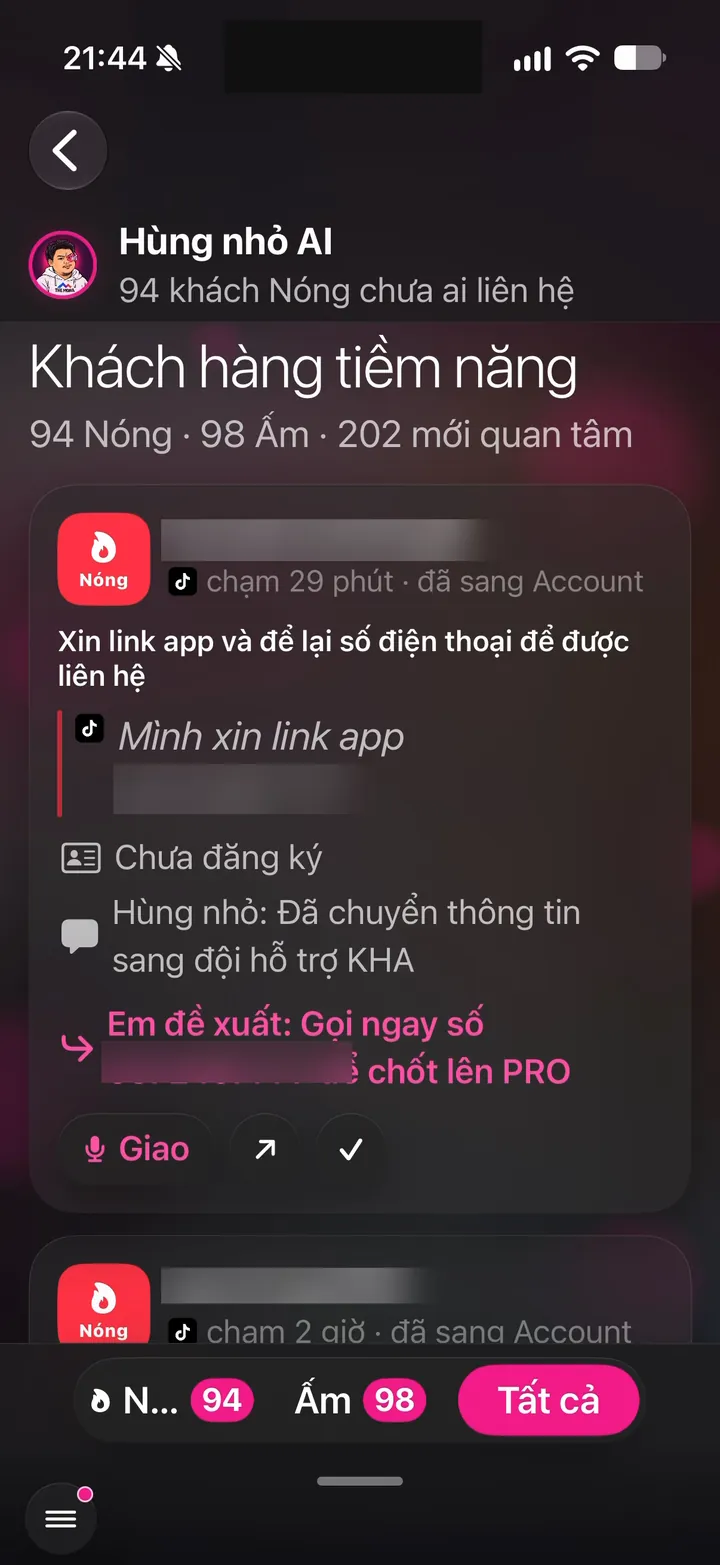
Real screen of Khánh Hùng's Hùng nhỏ AI app. Leads: 94 Hot, 98 Warm, 202 newly interested
04iPhoneAndroid

Leads: spots people asking to buy and alerts you to call back

What you get

Anyone who asks about price, location, or how to buy in a comment or message becomes a lead card. The card shows what they asked, on which channel, and when. You or your sales staff just call them back. In Khánh Hùng's first week, about 45 people reached out, mostly through TikTok.

Why it's hard to build

AI has to separate people who want to buy from those who are just complimenting or curious. The same person messaging on several channels must be recognized as one. Two people sharing one phone number must never be merged into one profile. Social media management tools usually just collect messages, leaving lead filtering to humans.

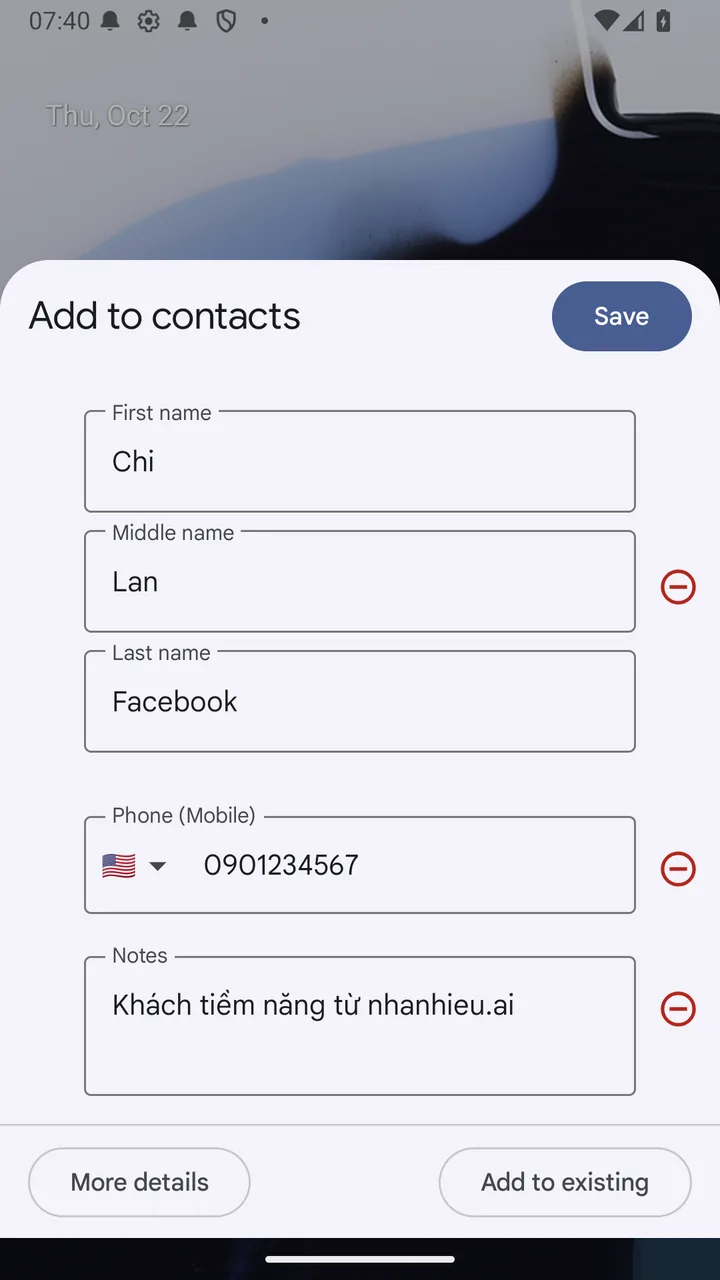
Real photo illustrating Lead cards: save contact, call, or Zalo in one tap
05Android

Lead cards: save contact, call, or Zalo in one tap

What you get

Someone who asks your price in a comment becomes a lead card. One tap saves them to contacts, calls them, or opens their Zalo or WhatsApp. From comment to call takes just seconds.

Why it's hard to build

The app saves contacts through Android's add contact sheet, and you tap save yourself, so it never needs permission to read your contacts. The link that opens Zalo by phone number has no official documentation, so it had to be tested on real phones. Meta Business Suite only has a call back button.

Reply and act right from notifications

6 features
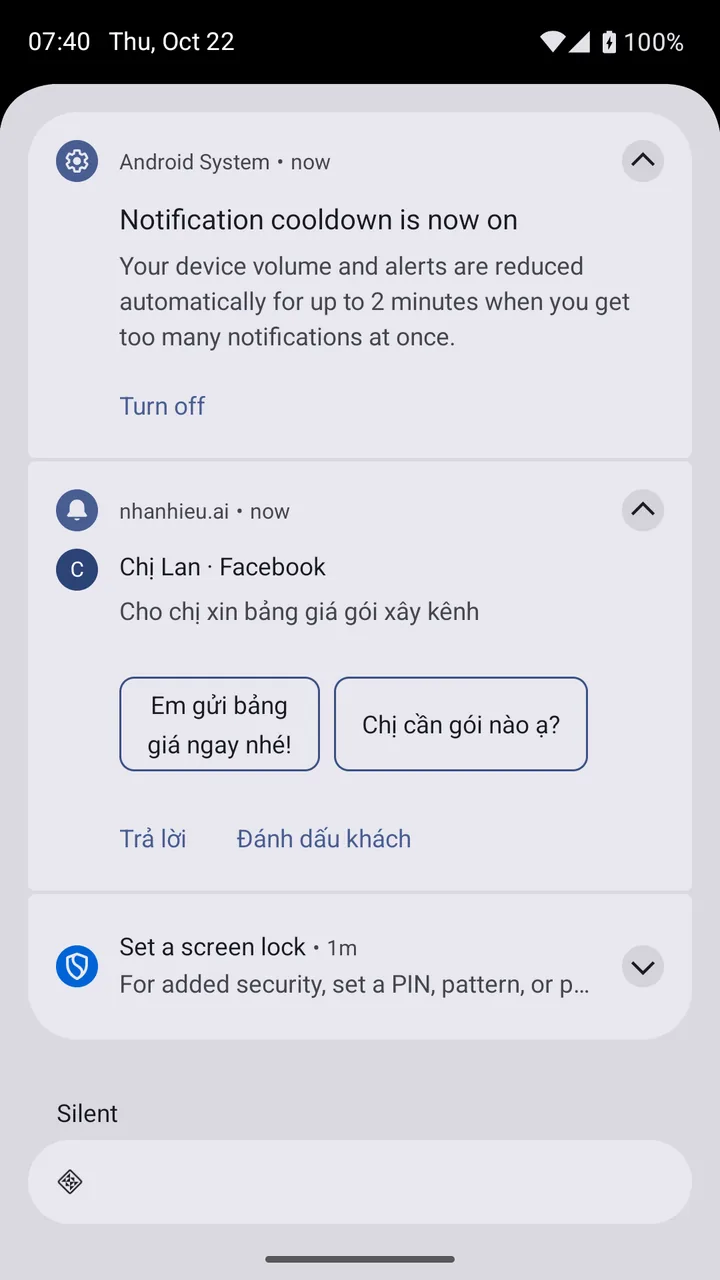
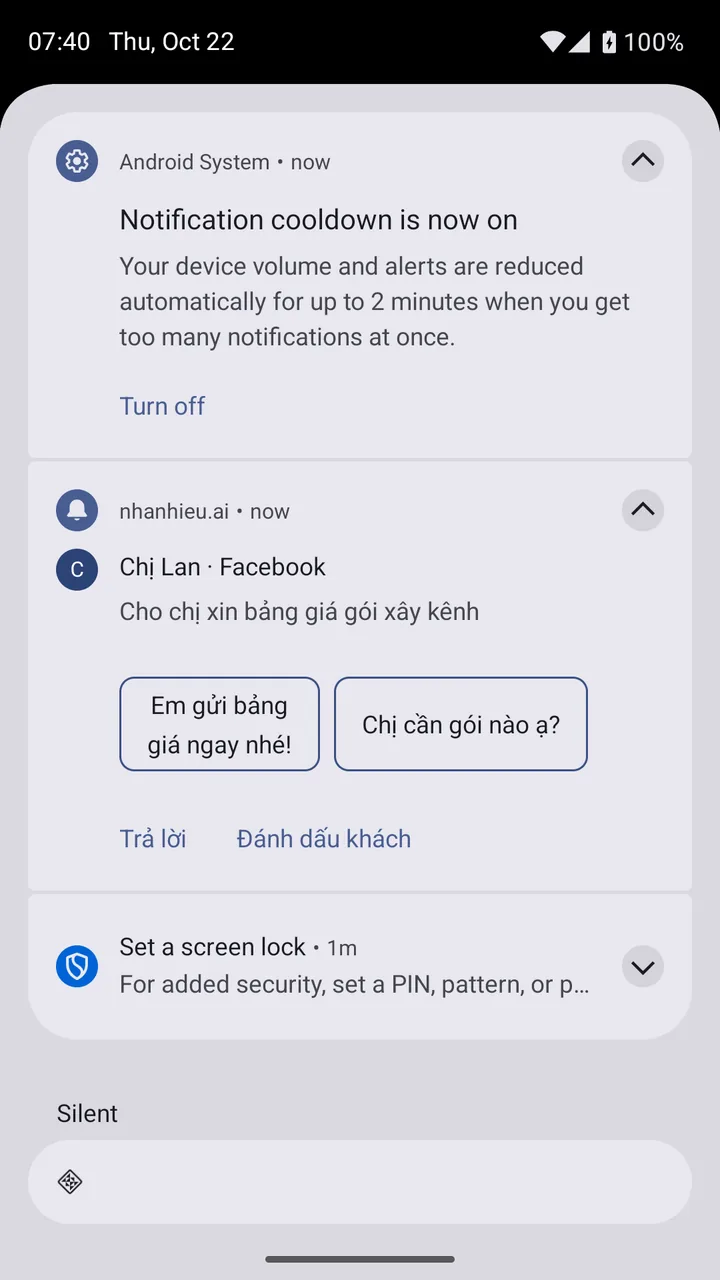
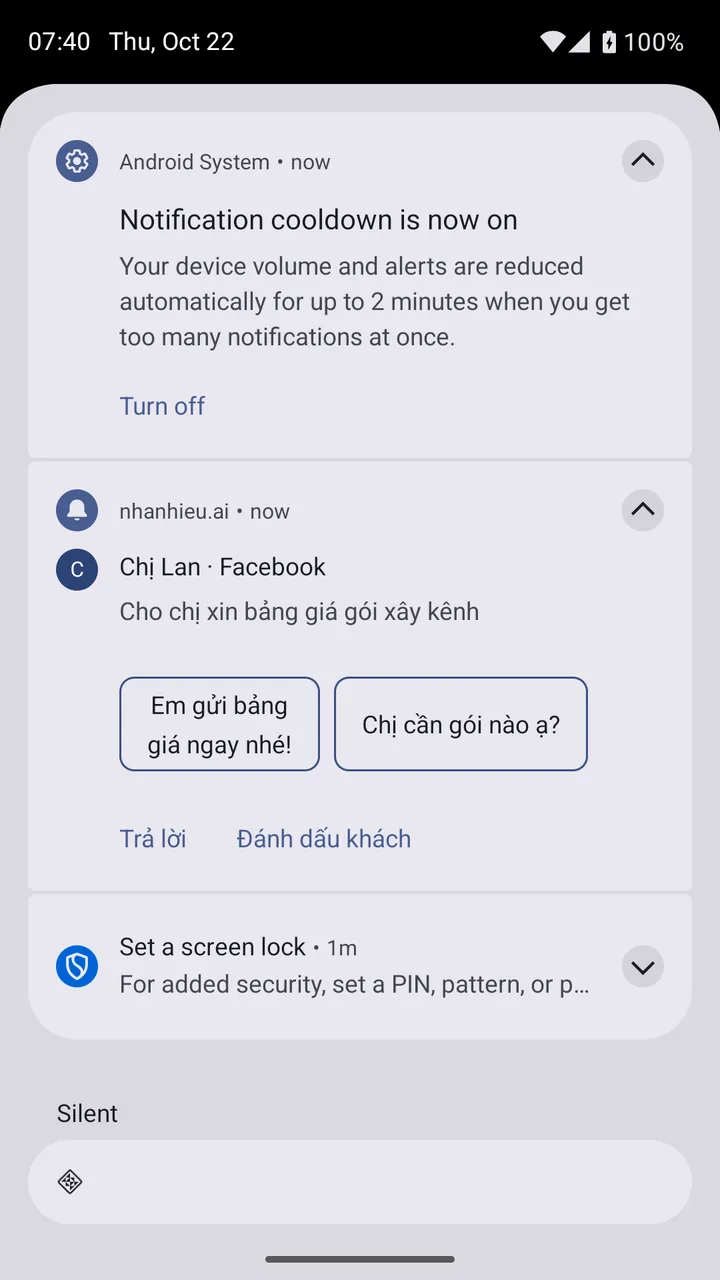
Real photo illustrating Reply to customers right from the notification, with 3 AI suggestions
06Android

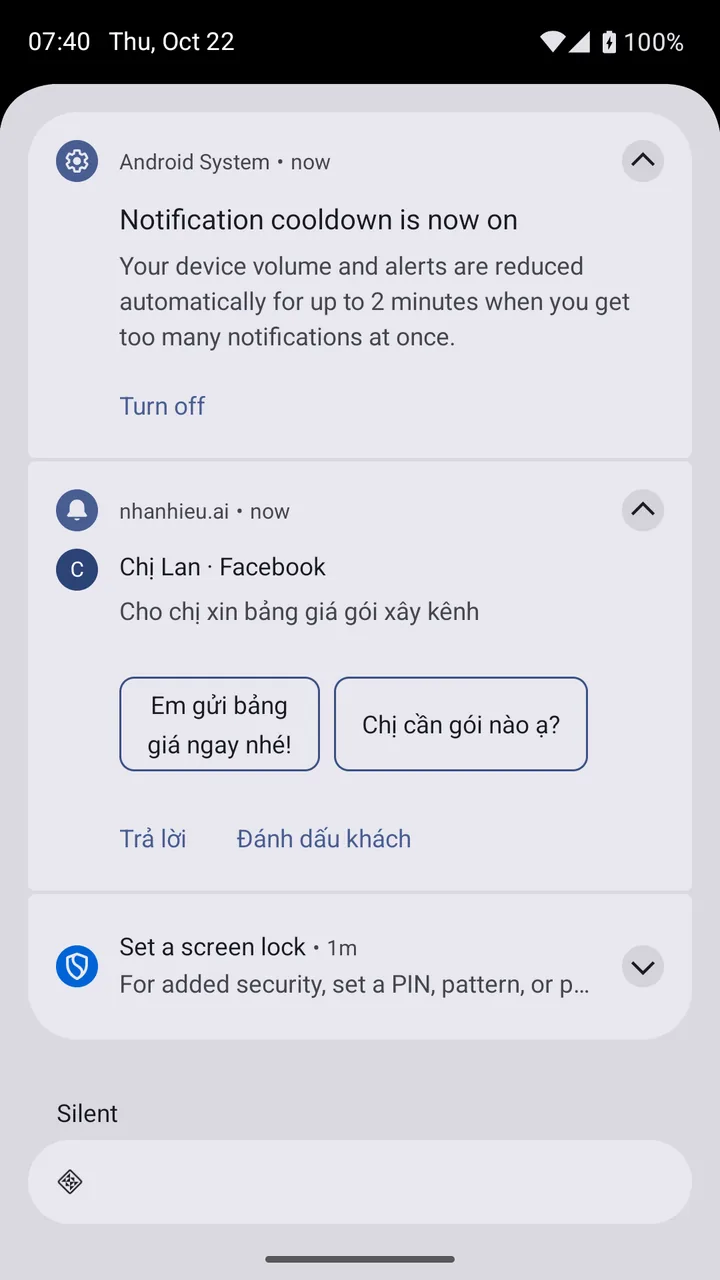
Reply to customers right from the notification, with 3 AI suggestions

What you get

A customer asks your price on TikTok, and the notification arrives with 3 replies written in your voice. Tap one to send, or type your own right in the notification. No need to open the app. Even in a meeting, you can reply in 5 seconds.

Why it's hard to build

Browser notifications have no text field and only 2 buttons. The app had to use native Android notifications with a reply field and suggestion buttons. The 3 suggestions are written in Vietnamese by AI on the server, since Google's built-in suggestions are English only. Gmail, WhatsApp, and Zalo reply this way; social media management tools don't yet.

Real photo illustrating Action buttons right in notifications: Approve, Hide, Block, Mark as lead
07Android

Action buttons right in notifications: Approve, Hide, Block, Mark as lead

What you get

Toxic Bouncer reports it hid 3 toxic comments, and you tap Block to block that person. Someone wants to buy? Tap Mark as lead and a lead card appears instantly. An AI reply is waiting? Tap Approve. Everything gets done right from the notification shade.

Why it's hard to build

Notification buttons have to work even when the app isn't open. Each tap sends a command to the server with identity verification. Meta Business Suite and TikTok Studio only let you take action inside the app.

Real photo illustrating Notifications bundled into one self-updating line
08Android

Notifications bundled into one self-updating line

What you get

Instead of 12 pings in a row, you get one notification: 12 new comments, 2 people asking to buy, 3 toxic comments hidden. The line updates itself. Your phone won't buzz through your whole meeting.

Why it's hard to build

Android 15 automatically quiets bursts of notifications, and Android 16 automatically groups them. If an app doesn't bundle properly, its notifications get silenced. Each type needs its own notification channel: comments, customer messages, new leads, posting reminders, progress, blocked. Gmail and YouTube Studio bundle this way.

Real photo illustrating Customer messages in Conversations, with chat bubbles
09Android

Customer messages in Conversations, with chat bubbles

What you get

Customer messages appear at the top of the notification shade with their profile photo, just like Zalo. Pin your important customers. Turn on chat bubbles to reply while using another app. Especially handy on an unfolded Fold.

Why it's hard to build

Android only allows real conversation messages into Conversations, so the app has to create proper sender profiles. Chat bubbles need a long-lived shortcut for each customer. WhatsApp, Messenger, and Telegram do this; sales tools rarely do.

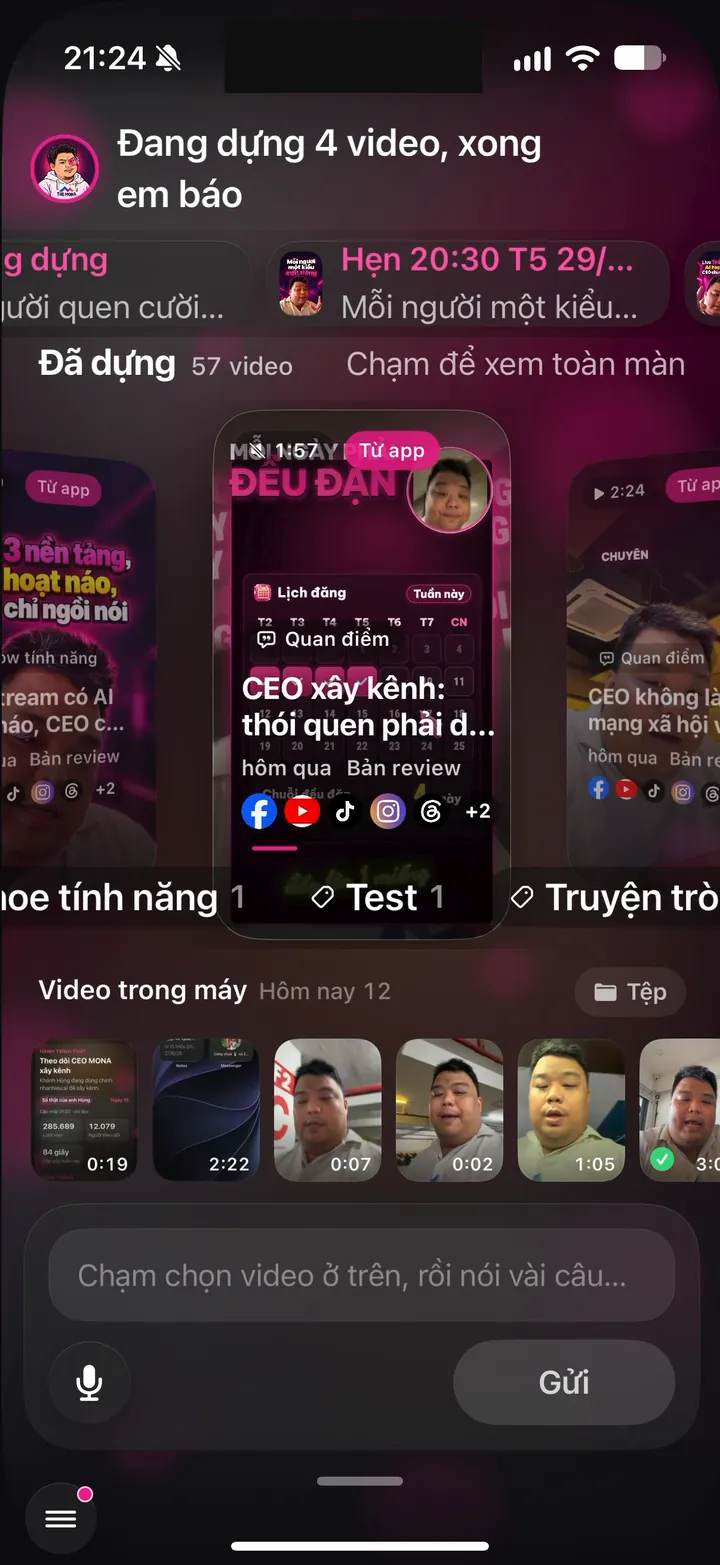
Real screen of Khánh Hùng's Hùng nhỏ AI app. Home screen: 4 videos being edited, "I'll let you know when they're done", 57 videos edited
10Android

Push notifications on Android

What you get

When a video is edited or a new lead comes in, your Android phone alerts you instantly, just like a native app. Comments awaiting approval trigger alerts too. Tap to open the right screen. No need to open the app to check.

Why it's hard to build

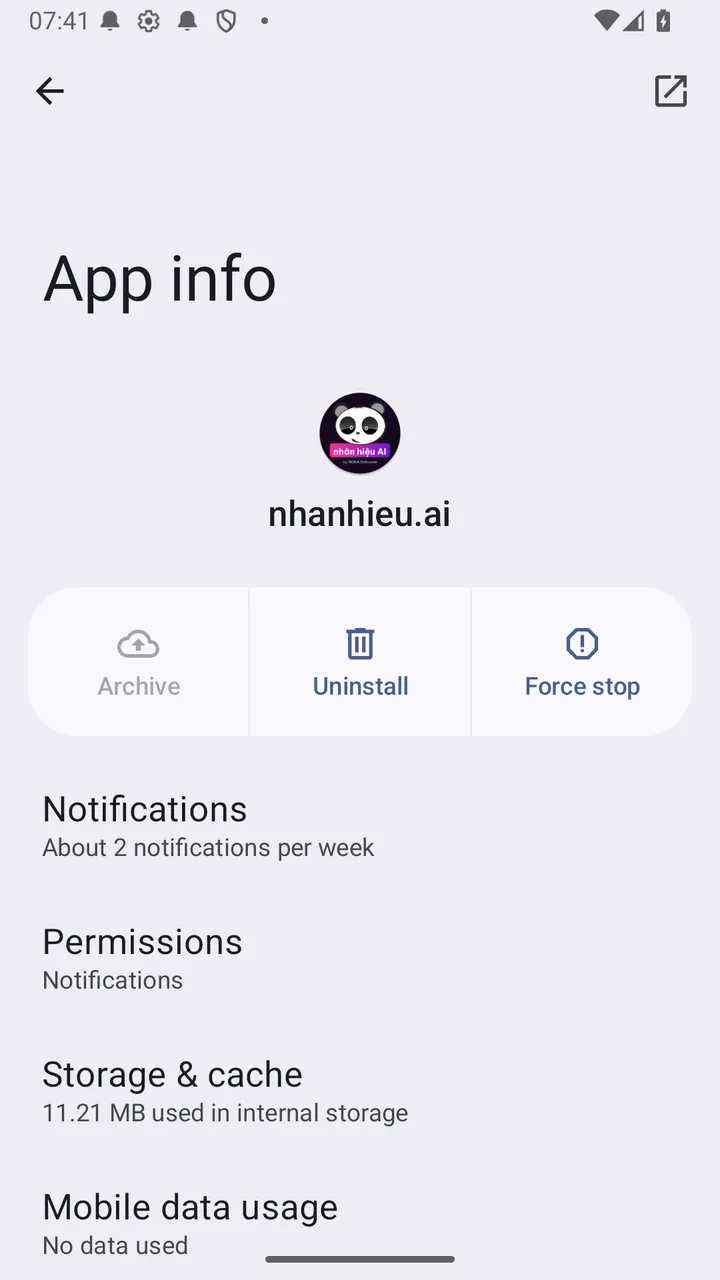
The Android version runs on web technology, and web notifications are easily blocked by browsers and Samsung. The app uses two parallel paths: web notifications and Google's native push service. The server has to make sure pushes don't create unwanted background data.

Real photo illustrating Notifications Samsung can't put to sleep
11Android

Notifications Samsung can't put to sleep

What you get

Samsung puts apps into deep sleep after they go unused for a while, and then every notification is lost. The app has a Not getting notifications screen that takes you straight to the setting that keeps it awake. You never miss a buyer.

Why it's hard to build

Every One UI version puts battery settings somewhere different. The app doesn't request a battery optimization exemption, because Google Play scrutinizes that permission. Zalo and Telegram have similar guide screens.

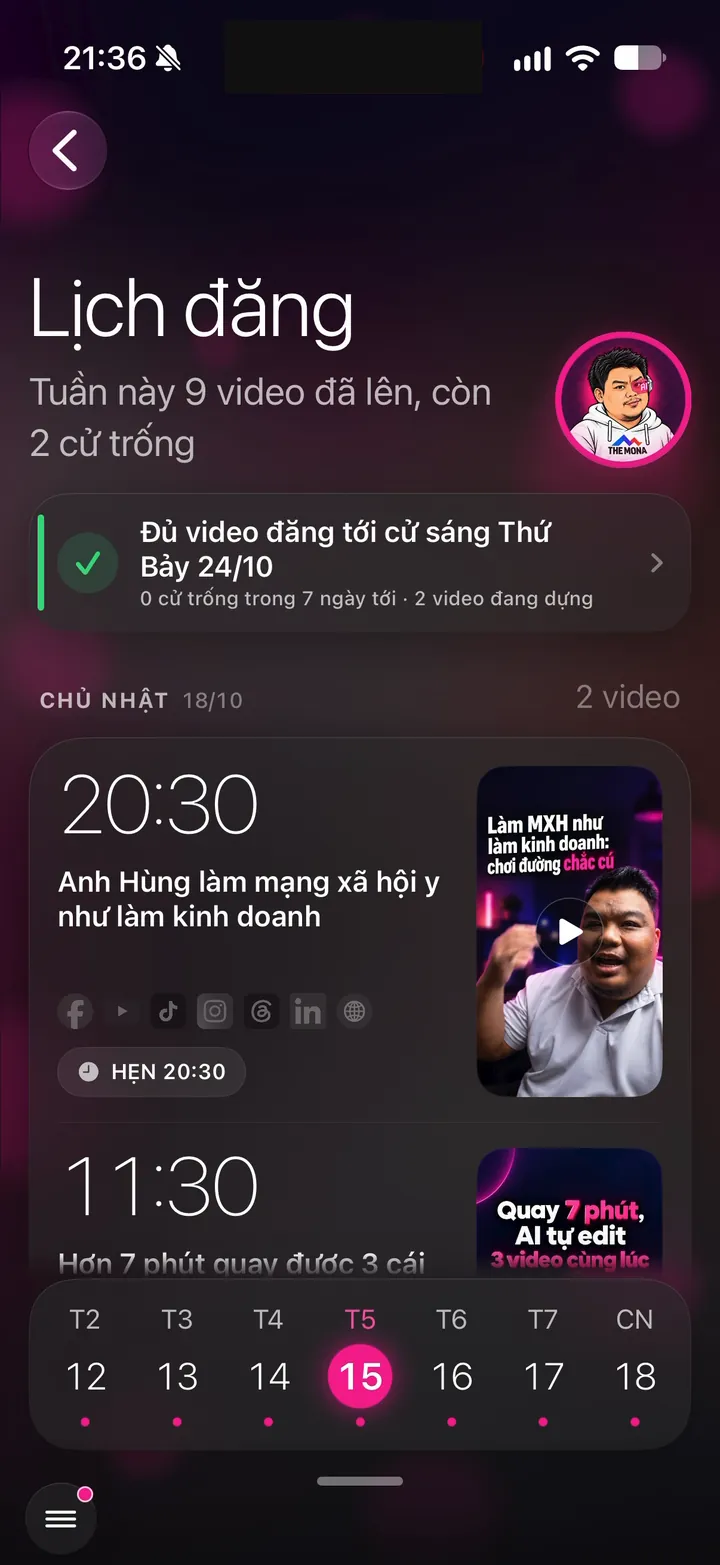
Calendar and inbox side by side on a foldable

1 features
Real photo illustrating Unfold the Fold 7 for 2 columns: Calendar on the left, Inbox on the right
12Android

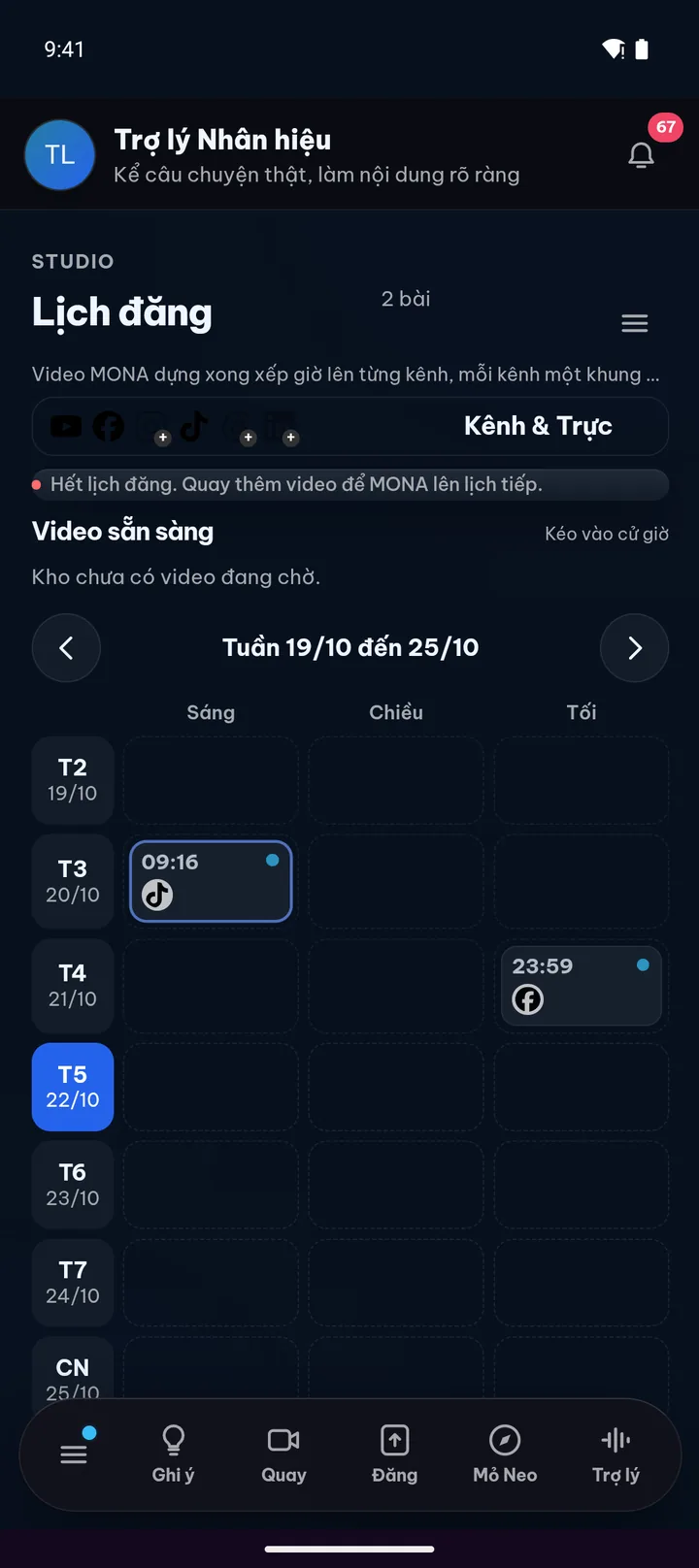
Unfold the Fold 7 for 2 columns: Calendar on the left, Inbox on the right

What you get

The Fold 7's inner screen is as wide as a tablet. Open the Posting calendar and your inbox appears right beside it: on one side, what's posting this week; on the other, a customer who just asked about sizes and an AI draft ready to approve. Tap a post in the calendar and the right pane switches to its details; go back and the inbox returns. Fold the phone and the cover screen goes back to one column like a regular phone, with no reload and no lost typing.

Why it's hard to build

Instead of drawing a second inbox, the app moves the live inbox into the right pane, so new messages, approve buttons, and replies stay one and the same. Android 16 drops orientation locking on large screens, so the app has to handle every size. When the phone is half folded on a table, the app reads its posture and hinge to put the calendar on top and the inbox below. Gmail and WhatsApp handle this well; TikTok Studio and Meta Business Suite are still weak on large screens.

Related features

Other job groups in the app

27 features

Recording as easy as talking

9 features

Stay true to your style

12 features

Safe to use for years

From one feature to a whole channel-building system

You record and give instructions on your phone. The assistant edits, posts and monitors your channels, all in one app.

See all 101 features